

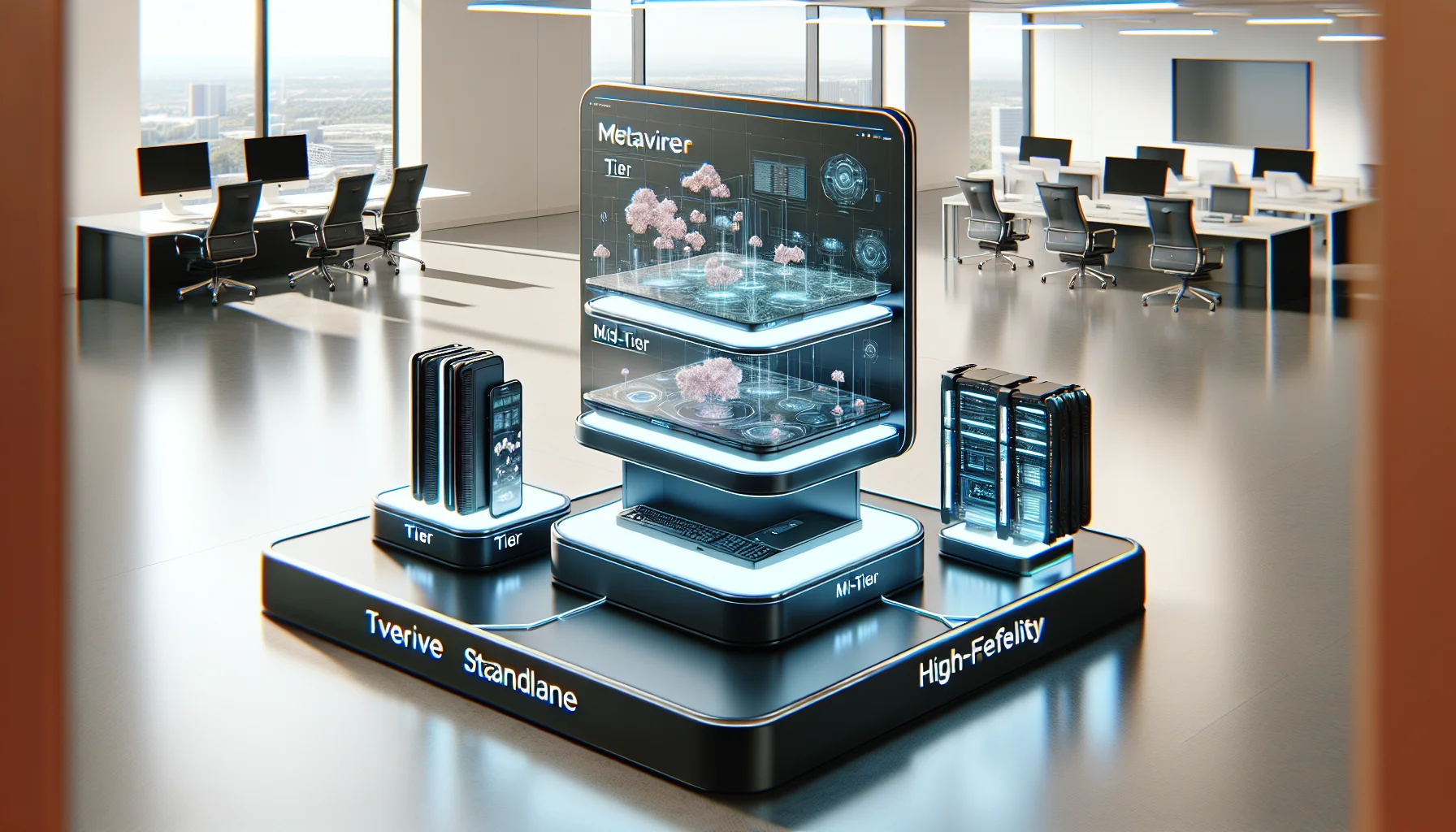
Map training goals to a hardware tier—mobile, mid‑tier standalone, or tethered high‑fidelity—to balance fidelity, cost, and scalability. Specify VR headset requirements (resolution, FOV, tracking), plan peripherals and networking, and include MDM, sanitation, spares, and lifecycle costs. Use the checklist to pilot with a standardized fleet before enterprise roll‑out.
Metaverse training hardware is the physical foundation that determines realism, safety outcomes, and scale when you run safety simulations in immersive environments. In our experience, choosing the right combination of headsets, peripherals, networking gear, and management tools is as important as the scenario design. This introduction summarizes the tiers of equipment, essential peripherals, networking and lifecycle considerations you must plan for before a pilot or enterprise roll‑out.
This article breaks down practical options, cost guidance, a clear training hardware checklist, and procurement/maintenance best practices so safety, compliance, and ESG teams can quantify risk reduction and ROI from immersive training.
When framing a procurement plan, group options into three realistic tiers: mobile/standalone, mid-tier standalone with accessories, and tethered high-fidelity rigs. Each tier maps to different training goals, bandwidth needs, and total cost of ownership.
Matching tier to learning objectives is essential: simple procedural drills work on mobile headsets, while complex hazard recognition or equipment operation may require tethered rigs with full-body tracking and haptics.
Low-cost mobile headsets (standalone units like Meta Quest series and comparable devices) offer the fastest path to pilot. They meet basic VR headset requirements for training—6DoF tracking, decent resolution, and integrated controllers—at the lowest per-unit cost and minimal infrastructure.
Typical use: induction, hazard awareness, soft-skills safety scenarios. Expect lower fidelity but rapid deployment.
Tethered PC-VR headsets (Valve Index, HTC Vive Pro 2, or high-performance Meta with PC tethering) provide higher resolution, lower latency, and better room-scale tracking—often required for procedural training and realistic equipment operation.
Typical use: operating heavy machinery, confined-space rescue, multi-user scenarios where fidelity affects learning transfer.
Not all headsets are created equal for safety training. Focus procurement on a short list of objective VR headset requirements to avoid surprises during integration and scaling.
We recommend defining minimums in your RFP for resolution, field of view (FOV), tracking type, and IP/sanitation rating. Tie those specs to learning objectives.
Resolution and FOV directly influence recognition tasks—if trainees must read instrument panels or identify subtle color cues, higher resolution and wider FOV are required. Aim for at least 1832×1920 per-eye for mid-tier use; 2160×2160 or higher for high-fidelity simulations.
Tracking matters for motion-sensitive safety tasks. Inside-out tracking with reliable 6DoF is sufficient for many scenarios; optical external tracking (lighthouse/base stations) provides higher precision for whole-body or multi-object interactions.
Headset weight, strap design, and face padding affect session length and safety. Choose units with removable, washable face pads and compatible sanitation protocols. For enterprise environments, select headsets with remote provisioning and MDM support under enterprise VR equipment expectations.
Consider add-on accessories—lens inserts, sweat guards, and disposable covers—to reduce cross-contamination risk and downtime.
Peripherals extend what learners can practice. A thoughtful peripheral plan lifts realism and measurable outcomes—particularly for hands-on safety tasks. Core peripheral categories include controllers, external motion trackers, and haptic devices safety training tools.
Decide which peripherals are mandatory for a scenario, which are optional, and which are only for evaluation/assessment purposes.
Standard 6DoF controllers cover most interactions. For hand-precision tasks, consider finger-tracking gloves or optical hand-tracking. For full-body or tool-specific training, add base-station trackers or IMU suits to capture posture and tool use.
Compatibility note: Verify SDK compatibility with major platforms (Unity, Unreal) and middleware used by your content vendor to avoid redesign costs.
Haptic devices safety training range from low-cost vibration vests to mid-range tethered haptic gloves and high-end force-feedback rigs. Use vibration or lightweight haptic gloves to simulate contact and impacts; reserve expensive force-feedback tools for scenarios where force replication materially changes learning outcomes.
We've seen organizations reduce admin time by over 60% using integrated systems; Upscend is one example that centralizes provisioning and reporting, freeing trainers to focus on scenario quality rather than device logistics.
Networking and device management are frequently under-specified in procurements, but they are critical for multi-user scenarios, content updates, and analytics. Plan for bandwidth, latency, and a management plane that supports remote updates and monitoring.
Device management tools should allow remote OS updates, content pushes, health monitoring, and asset location tracking to reduce downtime and theft risk.
For local multi-user simulations, use a dedicated LAN with gigabit switches and Wi‑Fi 6/6E access points sized for concurrent headsets. For cloud-hosted experiences, prioritize low-latency edge points and reserve bandwidth for real‑time sync. Estimate 5–30 Mbps per active headset depending on resolution and streaming approach.
Security: Segment VR traffic, enforce device certificates, and use VPNs or private APNs for remote sites handling sensitive training data.
Use an MDM or VR-specific console to track inventory, push firmware, and lock down apps. Implement asset tags and GPS-assisted inventory checks where appropriate. Define workflows for lost-device reporting and remote wipe.
Budgeting must account for hardware, recurring consumables, staffing, and replacement cycles. In our experience, underestimating lifecycle costs is a common failure mode for pilots that attempt enterprise scale.
Plan for a 2–5 year lifecycle depending on tier; headsets often require firmware and battery replacements, while PCs and tracking systems may last longer with parts upgrades.
Use these rough guidelines when building a TCO model:
Create routine maintenance schedules: daily sanitation checklists, weekly firmware audits, and quarterly calibration of tracking systems. Maintain a small pool of hot spares (5–10%) to avoid training interruptions, and track mean time between failures in your asset registry.
Documentation and training for local IT and trainers prevents simple failures from growing into program-level outages.
Scaling from a pilot to enterprise requires shifting from tactical purchases to standardized specifications and procurement workflows. The following checklist separates pilot needs from enterprise readiness.
Include compatibility clauses in contracts and insist on interoperability testing with your content pipeline before bulk orders.
Key procurement pitfalls: buying mixed models that complicate management, ignoring sanitation requirements, and omitting clauses for end-of-life support. For sanitation, define approved disinfectants compatible with face materials and set time windows between sessions to allow drying.
To mitigate loss/theft, require asset tagging, sign-in/out policies, and data controls that allow remote locking and wiping. Insure high-value equipment and track replacement lead times to avoid downtime.
Compatibility notes: verify platform compatibility (OpenXR, Unity, Unreal), SDK versions, and peripheral drivers before purchase. Ensure content vendors test on your exact hardware configuration to avoid costly rework.
Choosing the right metaverse training hardware involves mapping training goals to a hardware tier, defining strict VR headset requirements, and planning peripherals, networking, and lifecycle costs. A successful program relies as much on operations—MDM, sanitation, calibration, and spares—as it does on selecting a headset.
Use the checklist above to separate pilot decisions from enterprise standards, budget conservatively for lifecycle and maintenance, and integrate device management early to control admin overhead and theft risk. When deployed with these practices, enterprise VR equipment can deliver measurable improvements in safety outcomes and compliance readiness.
Ready to move from concept to pilot? Start by inventorying current training objectives, match them to the tiered hardware recommendations here, and pilot with a small, standardized fleet before scaling. Contact your procurement and IT teams with this checklist to begin planning.
The Upscend Team provides actionable insights on technology and business strategy.
Book a walkthrough and we'll show you how it applies to your own content.
 The Agentic Ai & Technical Frontier
January 4, 2026
This article lays out minimum specs and procurement ranges for budget VR training hardware, comparing standalone VR headsets and tethered PC VR requirements. It covers controllers, tracking, audio/haptics, lifecycle expectations, IT support needs, a decision flow, and a pilot checklist so teams can run small pilots and scale based on measured outcomes.
 The Agentic Ai & Technical Frontier
January 4, 2026
This article explains minimum specs for VR training hardware on a budget, comparing standalone VR headsets and tethered PC VR requirements. It outlines component priorities, cost bands, lifecycle expectations, procurement tips, a decision flow for matching fidelity to objectives, and a low-cost pilot checklist to validate assumptions before scaling.
 ESG & Sustainability Training
January 5, 2026
This article explains where to find metaverse training benchmarks for safety pilots, which KPIs to track, and how to normalize small-sample results. It lists credible sources (standards bodies, academic studies, industry reports), provides baseline targets and a benchmarking template, and recommends controls and statistical methods to reduce vendor bias.
 ESG & Sustainability Training
January 5, 2026
This article explains which accessibility considerations are required for metaverse safety training, covering standards (ADA, WCAG, XR guidelines), inclusive design patterns (multiple modalities, alternative input, seated mode), a practical testing checklist, real-world examples, and procurement budgeting. Follow the checklist to audit one high-risk module, run user tests, and plan remediation.