

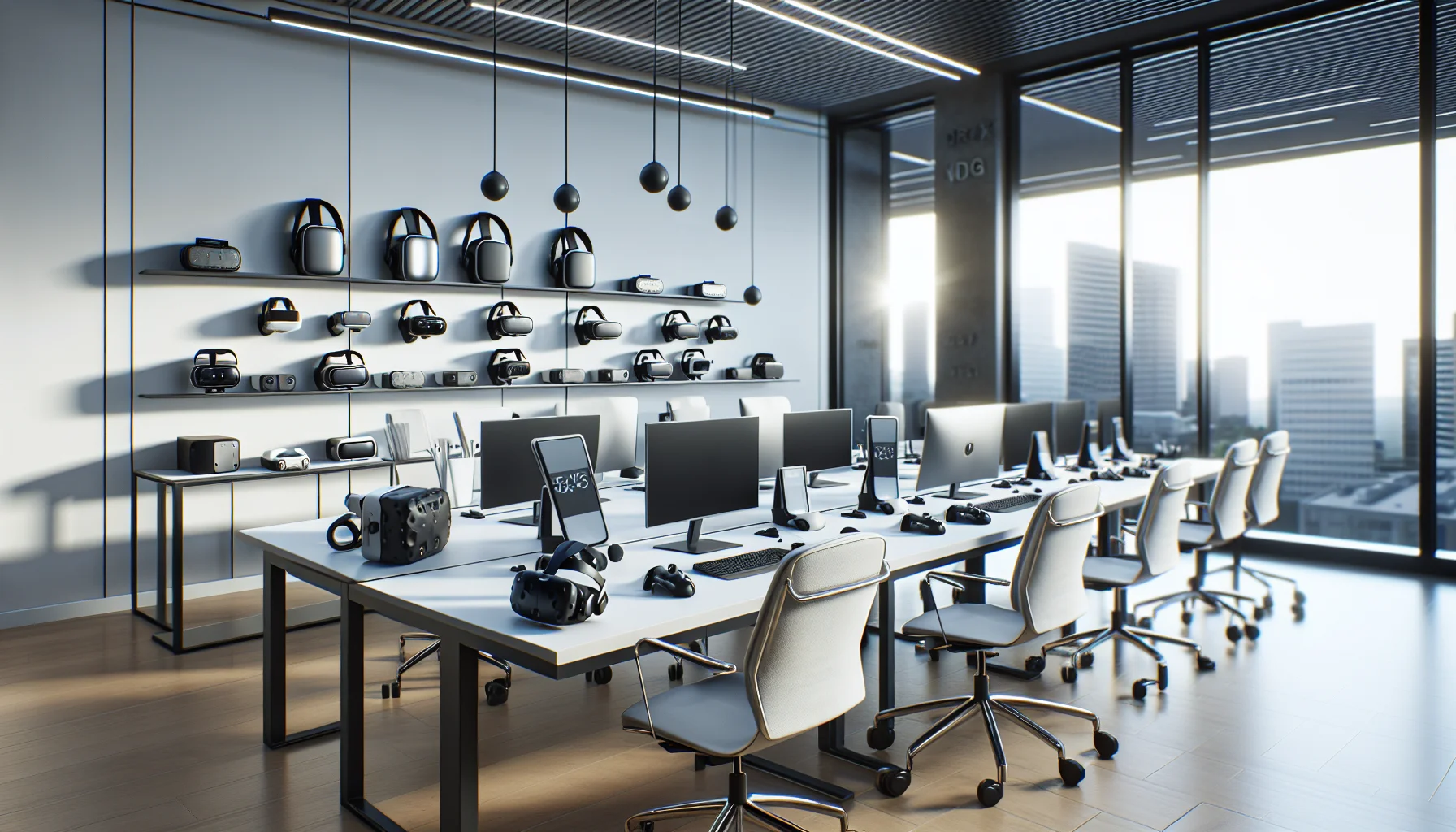
This article lays out minimum specs and procurement ranges for budget VR training hardware, comparing standalone VR headsets and tethered PC VR requirements. It covers controllers, tracking, audio/haptics, lifecycle expectations, IT support needs, a decision flow, and a pilot checklist so teams can run small pilots and scale based on measured outcomes.
When planning a low-cost rollout, the first question is always: what are the VR training hardware essentials that let you run meaningful simulations without breaking the budget? In our experience, a focused hardware stack — headsets, controllers, tracking, audio, and optional haptics — delivers the greatest return. This article lays out the minimum specs for VR training, recommended upgrades for realism, procurement ranges, lifecycle expectations, and an easy decision flowchart for choosing gear by objective and budget.
We use direct, practical benchmarks from pilots we've run and industry research to recommend equipment that balances cost, support burden, and training fidelity. Expect concrete checklists and a pilot-ready procurement plan.
Start by defining learning objectives: procedural practice, situational awareness, or soft-skills roleplay. That drives the required fidelity of your VR training hardware. For most budget deployments we've managed, the stack breaks down into five categories: headsets, controllers, tracking systems, audio/input devices, and optional haptics.
Minimum specs for VR training focus on reliability and repeatability. You want gear that survives multiple sessions per day with predictable maintenance windows. A best-practice stack for low-cost programs emphasizes standalone headsets or low-spec PC-tethered setups depending on content complexity.
We've found that planning the stack around content complexity reduces wasted spend. Simple spatial tasks need less processing power; physics-heavy simulators require higher-end PC VR requirements. Below we break each layer into minimum and recommended-for-hyper-realism specs.
Choosing between standalone VR headsets and tethered PC VR depends on your application. Standalone units cut cabling and IT overhead, while tethered systems enable higher fidelity simulations. Our pilots show standalone options are sufficient for most procedural and soft-skills training.
Minimum and recommended specs are:
For best low-cost headsets for VR training, we typically recommend recent-generation standalone devices for pilot programs. These reduce setup time and eliminate the need to buy high-spec PCs. If your content requires high-fidelity hands or complex simulations, invest in a tethered headset and meet the PC requirements below.
When a tethered setup is necessary, PC VR requirements become a major cost driver. Minimum PC spec we've enforced for stable training:
Recommended-for-hyper-realism upgrades include RTX 30-series GPUs, 32 GB RAM, NVMe storage, and wired networking to reduce latency and jitter. These meet the needs of demanding simulators without requiring workstation-class servers.
Controllers and positional tracking determine how believable interactions feel. Budget programs must prioritize consistent tracking over highest possible precision. We've standardized on controllers with ergonomic grips and robust firmware to reduce mission-day failures.
Minimum specs for VR training controllers:
For improved realism, add external base stations or optical trackers for sub-centimeter accuracy. Consider tracked tools (tracked wrenches, pistols) if the training requires tool-specific hand positions or force feedback.
Inside-out tracking provides the best balance of cost and ease. It removes the need for calibration and extra sensors. However, for anatomy, surgical, or industrial tooling tasks that require fine hand placement, external tracking is worth the extra setup and cost.
In our experience, start with inside-out tracking for pilots and only move to external tracking when error margins impact learning outcomes.
Sound and tactile feedback significantly affect immersion. Basic high-quality on-headset audio is minimum, while external over-ear headsets with environmental microphones are better for situational training where team communication matters.
Important minimums:
While traditional systems require constant manual setup for learning paths, we've observed platforms like Upscend that are built with dynamic, role-based sequencing to reduce administrative overhead and better integrate with hardware inventories. That kind of orchestration paired with reliable audio and simple haptics reduces instructor friction and improves throughput in multi-user pilot sessions.
Budget estimates vary by configuration. We provide ranges based on pilots and vendor quotes to set realistic expectations for procurement of VR training hardware:
Lifecycle expectations: expect a 2–4 year useful hardware life on headsets, 3–5 years for PCs depending on maintenance, and annual firmware updates. Plan a 15–25% annual replacement/refresh budget for batteries, straps, and controllers.
IT support needs include asset tracking, MDM for devices, firmware/version control, and a helpdesk with VR-specific troubleshooting knowledge. In our deployments, one full-time coordinator can manage 20–40 headsets with automated device management tools; otherwise plan for more staff time during active pilot phases.
Use this simple decision flow to match objectives to hardware. The flow prioritizes learning impact over shiny specs.
Pilot checklist — quick actionable items before your first run:
Mini case example: A community college deployed a 10-seat standalone headset lab for welding safety simulations at ~ $6,500 total. They used mid-range standalone devices, tablet-based instructor control, and a simple vibrotactile module for warnings. After a three-month pilot, maintenance averaged 2 hours/week and retention of practical steps improved by 18%. This demonstrates how modest budget VR equipment can deliver measurable learning gains when paired with good orchestration and a clear objective.
For budget-conscious programs, prioritize repeatability, low IT overhead, and instructor workflows. Start with reliable standalone headsets unless your learning outcomes require sub-centimeter hand accuracy. Pair minimum viable hardware with strong device management, scheduled maintenance, and a documented pilot checklist.
We've found that disciplined pilots — limited scope, clear success metrics, and an iterative refresh plan — outpace larger speculative buys. Use the decision flow above, follow the procurement ranges, and allocate support time for continuous updates.
Action step: Run a two-week pilot with 3–5 standalone headsets, an instructor tablet, and the checklist above. Measure setup time, failure rate, and learner outcomes; then scale hardware purchases based on those concrete metrics.
The Upscend Team provides actionable insights on technology and business strategy.
Book a walkthrough and we'll show you how it applies to your own content.
 The Agentic Ai & Technical Frontier
January 4, 2026
This article explains minimum specs for VR training hardware on a budget, comparing standalone VR headsets and tethered PC VR requirements. It outlines component priorities, cost bands, lifecycle expectations, procurement tips, a decision flow for matching fidelity to objectives, and a low-cost pilot checklist to validate assumptions before scaling.
 The Agentic Ai & Technical Frontier
January 4, 2026
Choose affordable VR headsets by matching training goals to measurable optics: prioritize pixel density and optics for fine-motor work and FOV/tracking for spatial drills. We compare six practical models (Meta Quest 3, Pico 4, HP Reverb G2, Vive Pro 2, Quest 2) and give benchmarking, enterprise, and procurement guidance. Run pilots before scaling.
 The Agentic Ai & Technical Frontier
January 4, 2026
Assess affordable VR headsets for training by scoring optical fidelity (PPD), FOV and latency, plus ergonomics and enterprise tools. Pilot 10–20 units with real content, measure PPD/FOV in-context, and factor sanitation, warranties, and TCO. Match headsets to fine-motor or spatial training profiles before scaling.
Business Strategy&Lms TechJanuary 25, 2026
This article explains how HR teams should select and procure MR/VR headsets for onboarding, compliance, and soft-skill training. It compares common models and price tiers, outlines procurement channels, device-management best practices, warranty needs, and three pilot configurations (small, mid, enterprise) to reduce rollout risk and operational overhead.