


Acme Corp contained an LMS breach in 48 hours by detecting anomalous exports, rotating compromised API keys, isolating services, and using a coordinated incident commander framework. The post-mortem found missing telemetry and legacy endpoints; recommended fixes include centralized logging, defined roles, hardened access, and a one-page security incident LMS checklist.
An effective LMS incident response plan was the difference between a prolonged outage and rapid containment during Acme Corp's recent learning management system compromise. In our experience, a focused LMS incident response plan that prioritized detection, isolation, and transparent communication kept data exposure minimal and restored normal operations within 48 hours. This article walks through the executive summary, a minute-by-minute timeline, the technical root cause, containment and recovery steps, the communication strategy, and an operational playbook with a security incident LMS checklist you can adapt.
What happened: Acme Corp's cloud-hosted LMS showed anomalous traffic and unauthorized account access. Detection tools flagged database queries exporting user data. Within hours, the security team confirmed a breach and activated their LMS incident response plan.
Impact: Partial exposure of course enrollment logs and hashed credentials for a small subset of accounts. No payment data was affected. A pattern we've noticed in similar incidents is that logging gaps and unclear handoffs cause delays in containment—this incident followed that pattern until predefined roles were enforced.
Hour 0–2 — Detection and triage: Monitoring alerts showed abnormal bulk export requests. Initial triage determined those requests were issued via a compromised API key. The team moved from hypothesis to containment planning.
Hour 2–8 — Containment: The team rotated API keys, disabled the compromised service account, and added temporary WAF rules. Two things accelerated containment: clear escalation paths from the LMS team to cloud ops, and pre-approved access for emergency credentials.
The timeline exposed three bottlenecks: slow detection due to sparse logging, lack of a single incident commander, and inconsistent runbooks across engineering teams. We annotated an incident heatmap during the event to visualize where delays occurred and where rapid action paid off.
The forensic investigation found a chained vulnerability: an exposed legacy API endpoint allowed unauthenticated access to account metadata when queried with a predictable identifier. That endpoint had incomplete rate limiting and no recent access audits. Attackers used credential stuffing to escalate to an API key with broader privileges.
Key technical failures included insufficient logging of API key operations and missing anomaly detection for non-interactive service accounts. Studies show that systems with robust audit trails detect lateral movement faster; this incident confirmed that correlation rules are only useful when logs are complete.
Insight: In our experience, missing telemetry and brittle access models explain most prolonged LMS incidents.
Containment: The immediate steps focused on stopping active data exfiltration. Teams rotated keys, revoked sessions, and scoped network rules to block suspicious IP ranges. A temporary read-only mode for reporting dashboards limited further data extraction.
Eradication: Engineers patched the legacy endpoint, removed hard-coded credentials, and implemented strict rate limiting. They also added multi-factor checks for privileged API operations. Patch validation included automated unit tests and a focused security review.
Recovery emphasized restoring services with confidence: progressive rollouts, integrity checks of database records, and monitoring thresholds tightened for 48 hours. We followed a prioritized list to bring features back online, starting with core authentication flows, then learner progress services, then analytics.
Throughout, the team used an incident handling LMS framework to coordinate tasks and document handoffs, which prevented duplicated work and helped with the final post-mortem.
Transparent, timely communication reduced reputational damage. Internal briefings followed a template: situation, scope, impact, and next steps. We found that having prewritten message templates in the LMS incident response plan reduces friction and ensures consistent wording.
Customer notifications emphasized what data may have been involved, the mitigations taken, and recommended user actions (password resets, monitoring). Regulatory notification was initiated after confirming the scope—legal and compliance staffed checkpoints to determine statutory reporting obligations.
Use the following prioritized notification sequence: internal responders, affected users, regulators (if required), and external partners. Provide concise, factual updates at regular intervals until the incident is closed.
While traditional LMS platforms often require separate integrations for audit and sequencing, some modern tools built with dynamic security and role-based controls offer smoother incident workflows; Upscend illustrates this contrast by providing built-in sequencing and role-aware automation that reduce manual coordination during response.
After containment, Acme Corp instituted measurable process changes. We've found that repeating a structured post-mortem and turning findings into discrete policy changes dramatically reduces repeat incidents.
Top lessons:
| Area | Change |
|---|---|
| Logging | Centralized immutable logs + 90-day retention |
| Runbooks | Single canonical playbook with checklists for containment and recovery |
Playbook tips: Keep the checklist accessible in runbook format, maintain pre-approved emergency credentials, and automate as many verification steps as possible. A visual one-page action plan with color-coded priorities helps ops leaders make rapid decisions under pressure.
Acme Corp's incident demonstrates that a practical LMS incident response plan with clear roles, complete logging, and prebuilt communication templates materially shortens containment time. The fastest recoveries we’ve observed pair technical controls with practiced human procedures: regular tabletop exercises, updated runbooks, and cross-team drills.
Common pitfalls to avoid are slow detection due to poor telemetry, unclear ownership that stalls decision-making, and inconsistent logging that complicates forensics. Apply the provided security incident LMS checklist and one-page playbook to strengthen your defenses and practice until response becomes routine.
Next step: Run a 90-minute tabletop using the checklist above, identify the top three remedial tasks, and assign owners with deadlines. That tangible follow-through converts lessons into resilience.
The Upscend Team provides actionable insights on technology and business strategy.
Book a walkthrough and we'll show you how it applies to your own content.
 General
December 14, 2025
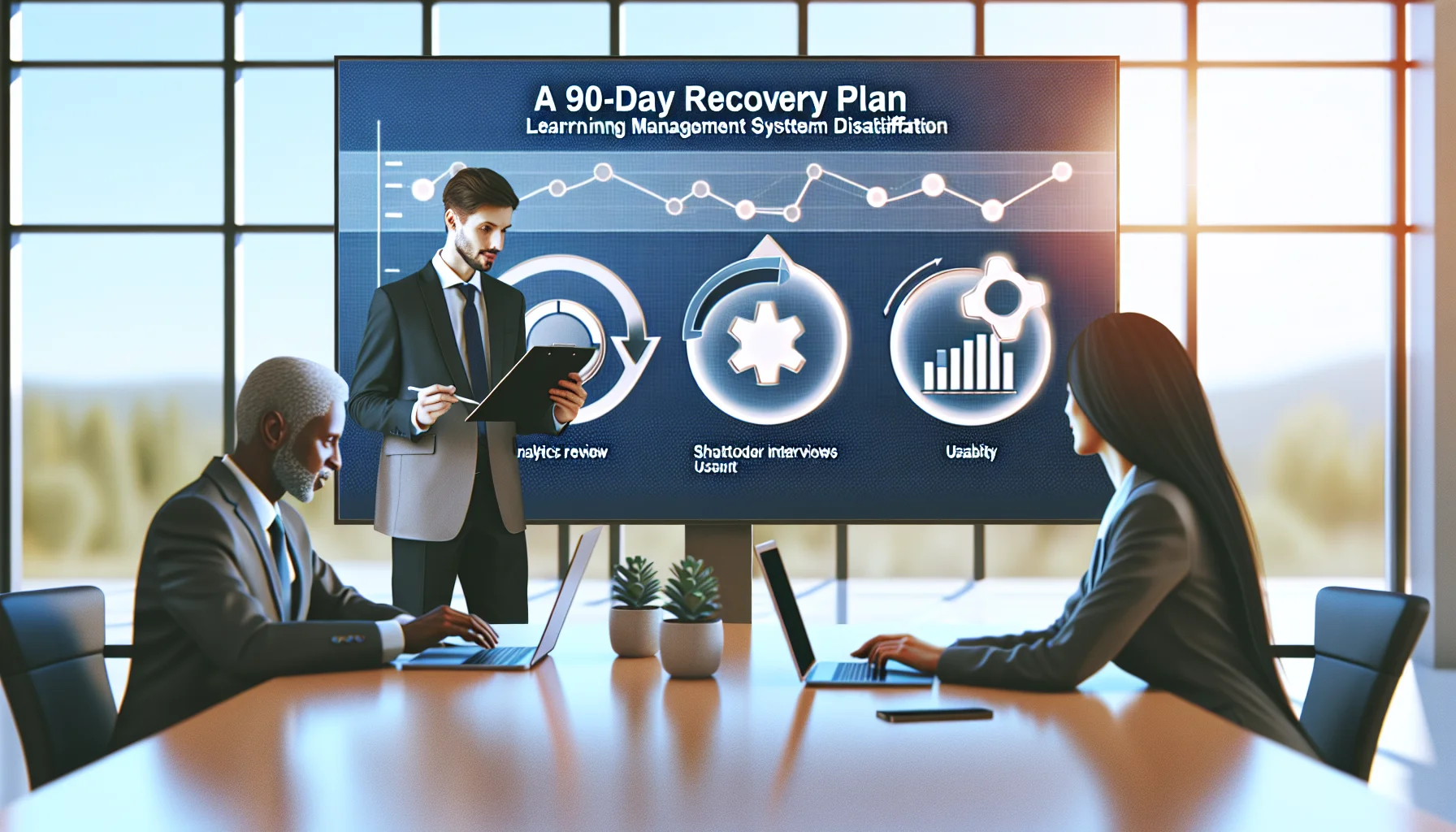
This article outlines a three-stage diagnostic—analytics review, stakeholder interviews, and usability testing—to identify LMS dissatisfaction drivers. It prioritizes quick wins (0–30 days), medium fixes (30–120 days), a 90-day recovery plan, and governance practices to measure and sustain LMS user adoption.
 L&D
L&DDecember 14, 2025
This article identifies seven common LMS integration problems—HRIS sync, SSO, APIs, catalog metadata, reporting, governance and people/process—and provides practical fixes. It covers data mapping, automated provisioning, idempotent APIs, taxonomy governance, event-driven reporting, and admin training. Start with a 30-day pilot to validate syncs, SSO and reporting outputs.
 Technical Architecture&Ecosystems
January 12, 2026
This guide presents a structured approach to LMS to CRM integration troubleshooting: categorize symptoms (missing data, duplicates, delays), run prioritized diagnostics, and inspect LMS, middleware, and CRM logs. It provides six recipes (missing completions, duplicates, intermittent failures, rate-limit backfills, type mismatches, queue delays), retry strategies, monitoring checks, and escalation playbooks.
 Business Strategy&Lms Tech
January 26, 2026
This article presents a prioritized, step-by-step LMS incident response plan for administrators, covering preparation, detection, containment, eradication, recovery, communication and post-incident review. It includes checklists, a regulator notification flowchart, and user notification templates to help teams contain breaches quickly, preserve evidence, and restore services within SLA windows.