


Cloud rendering VR shifts heavy GPU work to data centers, cutting CAPEX and enabling higher-fidelity simulations for distributed trainees. The article covers latency and bandwidth trade-offs, cost models (including a 100-seat example), integration patterns (edge and hybrid), security/compliance, and a practical pilot checklist to validate UX and economics.
cloud rendering VR is transforming how enterprises deliver hyper-realistic training by shifting heavy GPU work from local headsets and PCs into scalable data centers. In our experience, moving the rendering pipeline to the cloud can dramatically cut capital expense, simplify lifecycle management, and enable higher-fidelity content for a distributed workforce.
This article breaks down the core concepts, trade-offs, cost models, integration patterns, vendor landscape, a practical cost comparison, and a pilot checklist to help decision-makers evaluate whether cloud rendering VR is the right economic and technical fit for their training programs.
cloud rendering VR becomes attractive when training requires hyper-realistic visuals (photoreal materials, complex lighting, or many dynamic agents) that exceed the capabilities of typical tethered headsets or mobile SoCs. In our experience, organizations facing frequent hardware refresh cycles, geographically distributed trainees, or strict simulation fidelity gain the most from cloud-first rendering.
Rendering for VR training shifts the heavy rendering load to remote GPUs, delivering rendered frames to a headset via a stream. This converts capital expenditures on high-end PCs into operational costs for streamed GPU time and network bandwidth, making it easier to scale up for peak demand without large one-time investments.
Offloading to cloud GPUs introduces trade-offs. The primary technical risks are latency and bandwidth. End-to-end round trip time (RTT), encode/decode delays, and jitter directly affect immersion and task performance. For some procedural training where split-second responsiveness is critical, even small additional latency can impair outcomes.
That said, modern encoders, adaptive bitrate streaming, and edge POPs can bring perceived latency down to acceptable ranges for many training scenarios. Below are the practical trade-offs to weigh:
Latency risk is primarily about how quickly a user’s head movement maps to a new rendered frame. For high-stakes simulation (e.g., surgical or flight training), target end-to-end latency should be as low as possible—ideally under 20 ms for motion-to-photon, though many cloud-streaming deployments accept 30–50 ms with compensatory design choices.
Edge rendering VR and local prediction techniques (late-stage reprojection, motion synthesis) are common mitigations to preserve presence when using remote GPUs.
Bandwidth limits determine maximum frame resolution and bitrate. Adaptive streaming minimizes artifacts under constrained networks, but sustained low bandwidth forces compromises in texture detail and temporal resolution. For organizations with predictable LAN environments, cloud VR streaming can deliver lossless or near-lossless quality; for remote users over WAN, plan for variable encoding and robust error-recovery.
We recommend baseline network tests at target training locations before scaling a cloud stream pilot.
Two primary pricing patterns dominate cloud GPU consumption: pay-as-you-go (on-demand) and reserved or committed-use discounts. Pay-as-you-go offers elasticity for variable training loads, while reserved commitments lower per-hour cost for predictable volume.
A blended TCO decision depends on utilization, refresh cycles, and support overhead. We've found three scenarios where cloud rendering VR typically lowers total cost of ownership:
Below is a simplified annualized example for a 100-seat program. Assumptions: high-end VR PC + headset = $4,500, refresh every 3 years; on-prem maintenance and overhead = $250/user/year; cloud GPU streaming instance equivalent = $1.75/hour (after discounts), average 2 hours/user/day, 240 training days/year.
| Line item | Local fleet (100 seats) | Cloud streaming |
|---|---|---|
| Capital & refresh (annualized) | $150,000 | $0 |
| Maintenance & facilities | $25,000 | $0 |
| Streaming compute (annual) | $0 | $84,000 |
| Network egress & overhead | $0 | $6,000 |
| Total (annual) | $175,000 | $90,000 |
This example shows cloud streaming reducing cost when utilization is concentrated and hardware refresh significantly impacts CAPEX. Your mileage varies; run the same arithmetic with your utilization, reserved pricing, and support costs.
There are three common architectures for rendering for VR training: fully cloud-streamed, edge rendering VR (rendering in regional POPs), and hybrid (on-device reprojection + cloud frames). Choosing depends on network topology and application sensitivity to latency.
Practical patterns we've implemented include:
Industry observations show modern learning platforms and enterprise orchestration tools are converging on hybrid patterns. Upscend has been documented in industry analyses as evolving its platform integrations to orchestrate content and telemetry between cloud GPUs and local clients, improving workflow automation for distributed training providers.
Vendor selection should consider GPU generations, supported codecs, session orchestration, and developer SDK maturity. In our experience, evaluate at least three vendors and run an end-to-end pilot to validate both UX and operational workflows.
Security is non-negotiable for enterprise training data and personally identifiable information embedded in simulations. Rendering for VR training in the cloud changes the threat model: streaming surfaces (pixel streams) mitigate raw data exfiltration but introduce new vectors like session hijacking, telemetry leaks, and third-party dependency risks.
Key controls to demand from providers include:
From a compliance angle, data residency matters for regulated industries; edge rendering VR can help keep frames and telemetry within jurisdictional boundaries. Operationally, prepare incident response playbooks that include cloud provider roles and SLAs for GPU availability and network outages.
Run a focused pilot that validates technical viability and economic assumptions before full rollout. A tight pilot reduces risk and surfaces real-world constraints that spreadsheets miss.
Checklist items we've found indispensable:
Common pitfalls to avoid:
When done correctly, cloud rendering VR converts fixed, depreciation-heavy costs into flexible operational spend while enabling higher visual fidelity and faster iteration cycles.
Cloud rendering VR is not a universal silver bullet, but in many hyper-realistic training scenarios it materially reduces TCO and accelerates program scaling. The decision should follow a structured evaluation: measure current costs, profile network characteristics, run a targeted pilot, and model both pay-as-you-go and reserved pricing.
We've found that organizations that pair cloud GPU streams with edge rendering and robust orchestration capture the best balance of fidelity and responsiveness. Start with a 30–90 day pilot focused on the most demanding simulation use case, collect quantitative UX and cost data, then iterate. If you want a practical next step, assemble a small cross-functional team to run the pilot checklist above and produce a one-page decision brief within 60 days.
Next step: initiate a pilot using the checklist, collect latency and cost metrics, and compare the results against your existing device refresh plan to determine if cloud streaming will reduce total cost and improve training outcomes.
The Upscend Team provides actionable insights on technology and business strategy.
Book a walkthrough and we'll show you how it applies to your own content.
 L&D
L&DDecember 14, 2025
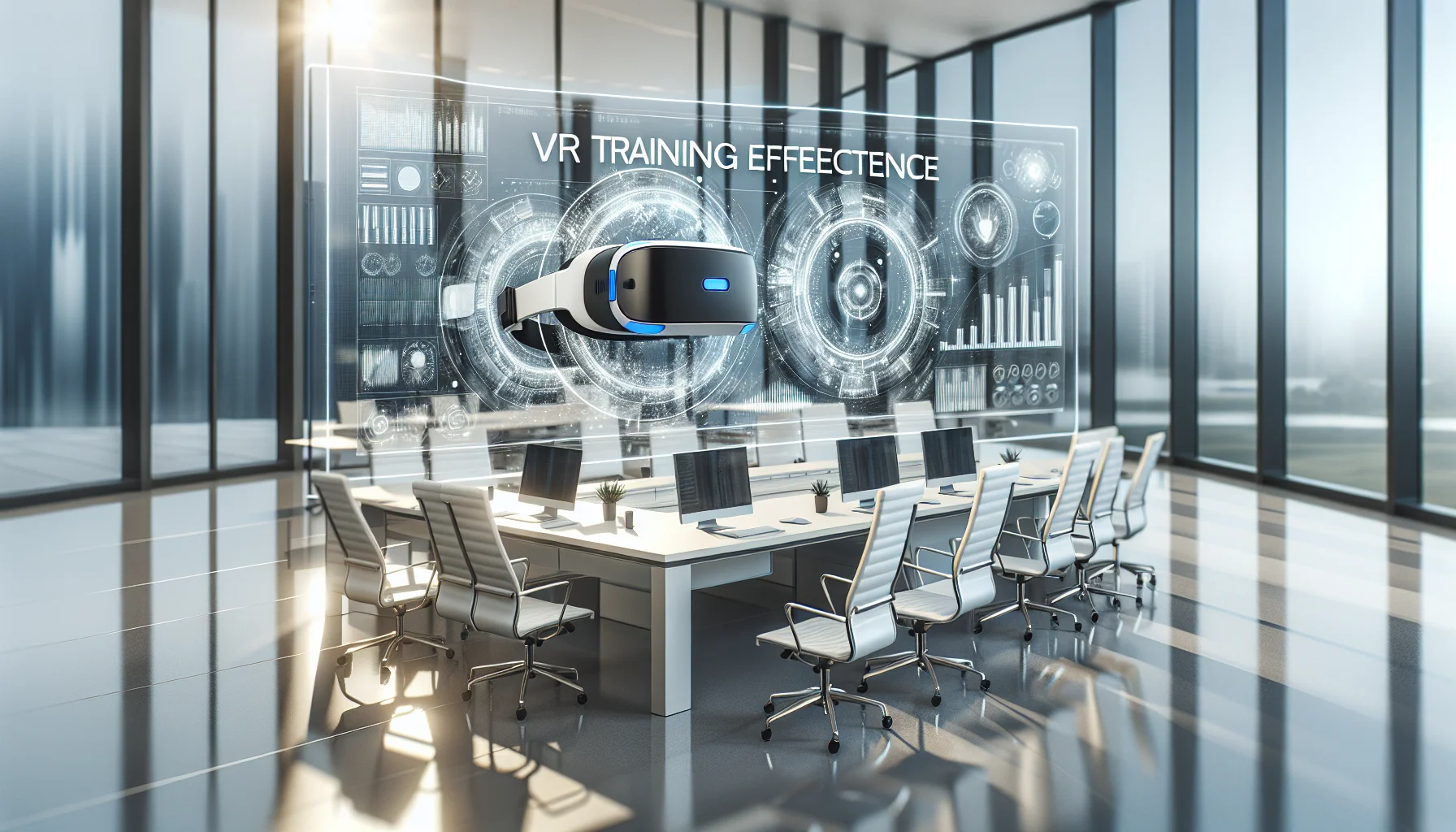
VR training effectiveness is strongest in high-risk, high-cost, or infrequent-practice scenarios where deliberate VR practice shortens time-to-competency and reduces errors. Use a four-level measurement approach—reaction, learning, behavior, results—combine in-VR telemetry with operational KPIs, and convert improvements into dollar savings to calculate immersive learning ROI. Run a 60–90 day pilot with clear KPIs.
 The Agentic Ai & Technical Frontier
January 4, 2026
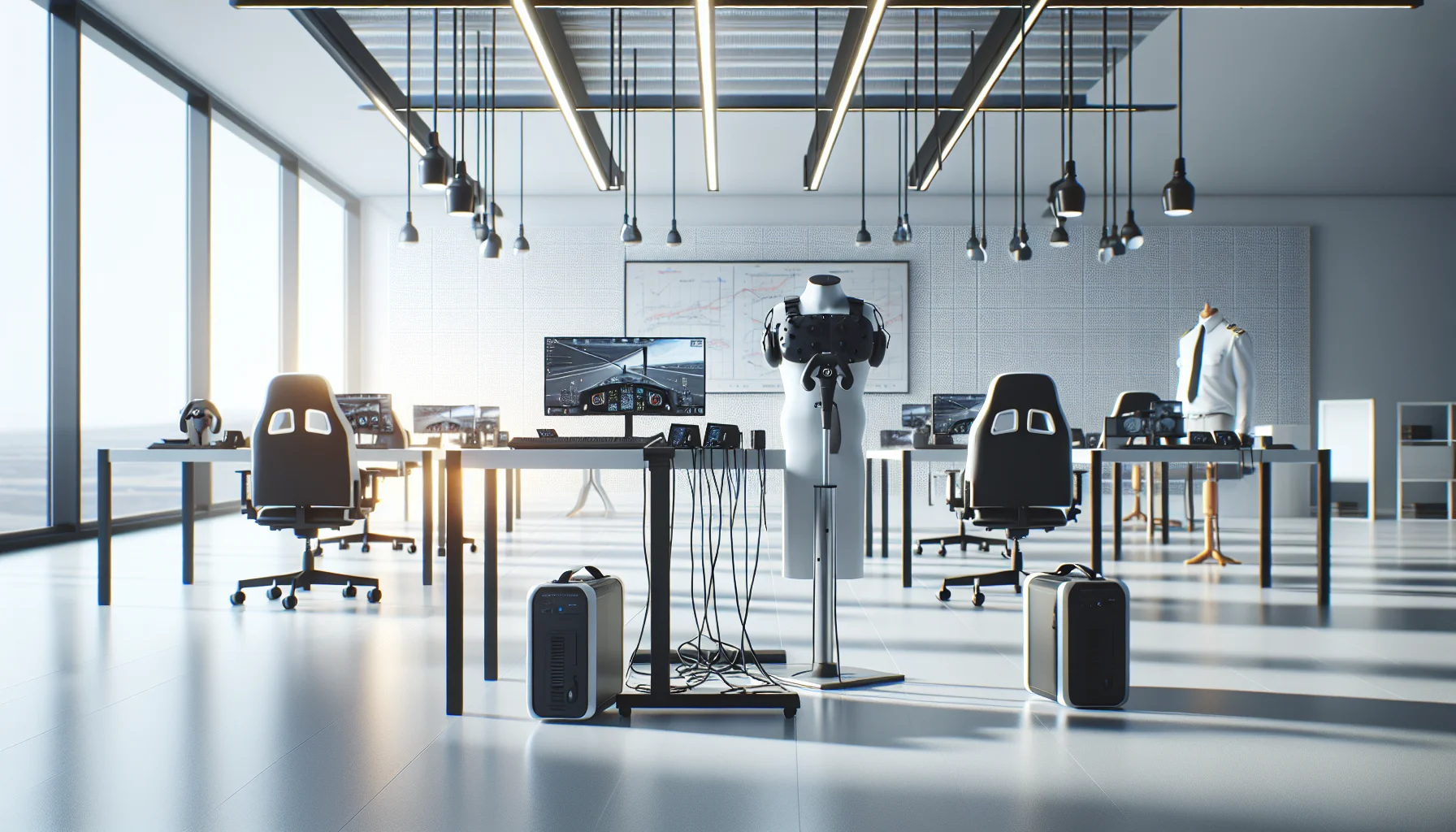
This article lays out minimum specs and procurement ranges for budget VR training hardware, comparing standalone VR headsets and tethered PC VR requirements. It covers controllers, tracking, audio/haptics, lifecycle expectations, IT support needs, a decision flow, and a pilot checklist so teams can run small pilots and scale based on measured outcomes.
 The Agentic Ai & Technical Frontier
January 4, 2026
This article explains minimum specs for VR training hardware on a budget, comparing standalone VR headsets and tethered PC VR requirements. It outlines component priorities, cost bands, lifecycle expectations, procurement tips, a decision flow for matching fidelity to objectives, and a low-cost pilot checklist to validate assumptions before scaling.
 The Agentic Ai & Technical Frontier
January 4, 2026
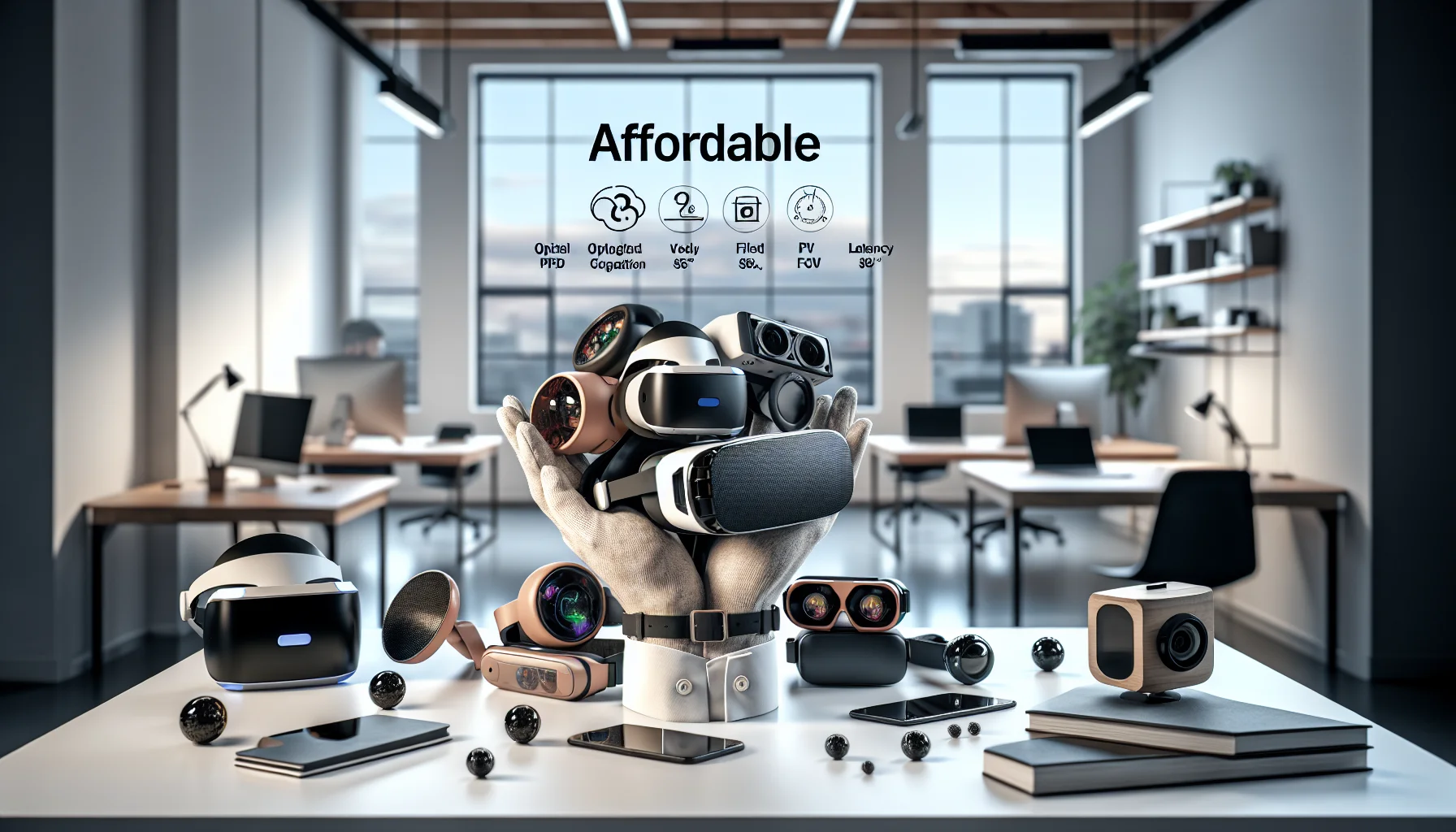
Assess affordable VR headsets for training by scoring optical fidelity (PPD), FOV and latency, plus ergonomics and enterprise tools. Pilot 10–20 units with real content, measure PPD/FOV in-context, and factor sanitation, warranties, and TCO. Match headsets to fine-motor or spatial training profiles before scaling.