

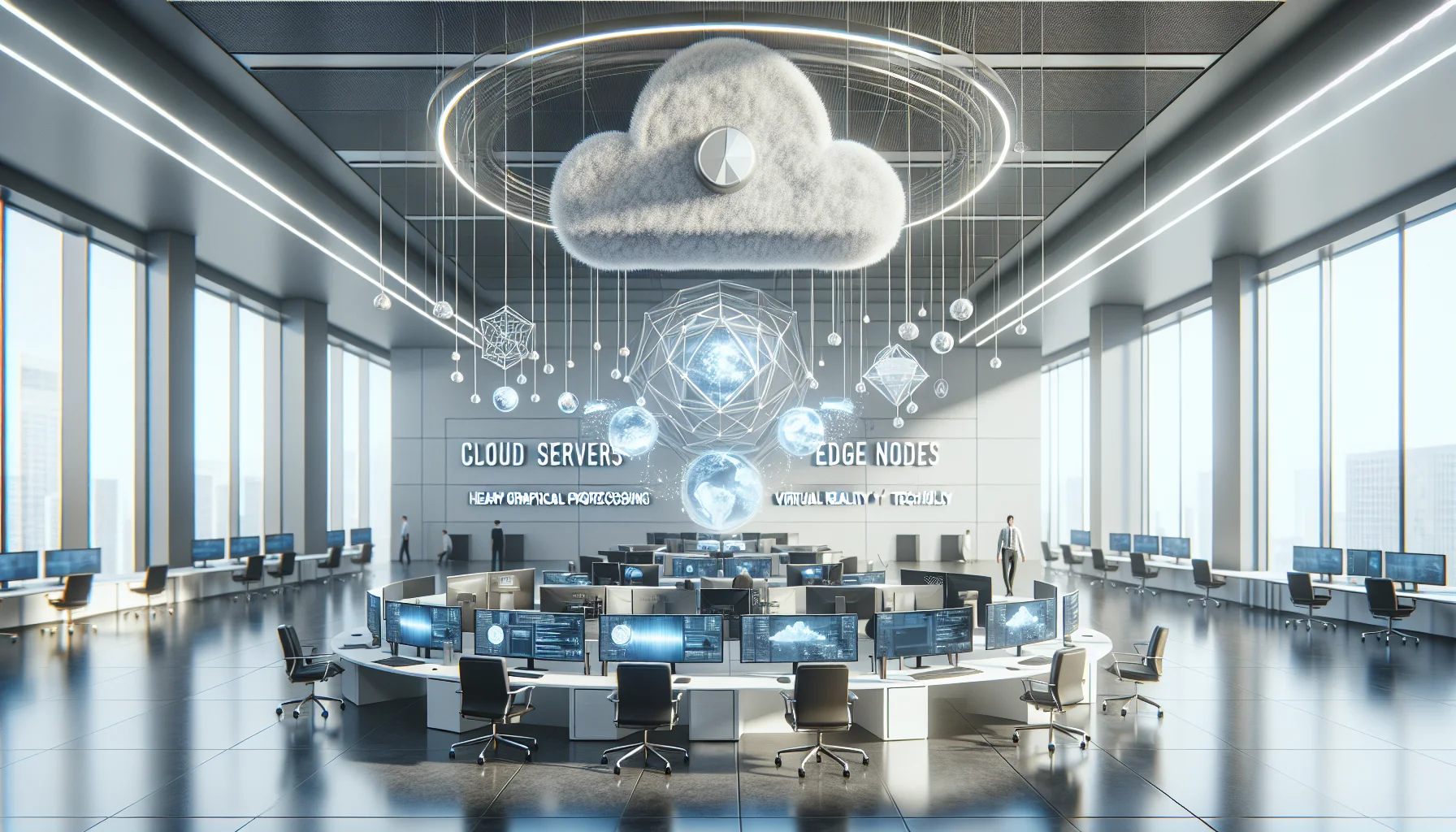
This article explains how cloud rendering VR shifts heavy GPU work to cloud and edge nodes to lower per-seat CAPEX, simplify updates, and share costly compute across trainees. It compares cost models, integration patterns (streaming, edge, hybrid), trade-offs (latency, bandwidth), vendor categories, and provides a pilot checklist for validation.
cloud rendering VR is transforming how enterprises deliver hyper-realistic training by moving heavy graphics and physics computation off headsets and PCs and into scalable cloud infrastructure. In our experience, this shift can dramatically lower capital expense, simplify maintenance, and accelerate deployment of complex training scenarios.
This article explains the technical concepts, trade-offs, cost models, integration patterns, vendor landscape, and a hands-on pilot checklist so technical and non-technical stakeholders can decide when and how to adopt cloud rendering for hyper-realistic VR training.
cloud rendering VR moves the scene render loop from a local GPU to remote servers that output compressed frames or encoded streams to a headset. The headset becomes a thin client for display, input, and sensor fusion while heavy rendering for VR training—ray tracing, global illumination, and multi-agent simulation—runs on GPU instances.
We’ve found that there are two dominant approaches: frame streaming (server renders frames, sends pixels) and primitive/scene streaming (server streams geometry, shaders, or state and the client composites locally). Each approach shifts different costs between compute and network.
Edge rendering VR uses compute closer to the user to reduce round-trip time and jitter. Edge nodes handle time-sensitive render passes or predictive frames while cloud servers perform high-cost offline or background computations. This hybrid split improves responsiveness without moving all compute to local devices.
Hyper-realistic scenarios demand expensive shaders, physics, and multi-user synchronization. By consolidating these workloads in specialized GPU farms, organizations reuse expensive compute across many trainees and update content centrally—reducing per-seat hardware and management overhead.
cloud rendering VR cost models fall into three categories: pay-as-you-go (on-demand), reserved/committed use, and hybrid subscription. Each affects predictability, unit cost, and flexibility.
Pay-as-you-go is ideal for pilots and bursty training schedules; reserved capacity reduces per-hour GPU prices for steady-state usage. Hybrid models combine reserved baseline capacity with on-demand bursts for peak classes or exercises.
how to reduce hardware cost with cloud VR is a common question. The financial benefit appears when you compare total cost of ownership (TCO) for a fleet of high-end VR-ready workstations against pooled cloud GPU hours. Consider:
When utilization is variable, or content requires frequent GPU upgrades for realism, cloud streaming often lowers effective cost per trainee.
cloud rendering VR supports three practical integration patterns: centralized streaming, edge-augmented streaming, and hybrid split-rendering. Each pattern balances fidelity, latency, and cost.
A pattern we've noticed in enterprise deployments is to place session orchestration and cost-control policies at the cloud layer while pushing frame-critical tasks to edge nodes; Upscend illustrates this trend by streamlining deployment pipelines and cost observability in production settings.
cloud VR streaming renders full frames in a central data center and streams them to the headset. It's the simplest to implement and is best when trainees are co-located near data centers or when bandwidth is stable and high.
Benefits: easiest content updates, maximum rendering power, simplified client hardware. Drawbacks: potential latency and bandwidth spikes; requires strong QoS.
edge rendering VR pushes low-latency passes—pose prediction, reprojection, late latching—to edge servers close to users. The cloud handles global illumination, physics, and batch tasks. This pattern reduces perceived latency while retaining centralized control.
When designing hybrid systems, instrument and measure end-to-end latency budgets so you can shift passes intelligently between client, edge, and cloud.
cloud rendering VR reduces hardware expense but introduces network and predictability trade-offs that training teams must manage.
Latency has the greatest effect on presence and simulator sickness. Bandwidth determines achievable resolution and frame rate. Predictable costs depend on contract choice and utilization smoothing.
Yes, when systems combine edge nodes, frame prediction, and adaptive codecs. Techniques we recommend include client-side timewarp, server-side frame buffering, and UDP-based low-latency transport. Studies show sub-20 ms motion-to-photon is achievable with well-architected edge-cloud splits and client-side compensation.
Adaptive bitrate streaming, foveated rendering, and scene-aware compression significantly reduce bandwidth. For mobile or constrained networks, prioritize critical regions (user gaze) and fall back to lower-detail encodings for peripheral areas. Instrumenting bandwidth per user is essential to prevent overruns that drive costs.
Several vendor categories address cloud rendering for hyper-realistic VR training: hyperscalers with GPU instances, specialized cloud-streaming platforms, and integrated edge providers. Each brings different SLAs, region coverage, and tooling.
Security and compliance are often overlooked but essential. Training content may contain proprietary procedures or PHI/PII; encryption-in-transit, tenant isolation, and certified infrastructure (SOC2, ISO 27001) should be minimum requirements.
Use network segmentation, hardware-backed key management, and strict identity and access controls. Audit logging and retention policies must align with compliance regimes for regulated training (healthcare, aviation, defense).
Below is a simplified yearly total cost comparison for a 100-seat training program to illustrate how cloud rendering VR can change economics. Assumptions are illustrative: 100 seats, 3 training hours/day average, 250 training days/year.
| Item | Local PC Fleet (100 seats) | Cloud Streaming (GPU hours) |
|---|---|---|
| Hardware CAPEX | $300,000 (100 x $3,000) | $0 |
| Refresh (5 year) | $60,000/year | $0 |
| Ops & Facilities | $40,000/year | $10,000/year |
| GPU Hours (3 hrs/day × 250 days × 100 seats = 75,000 hrs) | — | $1.75M/year (on-demand @$23/hr) or $700k/year (reserved @$9.3/hr) |
| Total Year 1 | $400k (ops + amortized CAPEX) | $710k–$1.76M (reserved vs on-demand) |
Interpretation: For predictable, steady training where utilization is high and continuous, a local fleet can be cheaper year-one. For variable schedules, peak bursts, or need for latest GPUs and multi-region access, cloud streaming reduces risk and accelerates updates. The breakeven point shifts with utilization, negotiated reserved pricing, and ability to share GPU hours across teams.
cloud rendering VR can materially reduce the total cost of ownership for hyper-realistic training when organizations trade per-seat CAPEX for pooled, flexible GPU capacity, centralized content management, and lower operational overhead. The decision depends on utilization patterns, latency tolerance, and compliance needs.
We've found that the best outcomes come from measured pilots that instrument both cost and user experience, combine edge and cloud intelligently, and adopt flexible contract models that match training cadence. Use the pilot checklist above, model reserved vs on-demand scenarios, and prioritize measurable UX thresholds during trials.
Next step: Run a 30–90 day pilot focusing on 10–20 users with telemetry collection, cost modeling, and a rollback plan to prove whether cloud rendering VR lowers your training TCO before committing to a full rollout.
The Upscend Team provides actionable insights on technology and business strategy.
Book a walkthrough and we'll show you how it applies to your own content.
 The Agentic Ai & Technical Frontier
January 4, 2026
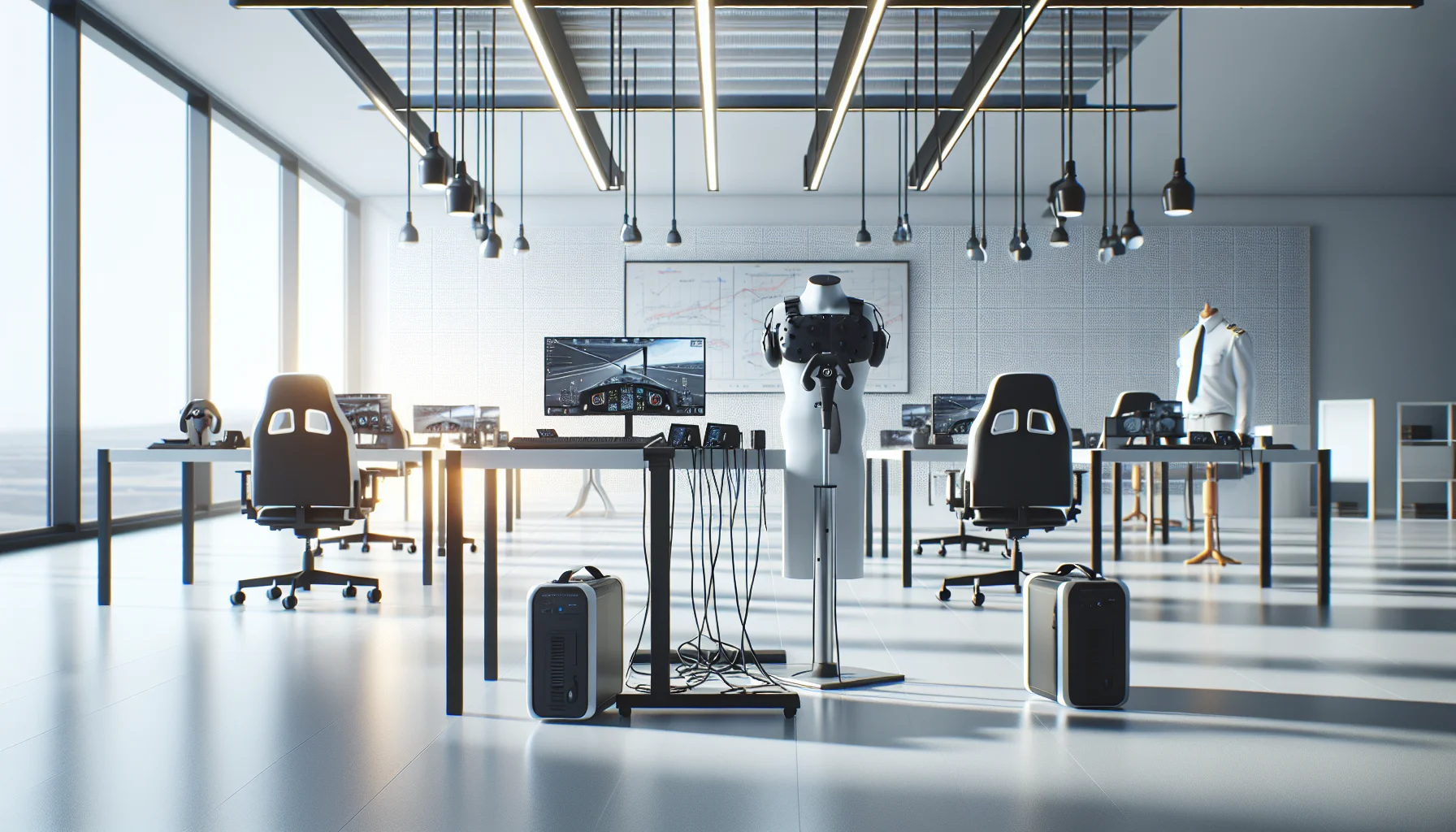
This article lays out minimum specs and procurement ranges for budget VR training hardware, comparing standalone VR headsets and tethered PC VR requirements. It covers controllers, tracking, audio/haptics, lifecycle expectations, IT support needs, a decision flow, and a pilot checklist so teams can run small pilots and scale based on measured outcomes.
 The Agentic Ai & Technical Frontier
January 4, 2026
This article explains minimum specs for VR training hardware on a budget, comparing standalone VR headsets and tethered PC VR requirements. It outlines component priorities, cost bands, lifecycle expectations, procurement tips, a decision flow for matching fidelity to objectives, and a low-cost pilot checklist to validate assumptions before scaling.
 The Agentic Ai & Technical Frontier
January 4, 2026
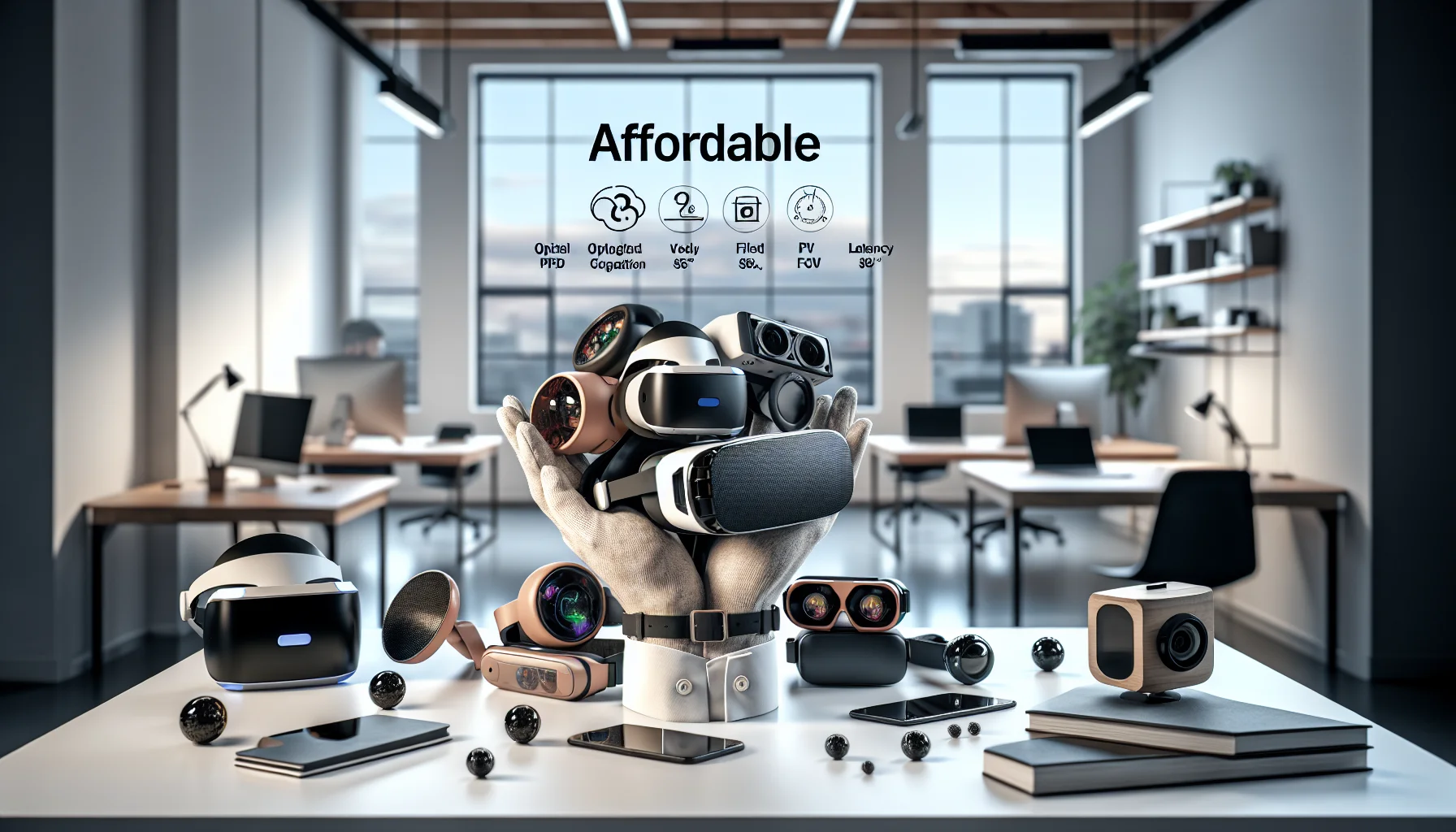
Choose affordable VR headsets by matching training goals to measurable optics: prioritize pixel density and optics for fine-motor work and FOV/tracking for spatial drills. We compare six practical models (Meta Quest 3, Pico 4, HP Reverb G2, Vive Pro 2, Quest 2) and give benchmarking, enterprise, and procurement guidance. Run pilots before scaling.
 The Agentic Ai & Technical Frontier
January 4, 2026
Assess affordable VR headsets for training by scoring optical fidelity (PPD), FOV and latency, plus ergonomics and enterprise tools. Pilot 10–20 units with real content, measure PPD/FOV in-context, and factor sanitation, warranties, and TCO. Match headsets to fine-motor or spatial training profiles before scaling.