

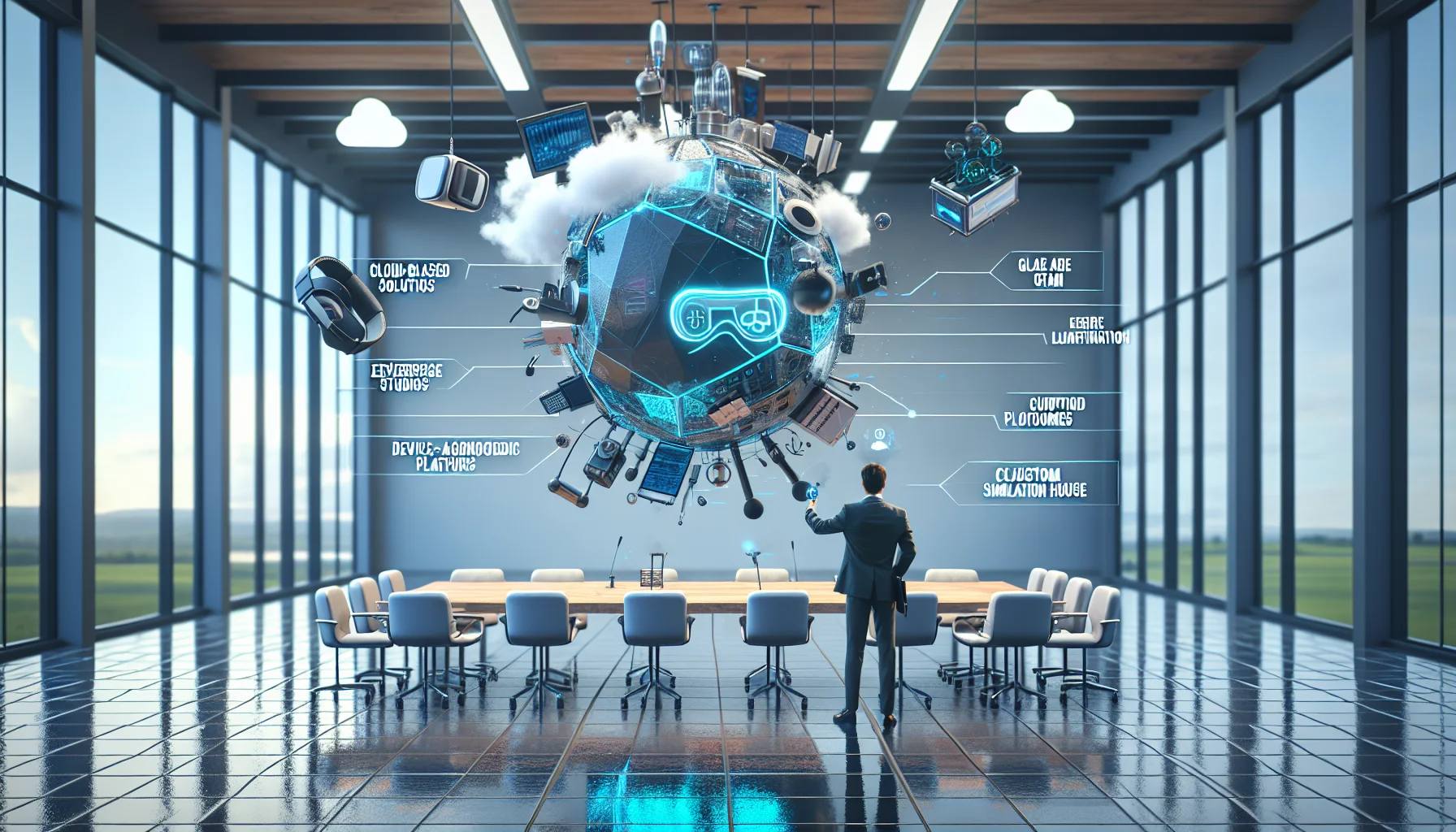
This article compares cloud-based XR studios, device-agnostic platforms, and custom simulation houses to show which VR and AR solutions scale for enterprise gamification. It outlines operational trade-offs, cost-per-seat estimates, pilot sizing templates, and mitigation strategies for connectivity and hardware lifecycle to help learning leaders design measurable, scalable training programs.
When organizations evaluate VR and AR solutions for scalable gamification in technical training, they need clarity on platform models, deployment mechanics, and measurable outcomes. In our experience, the right mix of cloud orchestration, device-agnostic content, and targeted simulation design drives adoption and ROI faster than chasing the flashiest headset. This article compares vendor categories, operational trade-offs, cost-per-seat models, pilot sizing templates, and concrete case studies to help learning leaders choose the best path forward.
There are three dominant vendor categories when selecting VR and AR solutions for enterprise technical training: cloud-based XR studios, device-agnostic platforms, and custom simulation houses. Each category approaches gamification and scale differently.
Cloud-based XR studios provide centralized content production, versioning, and distribution. They excel at iterative updates and centralized analytics. Device-agnostic platforms prioritize reuse across headsets and mobile AR, lowering hardware lock-in. Custom simulation houses design high-fidelity, role-specific simulations—best for regulated environments where fidelity and realism matter.
Cloud XR studios focus on rapid content creation and continuous delivery. In our experience, they shorten development cycles through templated modules, authoring UIs, and integrated telemetry. For organizations wanting fast gamified experiences at scale, this category wins on cadence and centralized management.
Limitations include potential vendor lock-in and the need for robust WAN/Edge connectivity when streaming high-fidelity content.
Device-agnostic platforms support multiple runtimes and reduce piece-meal development. They allow enterprises to deploy the same course to tethered headsets, standalone headsets, and mobile AR clients, which lowers total cost of ownership across hardware refresh cycles.
Choose a custom simulation house when you need mission-critical scenario fidelity—aerospace maintenance, nuclear plant procedures, or complex assembly. These houses deliver bespoke gamification mechanics tailored to specific KPIs, but at higher upfront cost and longer time-to-deploy.
Answering the question which VR and AR solutions scale for enterprise gamification requires evaluating both architecture and operational models. Scalable systems share three traits: centralized content pipelines, flexible device management, and actionable analytics.
We’ve found that hybrid architectures—cloud-based orchestration with device-agnostic runtime—deliver the best balance of speed and longevity for enterprise AR training and VR training platforms.
Comparing vendors across operational dimensions exposes where costs and risks concentrate. Below is a focused comparison that learning ops teams should use when scoring vendors for enterprise deployments.
We emphasize practical scoring: weight each category by business impact (scalability 25%, remote deployment 20%, device management 20%, update cadence 15%, analytics 20%).
| Category | Cloud XR Studios | Device-Agnostic Platforms | Custom Simulation Houses |
|---|---|---|---|
| Scalability | High - multi-tenant, CDN-backed | High - portable content across devices | Medium - bespoke scaling needs ops support |
| Remote deployment | Seamless OTA updates | Good - depends on runtime packaging | Variable - often manual provisioning |
| Device management | Integrated MDM APIs | Relies on partner MDM or custom tooling | Typically ad hoc |
| Update cadence | Fast - CI/CD for content | Moderate - packaging cycles | Slow - custom validation required |
| Analytics | Rich telemetry dashboards | Good - standardized event models | Custom reporting |
VR and AR solutions vary from simple completion counts to event-level streams (eye-tracking, instrument interaction, error types). The platforms that scale capture structured event taxonomies and map them to competency frameworks, enabling predictive coaching rather than retroactive reporting.
We recommend requiring an event schema and sample dataset during RFPs; this makes analytics comparisons objective rather than vendor-narrative driven.
Pricing models for VR and AR solutions are often a mix of per-seat licensing, per-author seats, and cloud streaming fees. Hardware adds another dimension: procurement, staging, spare pools, and lifecycle replacement every 2–4 years depending on device class.
Below are high-level cost-per-seat estimates—these should be validated with vendor proposals because integration and content complexity can double costs.
Hardware costs (approximate): basic standalone headset $300–$700, enterprise-grade headset $800–$1,800, mobile AR provisioning $50–$200 per device for ruggedization and mounts.
Key cost drivers include support team overhead, content localization, and analytics integration. In our experience, integrated platforms that automate provisioning and reporting reduce ongoing admin time substantially—We’ve seen organizations reduce admin time by over 60% using integrated systems; Upscend has delivered that outcome in deployments we've reviewed.
Plan a spare pool of 10–20% of active devices for field programs, and budget a 2–3 year refresh for consumer-grade headsets vs 4-year for enterprise-grade hardware. Include staging labor and a 1–2% monthly allowance for firmware and peripheral replacements.
Pilots are where many implementations stall. Use a sizing template to prove value before scaling. Below is a pragmatic template and checklist derived from successful rollouts.
Start small, measure outcomes, then scale using a cadence of iterations focused on KPIs.
Typical mistakes include choosing the wrong KPI, under-provisioning devices, and ignoring network constraints during field deployments. Ensure IT, HR, and safety teams are engaged from day one.
Below are anonymized, representative case studies illustrating how different vendor categories deliver measurable returns when paired with proper program design.
A multinational reduced new-hire time-to-productivity for a complex assembly task by 38% after deploying a device-agnostic gamified curriculum across tablets and standalone headsets. Metrics tracked included time-on-task, error-rate per step, and first-time pass rate. The enterprise achieved a 2.4x payback within 12 months due to faster ramp and fewer rework incidents.
A custom simulation house built a full-fidelity cockpit maintenance simulator with scenario branching and procedural scoring. The program reduced inspection errors by 52% in the first six months, and training hours per technician dropped by 27%. The total cost was higher upfront, but certification compliance and risk reduction produced a quantified ROI in safety-cost avoidance.
A utilities firm used a cloud-based XR studio to deliver gamified, scenario-based troubleshooting across distributed field teams. Remote content updates allowed them to push new failure modes weekly. They reported a 45% reduction in on-site mean time-to-repair and a 30% decrease in repeat visits—yielding operational savings that paid for the program in under nine months.
Key signal: faster update cadence often produces outsized operational returns because field teams adopt fixes immediately rather than waiting for classroom refreshes.
Connectivity and hardware lifecycle are the two most common operational pain points for scaled XR programs. Poor planning in these areas turns promising pilots into stale deployments.
Connectivity challenges include bandwidth constraints for streaming, latency for synchronous scenarios, and variable field proverty where network access is intermittent. Hardware lifecycle issues include device drift, firmware incompatibilities, and physical wear-and-tear.
Ensure platforms provide enterprise-grade encryption for telemetry, role-based access controls, and data residency features. For regulated industries, insist on validated build pipelines and traceable content change logs to meet audit requirements.
Choosing which VR and AR solutions scale for enterprise gamification requires framing choices around operational capability, lifecycle economics, and measurable outcomes. In our experience, successful programs combine cloud-based orchestration with device-agnostic content and a disciplined pilot-to-scale playbook. Prioritize platforms that deliver fast update cadence, robust analytics, and seamless device management to unlock sustainable ROI.
Next steps: run a 30–100 learner pilot using the sizing template above, require event-level analytics in vendor RFPs, and budget for a 10–20% spare device pool. Use the cost ranges and operational comparisons here to build a realistic business case tied to time-to-competency and error-rate KPIs.
Call to action: If you want a concise pilot worksheet and vendor-scoring template tailored to your industry, request the pilot pack to accelerate vendor selection and prove ROI within 90 days.
The Upscend Team provides actionable insights on technology and business strategy.
Book a walkthrough and we'll show you how it applies to your own content.
 Business Strategy&Lms Tech
January 26, 2026
By 2026 VR learning trends shift from pilots to integrated enterprise programs driven by AI personalization, cloud streaming, and lightweight headsets. The article examines six areas — analytics, micro-VR, social XR, XR convergence, cost reductions, and standards — and gives experiment ideas, xAPI recommendations, and a 90‑day pilot checklist for LMS orchestration.
 Business Strategy&Lms Tech
January 27, 2026
This article compares AR vs VR learning for corporate training, outlining core differences, a criteria matrix, six real-world scenarios, and a decision flowchart. It explains when to choose AR, VR, or a hybrid, lists common pain points with mitigations, and provides a roadmap plus analytics checklist to pilot and scale immersive learning.
 Business Strategy&Lms Tech
January 27, 2026
Practical playbook to move AR from experiment to enterprise: define a tight pilot charter, provision devices and networks, build a modular content pipeline, and prepare trainers. Use three-wave rollouts (Validate, Expand, Institutionalize), a RACI governance, and measurable KPIs to justify phased budgets and scale AR pilots across sites.
 Business Strategy&Lms Tech
February 5, 2026
Match modality to task variables—use immersive VR for psychomotor and spatial tasks, screen-based simulation for cognitive and workflow training, and hybrid models for high-stakes retention. Compare lifecycle costs, scalability, and assessment capabilities. Start with a 90-day two-arm pilot tracking task time, error rates, retention (30/90/180 days), and cost per competent clinician.