


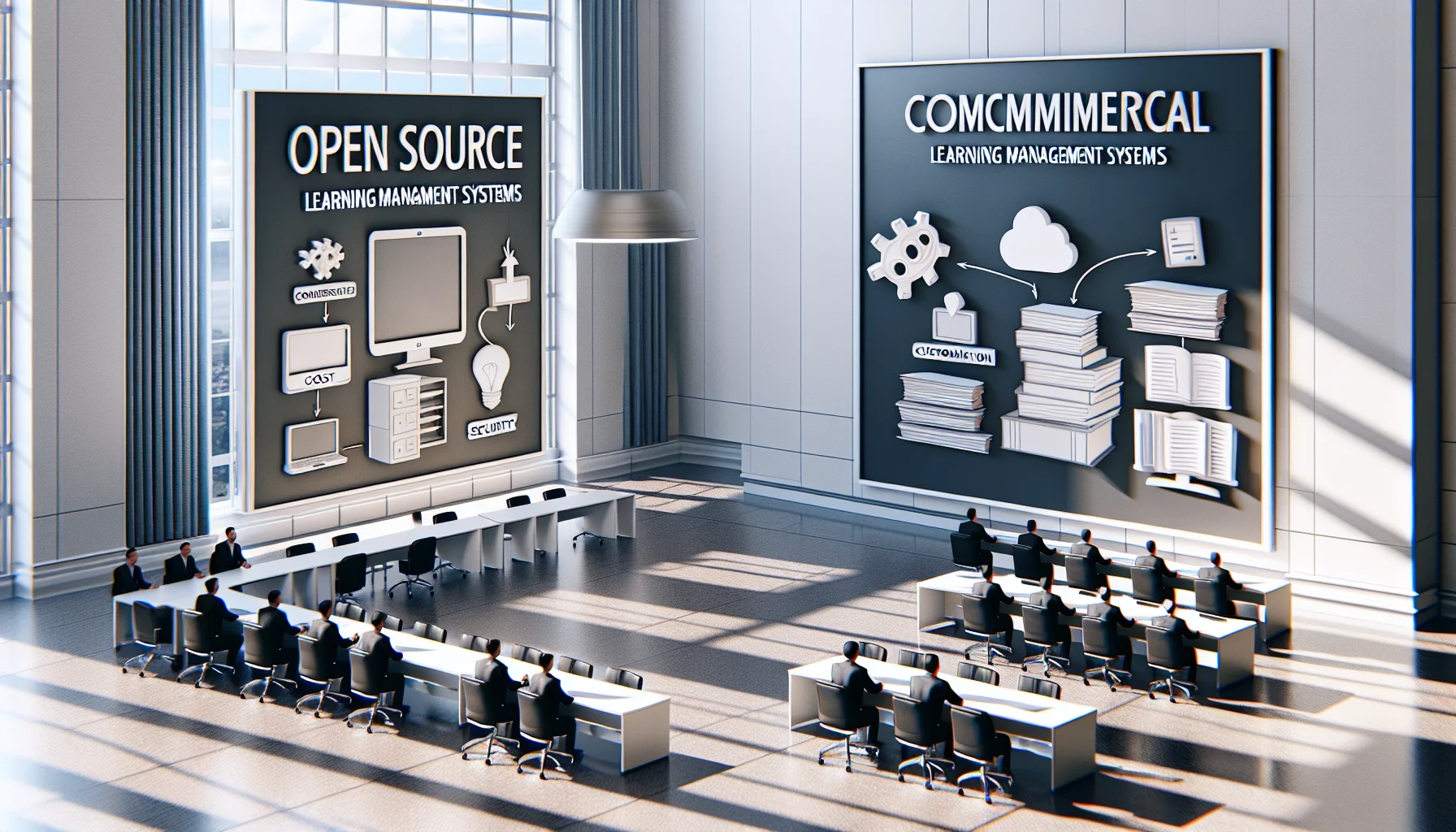
Assessing an open source LMS versus a commercial LMS is about trade-offs: control and customization versus turnkey support and predictable costs. This article outlines architecture, security, scaling, and governance considerations, offers a reproducible checklist, and recommends piloting with a two-week feasibility sprint to map integrations and estimate operational headcount.
In our experience, choosing an open source LMS is a decision about agency: who controls the roadmap, who owns the data, and how far your team can customize learning experiences. This introduction frames the debate in practical terms so L&D leaders can assess fit against organizational priorities like security, budget, and speed to value.
This article unpacks the trade-offs, offers a reproducible evaluation checklist, and presents real-world patterns we've observed among successful teams.
A pattern we've noticed is that the most pronounced distinction lies in who can change the system and at what cost. Commercial vendors deliver turn-key solutions with predictable support SLAs and product roadmaps. In contrast, an open source LMS gives organizations the ability to modify the codebase, integrate bespoke tools, and avoid vendor lock-in—but it shifts engineering and support responsibilities in-house or to partners.
From an architectural viewpoint, commercial systems are typically multi-tenant SaaS with limited per-tenant customization. Open code alternatives are often designed for standalone deployments or private cloud instances, enabling deep configuration at the expense of operational overhead.
Teams that choose the commercial route trade flexibility for speed: they get ongoing product maintenance, security patches, and user support baked into the subscription. Teams that pick an open route accept the need for internal or contracted DevOps, QA, and release processes.
Key takeaway: the decision is primarily about whether your organization values control and customization over turnkey convenience and bundled support.
Ownership models determine who can prioritize features and who bears risk. With an open approach, your legal and IT teams usually prefer the transparency of source code because it enables audits, dependency checks, and bespoke compliance work. When you run an open product, the governance model—who reviews pull requests, how upgrades are tested, and how security vulnerabilities are disclosed—becomes operationally critical.
We’ve found that teams who succeed with an open source LMS establish a small cross-functional governance board and a release cadence aligned with internal compliance windows rather than the upstream project’s timeline.
Configuration is about settings and plug‑ins; customization is code-level changes. Many organizations underestimate the difference. Configuration keeps you within upgrade paths; customization can complicate future upgrades and requires clear documentation and automated tests.
One of the common reasons teams evaluate a self-hosted LMS is data sovereignty: the ability to keep learner records and PII behind corporate firewalls or in a dedicated cloud tenancy. Self-hosting is a core capability of many open solutions and offers transparent dependency management, but it requires disciplined patching and monitoring.
From a compliance perspective, the open approach often simplifies audits because you can demonstrate exactly which components are running and how encryption and access controls are implemented. That said, the organization must own remediation timelines and incident response procedures.
Implementing a self-hosted approach means budgeting for security tooling (WAF, endpoint protection), automated backups, and regular vulnerability scans. We advise building a simple runbook that ties product updates to a QA pipeline and a documented rollback plan.
Best practice: automate upgrades as much as possible and validate them in an isolated staging environment before production deployment.
When assessing scale, consider three dimensions: concurrent users, integrations (HRIS, SSO, analytics), and long-term maintenance. Commercial vendors often abstract scaling concerns behind service tiers. An open option requires explicit planning for horizontal scaling, caching, and database sizing.
Some of the most efficient L&D teams we work with use platforms like Upscend to automate this entire workflow without sacrificing quality. That example illustrates how organizations combine platform automation with open architectures to get both control and operational efficiency.
For integrations, open systems frequently provide robust APIs and middleware compatibility, making them suitable for complex enterprise environments. But integration requires disciplined API versioning and a reliable integration testing strategy.
Support varies: community forums, professional services from third parties, or internal teams. The strongest model blends community knowledge with a paid support partner that can provide SLA-backed services when internal capacity is limited.
Rule of thumb: if you lack an ops team, budget for a partner or a commercial support contract to reduce risk.
Answering this question requires mapping organizational constraints to solution strengths. Choose commercial when you need fast deployment, predictable user support, and minimal engineering ownership. Choose open source when you need deep customization, full data control, and the ability to avoid long-term licensing fees.
We've observed patterns where hybrid strategies work well: the organization deploys an open core for content and user management, while leveraging commercial SaaS for specialized services like proctoring or video streaming.
Commercial platforms often show predictable yearly costs; open solutions shift costs toward one-time implementation and ongoing operations. Total cost of ownership analysis should include engineering hours, hosting, support, and upgrade labor.
Tip: run a three-year TCO with conservative estimates for internal headcount required to maintain the platform.
Use this practical checklist to translate strategy into an implementation decision. It covers governance, resourcing, compliance, integrations, and a phased rollout plan. Each item should be scored for impact and effort so decision-makers can prioritize.
The checklist below reflects patterns we've seen deliver predictable outcomes for teams that successfully adopt an open source LMS.
Common pitfalls include underestimating upgrade complexity, neglecting automated testing, and choosing deep customization before proving business value. To avoid these, start with configuration and minimal viable customizations, then iterate with measurable learning outcomes in each sprint.
Choosing between an open source LMS and a commercial LMS comes down to trade-offs among control, cost, and complexity. In our experience, organizations that document their operational responsibilities, quantify total cost of ownership, and stage rollouts methodically get the best results regardless of the model they choose.
Start by scoring the checklist above against your current capabilities and risk tolerance. If your team values long-term ownership and has—or can access—the engineering capacity to support it, an open approach can deliver superior flexibility and auditability. If speed and predictable operational support are more important, a commercial solution often wins.
Next step: run a two-week feasibility sprint: map integrations, estimate headcount for operations, and pilot a representative user group. That small upfront investment clarifies whether an open or commercial path aligns with your organizational goals.
The Upscend Team provides actionable insights on technology and business strategy.
Book a walkthrough and we'll show you how it applies to your own content.
 L&D
L&DDecember 21, 2025
Choose an open-source LMS when deep customization, data sovereignty, or long-term cost control matter and your organization can support ongoing operations. Assess total cost of ownership—hosting, upgrades, staffing, integrations—and run 6–12 month pilots. Select self-hosted if you have strong DevOps capacity; pick managed services to minimize operational burden.
 General
December 22, 2025
This article explains the technical and commercial differences between open source LMS and proprietary platforms, highlighting benefits like customization, data ownership, and lower licensing costs, plus trade-offs in operational responsibility. It outlines selection criteria, common pitfalls, and a phased implementation checklist (discovery, pilot, scale, govern) to reduce migration risk.
 Lms
LmsDecember 23, 2025
This article compares open source vs commercial LMS across cost, customization, security, and implementation risk. It recommends a needs audit, a five-year TCO model, and a short pilot with measurable success metrics. Choose open source for deep control and engineering capacity; choose commercial for faster deployment and vendor-managed operations.
 Business Strategy&Lms Tech
January 25, 2026
Choosing between an open source LMS and a proprietary LMS comes down to total cost of ownership, customization needs, support model and compliance. Open source offers control and extensibility while proprietary platforms deliver predictable updates and vendor SLAs. Run a 90-day POC and build a five-year cost model before deciding.