


This article outlines clear LMS replacement signs, a weighted scorecard to quantify readiness, and a practical 12–16 week migration checklist. It covers vendor selection, data and content preparation, pilot testing, and post-launch hypercare. Start with a three-week discovery sprint to complete the scorecard and export sample data.
If you're trying to decide to replace LMS, this article walks through clear signals, a practical migration checklist, and realistic timelines. In our experience, teams delay decisions far too long because they confuse feature gaps with strategic misalignment. This guide gives an actionable framework you can use this quarter to decide whether to swap platforms and how to migrate with minimal disruption.
A pattern we've noticed is that organizations wait until users are actively abandoning the system before they decide to replace LMS. Instead, watch for early warning signs that predict failure rather than react to it. Use a scorecard to quantify issues across usability, integrations, analytics, and cost.
Key LMS replacement signs include persistent performance problems, rising per-user costs, and stagnant engagement despite program investment. Below are the most common signals we see:
Ask: are you solving for a missing feature or for a strategic capability? We've found that teams should change LMS when platform limitations constrain business objectives—when the LMS prevents the organization from scaling, demonstrating compliance, or delivering a modern learning experience. That distinction helps senior leaders approve replacement budgets faster.
Deciding when to replace LMS is as much about timing as it is about symptoms. In our experience, the optimal window to plan migration is during a strategic cycle—budget planning, major compliance changes, or when you refresh talent programs—because these windows provide funding and executive attention.
Four timing signals accelerate approval:
Create a scorecard with weighted criteria: user experience (30%), analytics & reporting (25%), integrations (20%), cost (15%), and vendor support (10%). A threshold score (for example, below 60/100) should trigger a formal vendor selection and migration plan. That makes the decision defensible to stakeholders.
One practical asset we recommend is a structured LMS replacement migration checklist and timeline. Below is a compact version you can run as a 12–16 week sprint for mid-size deployments or scale up to six months for enterprise implementations.
In our experience, the biggest time sinks are data cleanup and stakeholder alignment. Reserve at least 25–30% of the project plan for remediation and user acceptance testing. Strong governance—clear owners for data, content, and integrations—reduces surprises.
Make sure your checklist includes export of historical completion records, mapping of curriculum IDs, and a rollback plan if reporting discrepancies surface post-migration. Label owners for each item and use a shared Kanban to track progress. This level of operational rigor is what separates smooth migrations from disruptive ones.
Choosing the right vendor and following a rigorous vendor migration checklist prevents common failures. Evaluate vendors on implementation methodology, SLAs, data portability policies, and sample implementation timelines. Request a clause for data return formats and a sandbox for testing exports.
A practical vendor checklist includes:
Some of the most efficient L&D teams we work with use platforms like Upscend to automate parts of the migration workflow—content packaging, user provisioning, and reporting reconciliations—without sacrificing quality. That approach exemplifies how emerging vendors are making migrations repeatable and measurable.
Negotiate explicit migration milestones and acceptance criteria into the contract. Include Service Level Agreements for uptime, response times during rollout, and documented penalties for missed deliverables. These contract-level protections align vendor incentives with your success metrics.
To reduce risk when you replace LMS, invest in automation and clear content strategy up front. Automate user provisioning through SSO/SCIM, convert content into modular formats, and map learning objects to business outcomes so reporting ties to KPIs. These technical practices reduce manual effort and make future migrations easier.
Two implementation patterns that consistently work:
Define success metrics by impact: completion rates, time-to-competency, compliance audit pass rates, and TCO reduction. Run parallel reporting during hypercare for 4–8 weeks and reconcile historical data. If metrics show equal or better performance, decommission the legacy system on schedule.
Knowing when to change LMS also means anticipating what goes wrong. Common pitfalls include underestimating migration scope, failing to get executive sponsorship, and skipping a pilot. We've found that mitigation starts during procurement: insist on a pilot with clear acceptance criteria and test data that mirrors production complexity.
Other frequent mistakes:
When the cost of workarounds exceeds the cost of replacing the platform, it's time to act. Use the scorecard and the checklist above to make a structured recommendation. That approach helps you answer leadership's most common question: what will change and how will we measure success?
Final decision framework: If your scorecard is below threshold, your timing window aligns with budget or compliance needs, and you have a vetted migration checklist, moving to a new LMS is the responsible next step.
Call to action: Start with a three-week discovery sprint: complete the scorecard, list integrations, and export a sample of learner and completion data to validate feasibility. That small investment will give you a factual basis to present a migration plan and timeline to stakeholders.
The Upscend Team provides actionable insights on technology and business strategy.
Book a walkthrough and we'll show you how it applies to your own content.
 L&D
L&DDecember 21, 2025
This article explains when to migrate to a new LMS and how to execute enterprise LMS migration with minimal disruption. It covers measurable signals, a pre-migration audit, data mapping, pilot sequencing, cutover and rollback criteria, plus 60/90/180-day timelines, cost ranges and practical templates for scope and risk registers.
 L&D
L&DDecember 21, 2025
This article explains when organizations should migrate to a new LMS, highlighting technical, business, and UX signals. It outlines a staged migration roadmap—discovery, mapping, pilot, cutover, and stabilization—sample timelines for 5k–50k users, risk mitigations, and stakeholder roles to reduce downtime and protect data integrity during enterprise migrations.
 General
December 22, 2025
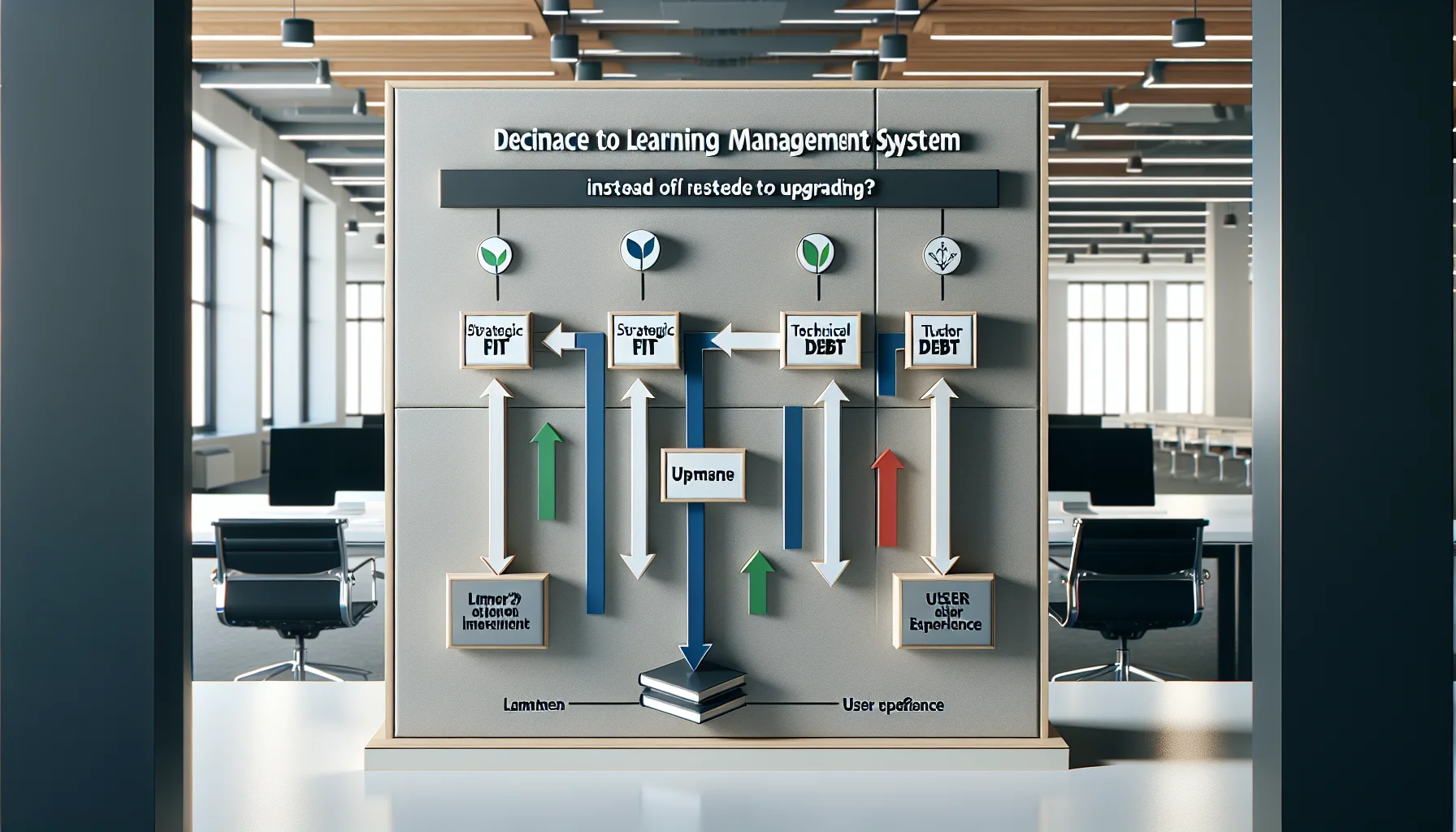
Use a three-axis framework—strategic fit, technical debt, and user experience—to decide whether to replace LMS or upgrade. Track migration signals (security, integrations, analytics), build a 3–5 year TCO, run a pilot migration, follow an eight-step playbook, and retain legacy records until compliance is verified.
 Lms
LmsDecember 22, 2025
Enterprise LMS migration should be driven by business signals—end-of-life notices, scaling failures, security gaps, or rising operational costs. Follow a phased roadmap: discovery, design and mapping, content cleanup, pilot, cutover, and optimization. Use the article's checklist, pilot strategy, and 16-week timeline to minimize content loss, user disruption, and hidden costs.