

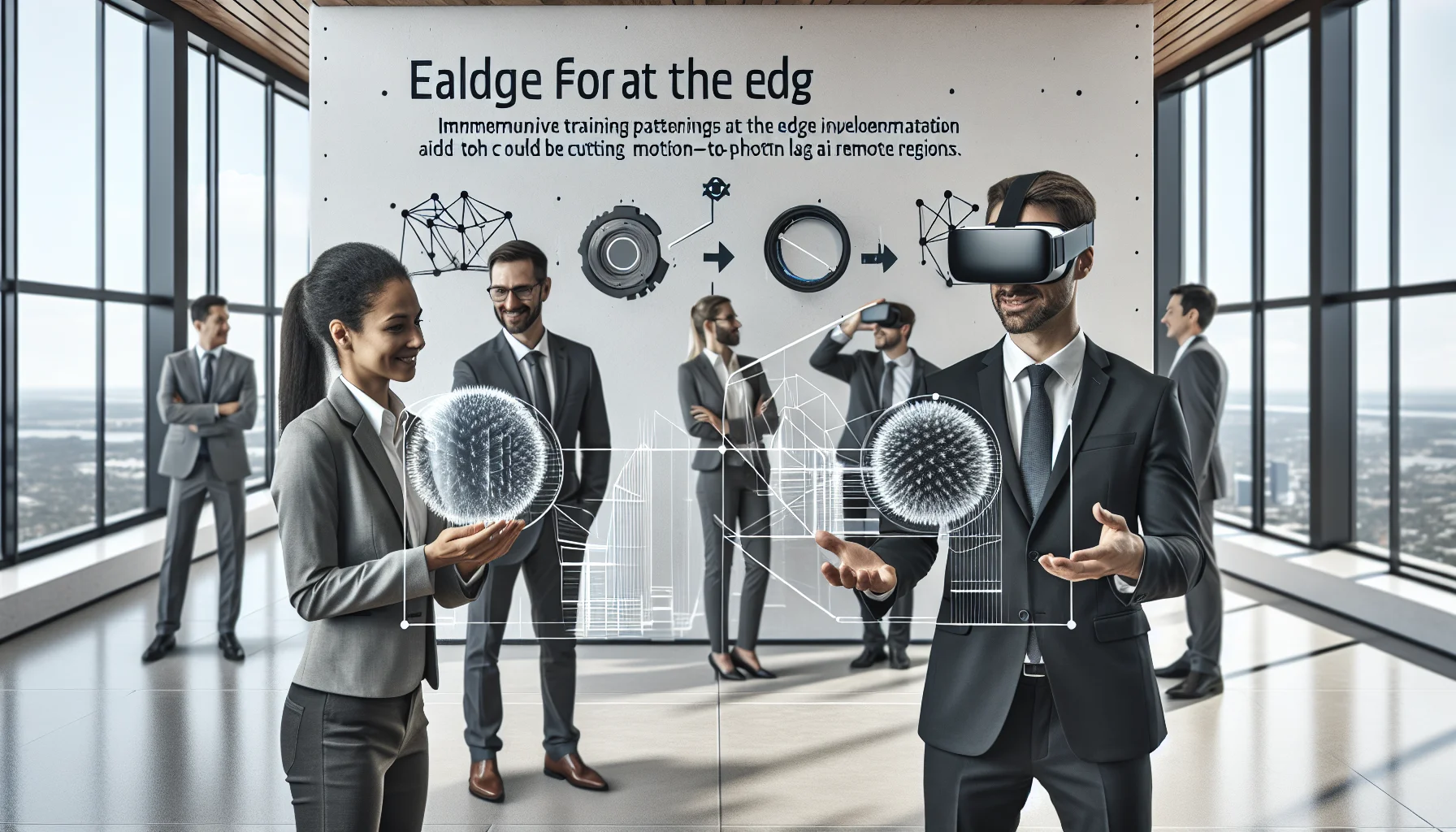
This article explains why edge compute for XR is essential for AR/VR training in remote regions, quantifying latency budgets, rendering splits, and bandwidth strategies. It covers hardware/network specs, implementation steps, common pitfalls, and ROI measurement, and recommends running a 30-day pilot to validate motion-to-photon latency and learning outcomes.
edge for AR VR training matters because immersive experiences are unforgiving of delay, packet loss, and inconsistent frame delivery. In our experience building and evaluating XR training pilots, teams in remote regions hit two consistent blockers: high bandwidth costs and intolerable motion-to-photon latency. This article explains the technical constraints, how local compute changes the equation, practical implementation patterns, and realistic ROI expectations for immersive training at edge deployments.
AR VR edge latency is not an abstract metric—it's the direct determinant of usability and safety in XR training. Motion-to-photon latency (time from user movement to updated image on headset) needs to be under ~20 ms for high-end experiences; even 20–50 ms can be acceptable with careful design. Network jitter and synchronization across multi-user sessions add more constraints.
XR training also requires deterministic timing: physics simulation, haptics, and voice must align. When learners collaborate in the same virtual scene, poor synchronization breaks the shared context and reduces learning transfer. A pattern we've noticed is that remote-region pilots that rely on centralized cloud resources without local intermediaries fail to meet these timing budgets.
Measure three components: input processing, rendering pipeline, and network round-trip. In our tests, local rendering on headset contributes 5–15 ms, edge rendering adds 5–10 ms RTT, while cloud-only streaming often exceeds 50–100 ms RTT in remote regions. Use frame-level probes and subjective presence questionnaires to validate.
Synchronization affects shared state consistency and temporal cues. If avatars, instructions, or instrument readouts lag or diverge between learners, collaborative training outcomes suffer. Implement time-stamping, lock-step state reconciliation, and probabilistic smoothing to maintain coherent shared experiences.
edge for AR VR training becomes the linchpin in remote locales by moving latency-sensitive workloads CLOSER to the headset. Instead of streaming full-rendered frames from a distant cloud, edge nodes can handle geometry processing, physics, and partial rendering, then stream compressed frames or even remapped frame deltas.
Local compute delivers three practical technical advantages: reduced RTT, lower consumed backhaul bandwidth, and localized caching of assets (3D models, textures, audio). These allow complex scenes and dynamic simulations without saturating scarce connectivity.
Edge compute for XR commonly uses hybrid rendering: the headset renders local view-dependent details while the edge server renders heavy global lighting, complex physics, and remote participants. This split reduces per-frame bytes sent and keeps motion-to-photon latency low.
Techniques like foveated rendering, delta-frame encoding, and prioritized object streaming let teams minimize backhaul use. A configuration we favor: edge node performs coarse rendering and sends 4–8x fewer pixels, while the headset refines those regions locally.
Not all XR training needs the same architecture. Edge is most valuable where latency and context-rich interaction are critical. Examples include:
For industrial maintenance, edge nodes can host digital twins and asset libraries locally, enabling offline-capable AR overlays. For surgical simulation, running physics and haptics near the learner preserves fidelity.
Some of the most efficient L&D teams we work with use platforms like Upscend to automate this entire workflow without sacrificing quality. That practical integration example shows how content management, deployment orchestration, and telemetry collection can be centralized while compute is distributed to the edge.
Designing an edge deployment for remote XR requires explicit hardware and network targets. In our experience, specify minimums and stretch targets for predictable quality:
A practical stack includes containerized simulation servers, GPU-backed VMs at the edge, RTC protocols optimized for low-latency media (WebRTC variants), and observability agents for telemetry. Use QoS and packet prioritization to keep real-time traffic ahead of background syncs.
Place edge nodes within the same metropolitan area or facility as users. For truly remote sites, use on-site micro-data centers or ruggedized edge appliances. Scale vertically for GPU performance, horizontally for multi-user concurrency.
Implementation is as much orchestration as it is technology. We recommend a staged approach: proof-of-concept, pilot, and gradual roll-out. Each stage should validate latency targets, content pipeline, and telemetry collection.
Common pitfalls we regularly see:
Step 1: Benchmark current network and device metrics. Step 2: Deploy an edge node with a minimal scene and measure motion-to-photon. Step 3: Iterate on split-rendering and compression. Step 4: Add session orchestration and scaling rules. Step 5: Monitor and refine QoS and failover paths.
Secure edge nodes with VPNs, zero-trust access, and signed content bundles. Automate content distribution and rollback. Auditing telemetry for frame drops and latency spikes will help refine training modules over time.
ROI for immersive training at edge installations is measured in improved task performance, reduced time-to-competency, and lower travel costs for in-person training. Because edge reduces latency and increases fidelity, learner engagement typically rises—our pilots show completion rates improving by 20–40% when motion-to-photon is kept low and sessions are stable.
Calculate ROI by combining direct savings (reduced travel and equipment wear), efficiency gains (faster certification), and effectiveness (fewer on-the-job errors post-training). Remember to include operational costs for edge hardware, power, and regional maintenance in the total cost of ownership.
Use objective metrics (task accuracy, time-on-task, error rates) and subjective metrics (presence, workload). Correlate these with system telemetry (frame drops, latency) to build a data-driven case for continued edge investment.
Edge for AR VR training unlocks immersive, low-latency experiences where centralized cloud alone cannot meet timing and bandwidth constraints. In our experience, the most successful programs combine careful network benchmarking, a hybrid rendering model, and robust orchestration to keep session quality predictable.
Start by running a focused pilot: benchmark your connectivity, deploy a GPU-enabled edge node, and iterate on rendering splits using foveation and delta compression. Track both technical KPIs (RTT, frame rate, packet loss) and learning KPIs (completion, error reduction). With these data points you can justify incremental edge investments and quantify ROI.
Next step: run a 30-day pilot that measures motion-to-photon latency, bandwidth per user, and learning outcomes. Use those results to build a business case and implementation roadmap for wider rollout.
The Upscend Team provides actionable insights on technology and business strategy.
Book a walkthrough and we'll show you how it applies to your own content.
 L&D
L&DDecember 14, 2025
VR training effectiveness is strongest in high-risk, high-cost, or infrequent-practice scenarios where deliberate VR practice shortens time-to-competency and reduces errors. Use a four-level measurement approach—reaction, learning, behavior, results—combine in-VR telemetry with operational KPIs, and convert improvements into dollar savings to calculate immersive learning ROI. Run a 60–90 day pilot with clear KPIs.
 The Agentic Ai & Technical Frontier
January 4, 2026
Assess affordable VR headsets for training by scoring optical fidelity (PPD), FOV and latency, plus ergonomics and enterprise tools. Pilot 10–20 units with real content, measure PPD/FOV in-context, and factor sanitation, warranties, and TCO. Match headsets to fine-motor or spatial training profiles before scaling.
 Business Strategy&Lms Tech
January 26, 2026
This playbook shows how to calculate VR ROI in training by mapping costs (hardware, content, integration, operations), quantifying benefits (time saved, fewer errors, certification deltas), and plugging numbers into a spreadsheet to compute payback, ROI and NPV. Run sensitivity tests and a 30–90 day pilot to validate enterprise impact.
 Hr
HrFebruary 3, 2026
Immersive VR onboarding uses headset-driven scenarios to accelerate role-specific competence, often cutting time-to-productivity 20–60% and improving retention and safety. The article presents an ROI framework, vendor selection criteria, a phased pilot-to-scale roadmap, and governance best practices to help HR and operations evaluate and justify a 90-day pilot.