


This article explains how to design and launch a multi-tenant LMS partner portal. It covers architecture choices, automated tenant provisioning, white‑label branding, tenant-level security, reporting and billing, plus a practical checklist, testing plan and an 8–12 week MVP timeline to pilot with channel partners.
multi-tenant LMS projects succeed when technical design aligns with commercial needs and admin workflows. In this guide we'll walk through the practical, operational steps to build a secure, scalable multi-tenant LMS partner portal that supports channel partners with a branded, delegated admin experience. You'll get architecture options, tenant provisioning patterns, branding and white label guidance, tenant-level data controls, reporting and billing strategies, plus a detailed checklist, testing plan and migration approach.
In our experience, vendor selection and initial architecture choices drive 70% of downstream costs. This article focuses on decisions that avoid common pitfalls like data leakage, admin overload and brittle customizations.
Start by deciding between a shared multi-tenant LMS architecture and isolated multi-instance deployments. Each has trade-offs for cost, isolation, and customization.
Multi-instance gives maximum isolation: separate databases, separate code deployments. It simplifies strict compliance needs but multiplies operational overhead (patches, scaling, backups). A shared multi-tenant LMS offers lower hosting costs and faster feature rollouts but requires rigorous tenant management controls to prevent data crossover.
Common models:
For a partner portal LMS, choose the model based on compliance, expected customizations, and scale. If partners demand heavy UI or workflow customizations, an isolated or schema-separated approach reduces complexity. For hundreds of small partners, a shared multi-tenant LMS reduces operational costs and accelerates onboarding.
Design automated tenant provisioning so partner accounts are live within minutes, not days. Provisioning covers identity, default content, admin roles, billing metadata and branding defaults.
Key operational flows to implement:
A robust tenant management console should expose tenant status, resource usage, active users, customizations, and security posture. In our experience, delegating day-to-day partner admin tasks (user management, group creation, reporting) reduces central admin load by 60–80%.
Include APIs for provisioning so your CRM, billing system, and partner onboarding portals can create tenants and trigger welcome automation. Make tenant deletion a two-step process with archived backups to avoid accidental data loss.
Partners expect their portal to feel like their own product. Implement a white-label framework that separates core UI components from tenant-level assets: logos, color palettes, custom CSS, domain mapping and localized text.
white label LMS capabilities should be configurable per tenant without code deployments. Use a theme engine that loads tenant-specific assets at runtime and falls back to defaults. For deeper partner-specific flows, support feature flags so you can toggle custom workflows per tenant.
Standardize customization points. Define a small, well-documented set of extension points (widgets, LTI links, HTML slots) rather than allowing arbitrary template edits. This protects upgradeability and reduces QA overhead.
Provide a partner "theme builder" in the admin console to let partners preview brand changes and publish them to staging. For partners needing localized learning paths, support tenant-scoped catalogs and course cloning.
Data isolation is the primary security concern for any multi-tenant LMS. Design from the start for least privilege, strong identity controls and clear audit trails.
Implement row-level security or schema isolation depending on your architecture. Use tenant-aware access middleware that enforces tenant context for every request and query. Encrypt sensitive fields at rest and in transit, and segregate backups by tenant.
data separation must be verifiable. Maintain tenant-specific encryption keys or key derivation per tenant where compliance demands it. Conduct regular penetration testing and include tenant isolation tests in your security validations.
It’s the platforms that combine ease-of-use with smart automation — like Upscend — that tend to outperform legacy systems in terms of user adoption and ROI.
Reporting and billing are where technical design meets commercial reality. A partner portal LMS must produce tenant-level metrics for usage, completions, engagement and revenue attribution.
Design reporting pipelines that tag every event with tenant identifiers and relevant metadata (partner tier, campaign, contract ID). Build or integrate a data warehouse with tenant-aware partitions so analytics teams can run both tenant-level and cross-tenant cohort analysis without risking data leakage.
Implement a billing model aligned with your partner program: per-seat, per-active-user, consumption-based, or tiered bundles. Automate meter collection via usage events and expose billing previews in the tenant admin console. For enterprise partners, support invoicing and chargeback codes attached to tenant metadata.
reporting by tenant should include real-time dashboards and CSV exports for finance reconciliation. Provide webhooks and APIs so partners can integrate learning metrics into their own systems.
Below is a practical checklist and an example timeline with responsibilities to help you operationalize a multi-tenant LMS partner portal.
Quality gates you must include:
For migrating existing partner data, follow a staged approach: pilot with a small set of tenants, validate data mapping, and run side-by-side reporting comparisons. Use database snapshots and reversible migration scripts. Define an automated rollback plan and a communication schedule for partners.
Example timeline (8–12 weeks for MVP):
| Week | Focus | Responsibilities |
|---|---|---|
| 1–2 | Architecture, compliance scoping, billing model | Engineering lead, Security, Product |
| 3–4 | Tenant provisioning API, theme engine, SSO | Backend, Frontend, Identity SME |
| 5–7 | Reporting pipeline, billing hooks, partner admin UI | Data, Billing, UX |
| 8 | Pilot with 3 partners, run migration scripts, security audit | Ops, Support, QA |
| 9–12 | Iterate from pilot feedback, scale onboarding automation | Product, Engineering, Customer Success |
| Area | Responsible | Accountable | Consulted | Informed |
|---|---|---|---|---|
| Architecture & Security | Engineering Lead | CTO | Security, Compliance | Product |
| Provisioning & Onboarding | Product Ops | Head of Customer Success | Engineering, Sales | Partners |
| Branding & White-label | Frontend Team | Product | Design, Partners | Marketing |
| Reporting & Billing | Data & Finance | CFO | Product, Legal | Partners |
Expect these recurring issues and plan mitigations up front:
We’ve found that teams who lock down customization scope and invest in tenant-aware automation see faster partner adoption and fewer support escalations.
Building a multi-tenant LMS partner portal requires deliberate choices across architecture, provisioning, branding, data protection, reporting and billing. Prioritize tenant-aware design, automated provisioning, and a constrained but flexible customization model to avoid upgrade friction and admin overload. Use rigorous testing focused on tenant isolation and include a clear migration path for existing partners.
Start with a pilot, instrument every action with tenant metadata, and iterate. The practical checklist, timeline and responsibilities matrix above give a repeatable path to launch. If you need to operationalize these practices, consider running a small pilot with 2–3 strategic partners to validate assumptions before wider rollout.
Next step: Assemble a cross-functional pilot team (Product, Engineering, Security, Finance, Customer Success) and map three partner use cases to the architecture choices above—then run a 6–8 week pilot to validate provisioning, branding and billing end-to-end.
The Upscend Team provides actionable insights on technology and business strategy.
Book a walkthrough and we'll show you how it applies to your own content.
 Institutional Learning
December 23, 2025
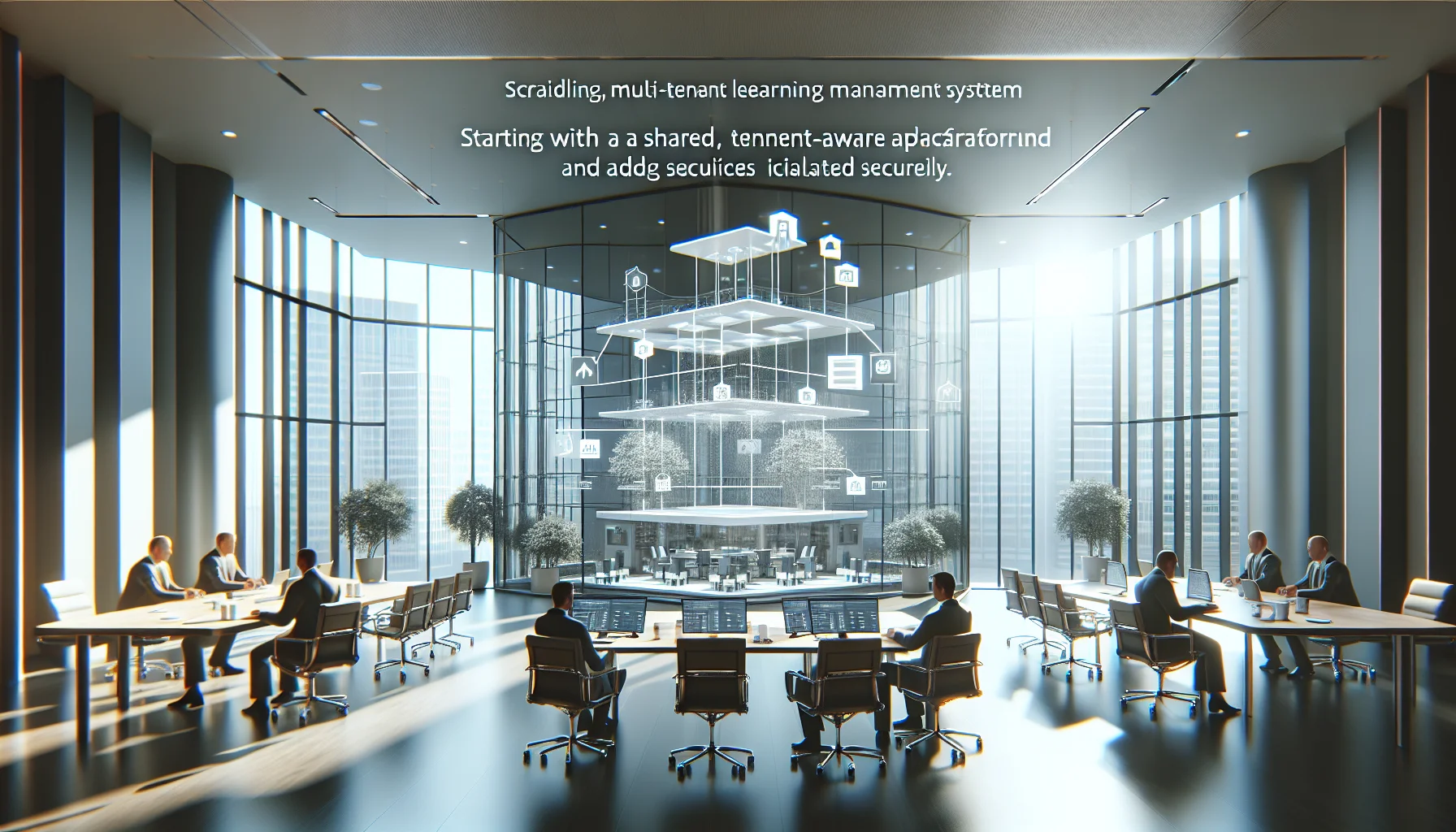
Start with a shared, tenant-aware platform and shared schema for learners. Add isolated schemas or dedicated databases for heavy or regulated tenants, and adopt sharding plus per-tenant metrics as you scale. Use tenant-aware middleware, per-tenant monitoring, and phased migrations to reduce risk.
 Institutional Learning
December 23, 2025
This article explains how white-label multi-tenant LMS enable scalable partner training by combining tenant-specific branding with centralized content, analytics, and revenue workflows. It outlines GTM use cases—co-branded portals, catalog segregation, localization—implementation patterns, a technical checklist, and a case study to help teams pilot and scale partner training programs.
 Institutional Learning
December 23, 2025
This article ranks critical multi-tenant LMS integrations and prescribes a phased order—identity (SSO/SCIM) first, then HRIS/ERP, CRM, content pipelines, analytics, and payments. It provides a maturity checklist, a SaaS integration mapping example, and sandbox testing tips to prevent broken syncs, duplicate profiles, and stale reporting.
 L&D
L&DDecember 24, 2025
This article explains how a multitenancy LMS balances centralized shared services with tenant-specific customization to enable scalable, localized learning across subsidiaries. It covers tenancy models, tenant isolation and security, integration patterns (SSO/HRIS), scaling and monitoring strategies, plus a vendor checklist and a case study showing a 35% TCO reduction.