


This article explains how to detect LMS security red flags during vendor demos by using targeted questions, compliance checkpoints (GDPR/CCPA), and a checklist of proofs to request. It covers encryption, data residency, RBAC, logging, and certification verification, plus practical follow-up probes and validation steps to reduce regulatory and breach risk.
LMS security red flags are the first line of defense when evaluating a learning management system. In our experience, early detection of privacy and security weaknesses during a demo prevents months of remediation, regulatory headaches, and reputation damage.
This article gives a structured, actionable process for spotting red flags in an LMS demo, with practical security questions to ask during an LMS demo, compliance checkpoints like GDPR and CCPA, and a ready-to-use checklist of proofs to request.
LMS security red flags are not just technical annoyances; they are indicators of systemic risk. A learning platform stores personal data, course records, assessment results, and sometimes sensitive training materials tied to regulatory compliance or intellectual property.
Ignoring red flags increases your organization’s exposure to data breaches, non-compliance fines, and operational disruption. According to industry research, breaches exposing training and HR data create cascading regulatory and trust costs that can take years to recover from.
Legal and compliance teams face fines under GDPR or CCPA, IT teams inherit emergency patches and audits, and L&D teams lose credibility. In our experience, catching issues during the demo saves significant time and budget compared to post-deployment remediation.
During a demo, focus on concrete controls: where data lives, how it’s encrypted, and who can access it. These are practical checks that reveal whether the vendor built security in or bolted it on.
Ask the team to show architecture diagrams and live screens that illustrate data flows for both user data and backups. Look for these specific items:
Ask the vendor to identify the exact encryption standards they use and to display a copy of a certificate or security whitepaper during the demo. Verify whether backups and logs inherit the same encryption, and whether key management is outsourced or controlled by the vendor.
For data residency, request the specific data centers and cloud regions used for your tenant, and confirm contract language that prevents data migration without notice.
Prepare this curated set of security questions to ask during an LMS demo. These go beyond marketing claims and force concrete answers and evidence.
Good vendors will show architecture diagrams, anonymized log samples, and a demo of permission settings. Look for hesitation or vague answers — these are strong privacy red flags in a learning management system demonstration.
Also confirm how emergency patches are rolled out and whether you get advance notification for security-impacting changes.
Regulatory risk drives many security decisions. Confirm the vendor’s approach to privacy compliance LMS requirements like GDPR’s data subject rights and CCPA's consumer rights. Ask for evidence, not promises.
Key items to request during or immediately after the demo include:
Some of the most efficient L&D teams we work with use Upscend to automate parts of this evaluation workflow — integrating compliance checks and evidence collection so teams can compare vendors on objective criteria without re-inventing the process.
Certs are only useful if they reflect your deployment model. A vendor with an ISO certificate covering a specific cloud region still needs to demonstrate controls for multi-tenant tenancy and customer-specific configurations. Ask whether the cert scope includes the services you will use.
A midsize company deployed an LMS that met basic functionality but hadn't verified data residency or log retention policies. During a routine audit they discovered training records and PII had been retained longer than policy allowed and were stored in a region with weak contractual privacy protections.
Consequences included regulatory notices, mandatory data erasure requests, and a six-week remediation project to reconfigure the platform, export and delete historical data, and negotiate contractual changes. The root causes were lack of clear architecture documentation and no proof of LMS data security during vendor selection.
First, treat demo answers as provisional until confirmed with documentation. Second, require retention and deletion demos that show how data is purged. Third, insist on independent pen test summaries and verify that fixes were completed — not just planned.
Use this consolidated checklist when moving a vendor to the procurement or pilot stage. These items provide objective evidence to assess risk.
Cross-check dates on reports, confirm remediation actions have been applied, and where possible, have your security team or a third party review redacted reports. A vendor unable to provide recent pen test summaries or architecture diagrams during the demo should be treated cautiously — these are leading indicators of deeper gaps.
Spotting LMS security red flags during a demo is a mix of structured questioning, demand for demonstrable evidence, and applying practical verification steps. Focus on data residency, LMS encryption, RBAC, logging, and third-party attestations to reduce regulatory risk and the chance of a breach.
To move forward, create a vendor-demo scorecard based on the checklist above, require documentation delivery within a fixed timeframe, and run a pilot that includes security testing and policy validation. This process separates vendors who can meet enterprise controls from those who cannot.
Next step: Download or recreate the checklist above, brief your security, legal, and L&D stakeholders, and require a short security-focused walkthrough in every future LMS demo. That single change in procurement practice is the most effective way we've seen teams eliminate hidden risks before they become incidents.
The Upscend Team provides actionable insights on technology and business strategy.
Book a walkthrough and we'll show you how it applies to your own content.
 General
December 22, 2025
Use a weighted rubric, cross-functional panel, and scripted sandbox trial to evaluate LMS demos against real use cases. Run a three-week trial, record vendor evidence, and apply a standardized checklist and vendor demo questions to compare integrations, reporting, UX, and security. Aggregate scores and document risks for procurement decisions.
 Business Strategy&Lms Tech
January 4, 2026
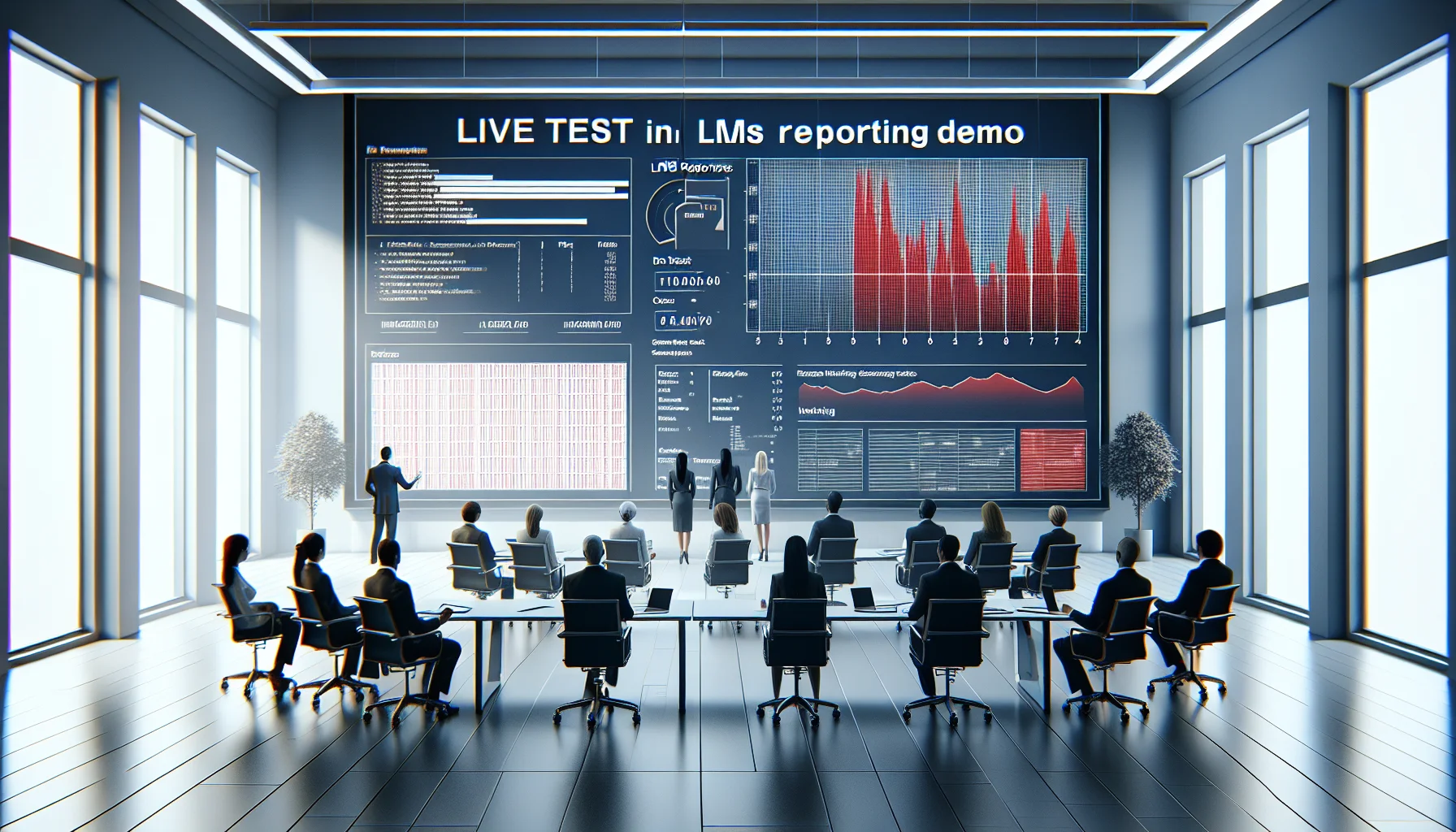
This article shows how to detect LMS reporting red flags during demos through live tests, raw data checks, and KPI mapping. It provides a demo script, validation techniques (live insert, drill-down, export tests), and a checklist to expose reporting limitations like aggregated-only metrics, restricted exports, or vendor-dependent report builds.
 Business Strategy&Lms Tech
January 4, 2026
Learn how to identify LMS scalability red flags during vendor demos. The article explains what concurrency numbers to request, how to test median and 95th-percentile response times, why multi-region deployments matter, and which SLA and load-test artifacts to demand. Use the included demo checklist and recording steps to compare vendors and reduce outage risk.
 Business Strategy&Lms Tech
January 25, 2026
This article gives procurement teams and IT leaders a practical LMS security checklist and compliance roadmap covering threat models, authentication/SSO, encryption, retention, and vendor due diligence. It also provides sample vendor questions, incident response steps, and measurable controls (MTTD/MTTR, SLAs) to reduce data exposure and meet GDPR, FERPA, and HIPAA obligations.