

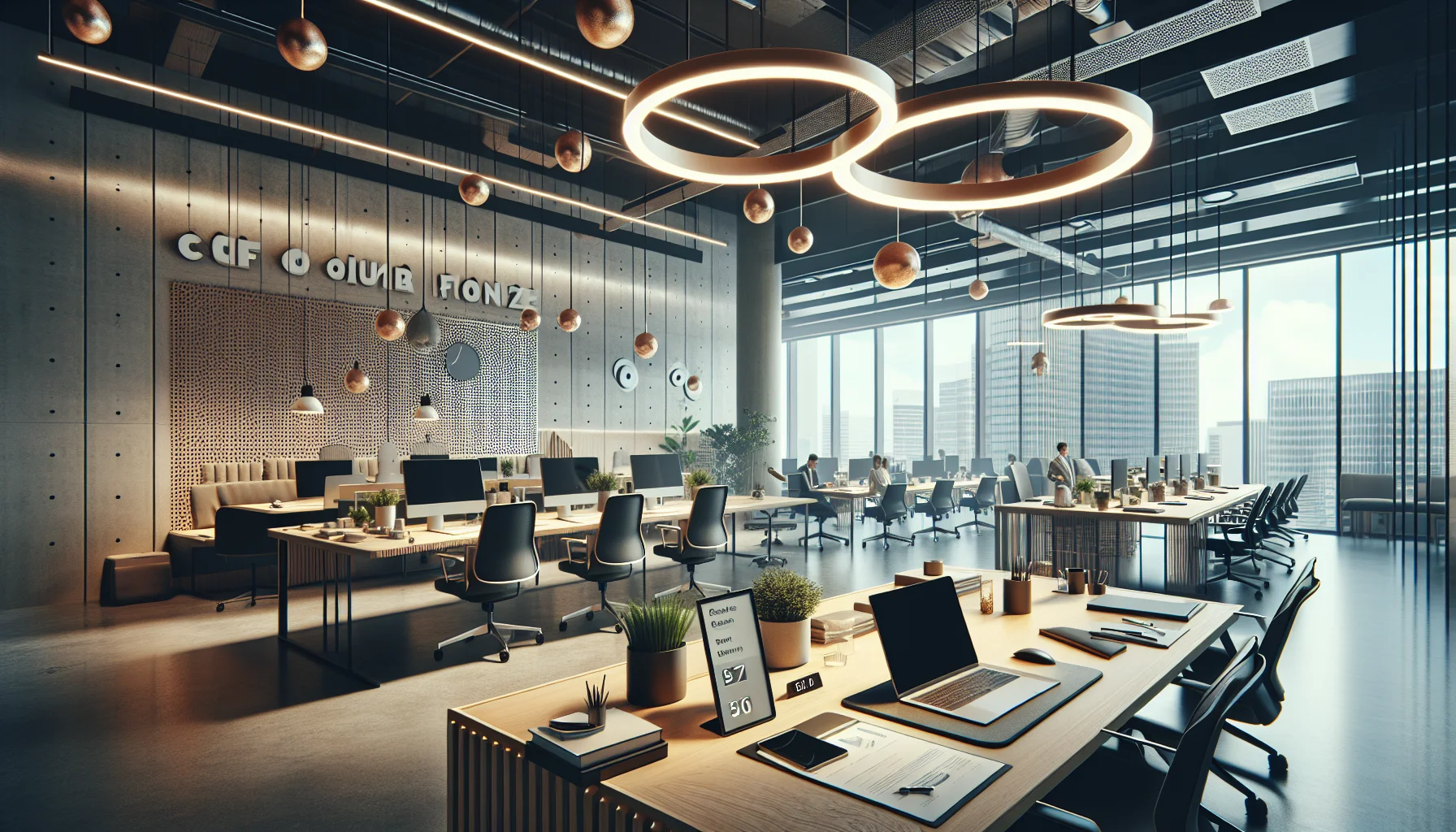
Practical office design hybrid strategies—zoning, bookable focus rooms, camera-free collaboration, and ergonomic video kits—reduce interruptions and Zoom fatigue while promoting equitable access. Start with a two-week audit, pilot a quiet suite, track meeting length and usage KPIs, and iterate booking rules to scale based on data.
Creating an office design hybrid that supports sustained deep work while lowering Zoom fatigue is now a strategic priority. In our experience, teams that pair physical layout changes with clear policies recover productive focus time faster and report lower meeting exhaustion. This article outlines pragmatic office design tips to support deep work and specific steps for how to design hybrid offices to reduce Zoom fatigue, with both low-cost and enterprise-level options.
We focus on actionable items: designated quiet spaces, bookable focus rooms, camera-moderated collaboration areas, signage and noise rules, and video ergonomics. Each section includes practical checklists and implementation tips to make the transition manageable and equitable.
Good office design hybrid starts with principles that prioritize cognitive flow and fair access. We’ve found that defining zones by activity—not by hierarchy—reduces interruptions and clarifies expectations.
Key principles:
Studies show that uninterrupted work blocks of 60–90 minutes boost output. Implement policies that protect blocks for deep work and give people the right to reclaim a booked desk if needs change. These policies should be part of an overall hybrid office layout strategy that supports both heads-down tasks and synchronous teamwork.
A workspace for deep work is a place with low visual and auditory distraction, ergonomics that support prolonged focus, and a booking system that enforces quiet rules. Design elements include acoustic panels, task lighting, and subtle visual cues that signal “do not disturb.”
Design solutions for deep work fall into two categories: permanent quiet zones and flexible bookable spaces. Together they create predictable refuges across the day.
Quiet zones office areas should be physically separated and clearly signed. Equip these areas with soft finishes, sneeze-friendly ventilation, and clear occupancy limits. For bookable focus rooms, standardize room sizes (single and two-person) and integrate a simple reservation system.
When planning an office design hybrid, define three room types: silent (no devices), quiet (phones allowed on vibrate), and video-ready (for scheduled camera calls). Camera-free collaboration spaces—where teams can meet without turning on cameras—are an emerging best practice; they reduce cognitive load and give employees a break from constant visual attention.
Practical signage and noise rules work: post short, positive rules near entries, enforce via peers (not policing), and use simple visual indicators for room status. Consider a "soft enforcement" policy where repeated violations trigger a manager-led reset rather than punitive measures.
Ergonomics play a major role in Zoom fatigue. Poor camera angle, low-quality audio, and uncomfortable seating increase cognitive strain and shorten usable focus windows. A thoughtful office design hybrid provides equipment and layout patterns that reduce these stressors.
For video-ready zones, implement standard kits: a neutral backdrop, midpoint camera height, dedicated lighting, and noise-canceling microphones. Small touches — like consistent chair height and a footrest — make long meetings less exhausting.
Specific ergonomic rules help: keep cameras at eye level to avoid neck strain, use ring lights or diffused panels to reduce eye stress, and provide headphones with boom mics to cut auditory effort. Offer both standing and seated options for video-heavy days so employees can change posture.
We’ve found that pairing these physical adjustments with meeting norms—agenda-first calls, shorter default meeting lengths, and camera-optional policies—reduces average meeting time and reported fatigue.
Desk hoteling can feel unfair if access skews by seniority or when certain days are “claimed” by regulars. A robust hybrid office layout plan anticipates this and includes transparent booking rules and a reserve allocation for deep work.
Equitable access tactics:
Addressing costs and perceptions matters. Communicate the rationale clearly and show usage data periodically so teams recognize the improvements. This type of transparency reduces complaints and increases adoption of quiet zones and booking etiquette.
Solutions scale. Small-budget offices can implement many high-impact changes quickly, while enterprise environments benefit from more systemic investments. Below is a concise comparison with estimated cost tiers and expected impact.
| Feature | Small-budget | Enterprise |
|---|---|---|
| Quiet zone | Acoustic screens, signage — $500–$3,000 | Dedicated rooms with acoustics and HVAC — $10,000+ |
| Bookable rooms | Tablet or calendar booking + clear policy — $200–$1,000 | Room scheduling systems, occupancy sensors — $5,000–$20,000 |
| Video kits | Shared laptop stand + lights — $150–$700 | Standardized room kits with firmware-managed devices — $1,500–$6,000 |
Implementation steps we've used successfully:
Common pitfalls include over-allocating expensive space to low-use functions and ignoring cultural change. A phased rollout with measurable KPIs (meeting lengths, deep-work hours booked, reported fatigue) prevents wasted spend.
We led a redesign for a 120-person hybrid team that suffered from fragmented focus time and high meeting fatigue. After baseline measurement, we implemented three changes: a 6-desk quiet suite, four bookable single-person focus rooms, and a camera-optional policy supported by clear signage and a meeting-length default of 25 minutes.
Within three months the team reported a 35% increase in uninterrupted focus blocks and a 22% drop in self-reported Zoom fatigue. Meeting lengths fell by an average of 12%, and usage data showed that the quiet suite reached 70% occupancy during mid-week deep work hours.
Two behavioral shifts mattered most: people reclaimed ownership of their calendars, and teams adopted camera-optional norms for most recurring calls. We used a lightweight pulse survey and usage logs to iterate on booking rules (auto-release at 10 minutes and limits on back-to-back bookings) and to ensure equitable access.
For organizations tracking engagement and fatigue signals in real time, this process requires reliable feedback (available in platforms like Upscend) to help identify disengagement early and refine policies. The platform example illustrates how data-driven monitoring complements physical changes without replacing human-led culture shifts.
Designing an office design hybrid environment that supports deep work and reduces Zoom fatigue requires both physical changes and clear policy. Practical steps include creating quiet zones, adding bookable focus rooms, establishing camera-free collaboration spaces, enforcing simple signage and noise rules, and standardizing ergonomic video kits.
Start small: pilot a quiet suite and test booking rules, track clear KPIs, and scale based on use and feedback. Address desk hoteling by reserving spaces and enabling recurring focus slots so access is equitable. Whether you apply low-cost acoustic screens or invest in enterprise room-management systems, the most important lever is predictable behavior—consistent expectations and trusted data.
Next step: Run a two-week audit of meeting lengths and desk usage, implement one quiet zone pilot, and measure change. That single experiment will reveal the most effective combination of layout and policy for your team.
The Upscend Team provides actionable insights on technology and business strategy.
Book a walkthrough and we'll show you how it applies to your own content.
 General
December 14, 2025
This article outlines a practical framework for designing hybrid work policies: segment roles, define expectations, codify tools and schedules, and pilot with a 90-day evaluation. It describes three models (Fixed, Flexible, Remote-Hybrid), governance, performance metrics, and rollout checklists HR can use to operationalize flexible work arrangements.
 General
December 14, 2025
This article gives HR teams a practical framework for designing hybrid work policies that balance employee flexibility with enforceable standards. It covers principles, role eligibility, performance metrics, implementation steps, manager training, common pitfalls, and measurement approaches, plus a ready-to-adapt hybrid work policy template and pilot checklist.
 General
December 31, 2025
Use a simple matrix (complexity, frequency, consequence) to match tasks to formats. Prioritize low-effort/high-impact assets—micro-videos, interactive job aids, annotated screenshots—and pilot micro-simulations for high-consequence tasks. Repurpose canonical assets, automate metadata for discoverability, enforce captions/keyboard access, prototype short pilots, and measure time-to-task.
 Workplace Culture&Soft Skills
January 4, 2026
This article outlines a five-module Zoom fatigue training program combining microlearning, a 60-minute workshop, and manager coaching sprints. It covers meeting design, camera etiquette, ergonomics, structured breaks, and async alternatives, and includes sample objectives, measurement methods, a pilot result, and an HR rollout checklist.