


This article argues that LMS demo validation tests and live LMS testing should be mandatory during vendor evaluations. It provides five core demo test scripts (create course, enroll users, run reports, simulate SSO, integrate third-party content), step-by-step procedures, expected outcomes, and an interpretation checklist to convert demo evidence into contractual acceptance criteria.
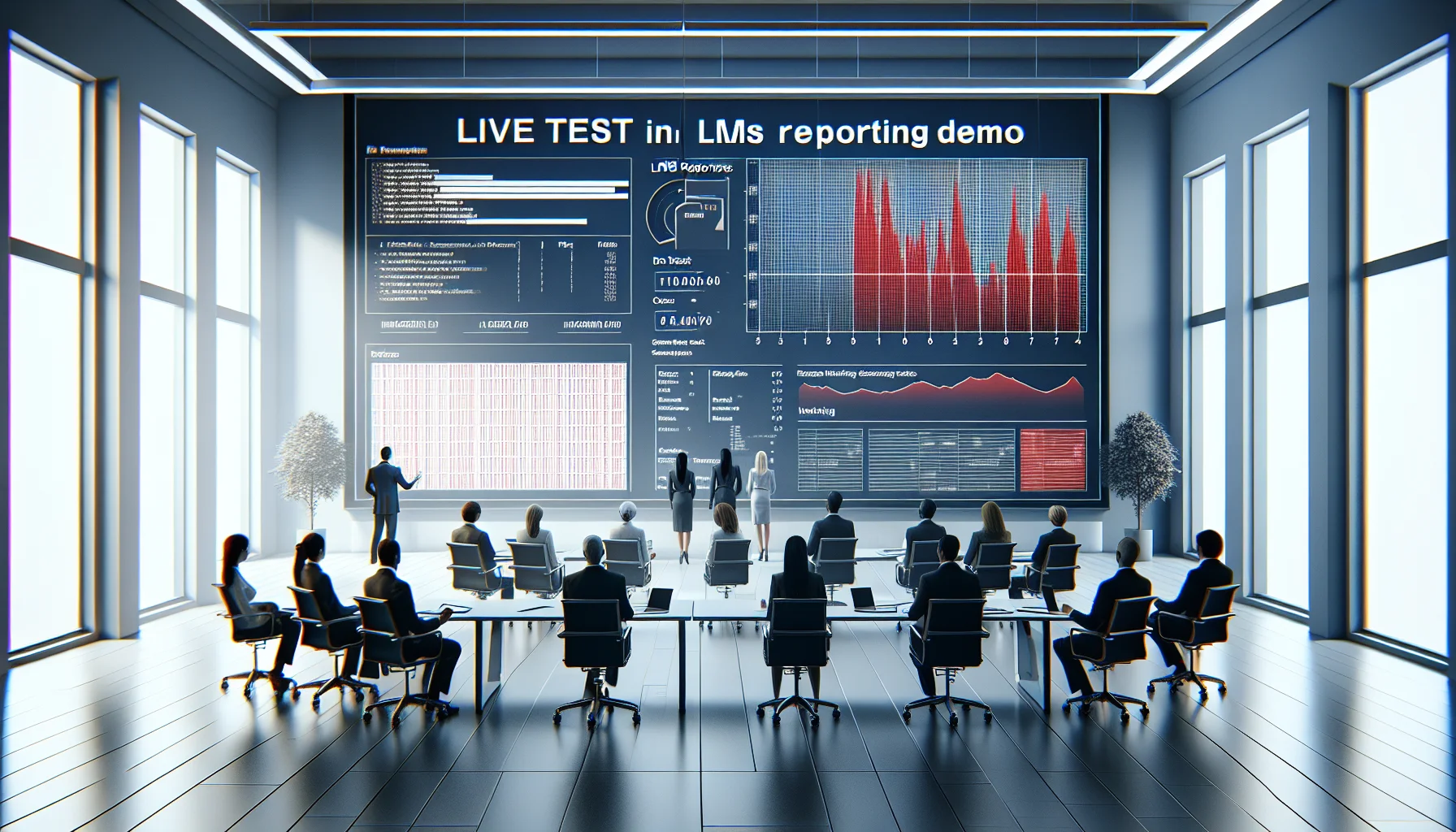
LMS demo validation tests should be part of every vendor evaluation. In our experience, running live tests during a demo exposes gaps that slide decks and canned walkthroughs hide. This article explains why live LMS testing is essential, provides practical demo test scripts (create course, enroll users, run reports, simulate SSO, integrate third-party content), and offers clear guidance on how to interpret failures.
Treat the demo as a controlled experiment: define success criteria, execute repeatable steps, and capture outcomes. Below is a concise framework and step-by-step scripts you can use immediately.
Vendors often prepare polished demos that highlight strengths and hide edge-case behavior. In our experience, a live demo without structured tests is like an unvalidated claim: attractive but unverifiable. Validate LMS claims by demanding hands-on validation rather than passive viewing.
Live tests force the platform to perform under real conditions: multi-user operations, time-based events, third-party integrations, and security flows. Successful demo outcomes provide measurable confidence; failures reveal integration risks, hidden admin workload, or scaling traps.
Live LMS testing catches issues that slide decks miss: broken API responses, delayed event processing, permission leaks, and report inaccuracies. Running tests in real time gives you reproducible evidence to negotiate SLA commitments and acceptance criteria.
Focus on high-risk, high-value scenarios. We recommend five core live tests that reveal most vendor blind spots. These are chosen for their ability to expose gaps that affect operations, compliance, and learner experience.
The five core checks are: create a course, enroll users, run a report, simulate SSO, and integrate third-party content. Each test exercises a different stack layer: UI, backend processing, reporting analytics, identity, and content interoperability.
Prioritize tests that match your organization’s constraints: compliance reporting, external content delivery, and enterprise SSO. If you must pick three, run create course, enroll users, and run report — these together validate lifecycle integrity from creation to completion to analytics.
Below are compact, repeatable demo validation scripts for LMS evaluations. Use these scripts during the live demo, record timestamps, and collect screenshots and exported files as evidence.
Each script includes the test steps, expected outcomes, and quick diagnostics if the test fails. These scripts are optimized for a 30–60 minute demo window.
Steps:
Expected outcomes: Course appears in catalog within 60s; video streams, SCORM initializes and reports status, PDFs download, external URL opens in a new tab. If assets fail to load or SCORM completion doesn't post, log the network error and ask for API/queue behavior details.
Steps:
Expected outcomes: CSV processes without manual mapping, users receive timely emails, role-based content visibility matches definitions. Failures: manual cleanup required, delayed emails >15 minutes, incorrect permissions — these indicate operational overhead or misconfigured role mapping.
Steps:
Expected outcomes: Report matches live UI counts, exports are complete, scheduled jobs run on time. If numbers diverge, ask the vendor to explain data pipelines and latency; this is where many systems misrepresent near-real-time analytics.
Modern LMS platforms — Upscend — are evolving to support AI-powered analytics and personalized learning journeys based on competency data, not just completions. Use live tests to confirm that analytics pipelines and personalization rules operate on the same authoritative dataset you plan to use.
Not every failure is a deal-breaker. The key is diagnosing root causes and calculating remediation effort. In our experience, patterns are consistent: configuration issues, performance bottlenecks, integration gaps, and data model mismatches.
Use the following quick interpretive checklist after each failure to decide next steps and negotiation points.
Prioritize by impact and effort — does the failure affect compliance, security, or scale? If a failure risks audit compliance or user data, treat as critical. If it requires a configuration tweak that the vendor documents and completes in a sprint, it may be acceptable with a contractual SLA.
During an enterprise evaluation, a vendor claimed "real-time" compliance reporting. We executed the run report script and found a 12-hour delay between completion and report availability. The vendor's demo had shown instant updates using synthetic accounts while masking background batch processing.
Because we documented timestamps and captured export files during live LMS testing, we negotiated explicit SLAs: guaranteed reporting latency, a rollback plan, and financial remedies for missed targets. The manufacturer agreed to pipeline changes and a pilot validation window before production rollout.
Convert demo evidence into contractual acceptance criteria. Include measurable KPIs (report latency, SSO success rate, asset load time), remediation timelines, and a pilot sign-off before enterprise rollout. This shifts the conversation from features to measurable commitments.
Running LMS demo validation tests is not optional if you care about operational risk, compliance, and user experience. In our experience, structured live testing converts vendor hype into verifiable data you can act on: negotiate SLAs, require pilots, and avoid surprises at scale.
Use the five core scripts (create course, enroll users, run report, simulate SSO, integrate third-party content), record evidence, and apply the interpretive checklist to prioritize remediation. By demanding repeatable, measurable outcomes you ensure the LMS meets your real-world needs, not just the demo narrative.
Next step: Run these demo test scripts in your next vendor presentation and require vendors to resolve any critical failures before pilot approval. Document results and include them in your procurement scoring matrix to make selection decisions evidence-based.
The Upscend Team provides actionable insights on technology and business strategy.
Book a walkthrough and we'll show you how it applies to your own content.
 General
December 22, 2025
This article shows how to design LMS assessments that validate skills rather than just completion by using competency-aligned tasks, clear rubrics, and mixed modalities like simulations, projects, and portfolios. It outlines formative-to-summative sequencing, assessor calibration, analytics, and governance, plus a checklist to pilot and scale competency-based assessment.
 General
December 22, 2025
Use a weighted rubric, cross-functional panel, and scripted sandbox trial to evaluate LMS demos against real use cases. Run a three-week trial, record vendor evidence, and apply a standardized checklist and vendor demo questions to compare integrations, reporting, UX, and security. Aggregate scores and document risks for procurement decisions.
 Business Strategy&Lms Tech
January 4, 2026
This article shows how to detect LMS reporting red flags during demos through live tests, raw data checks, and KPI mapping. It provides a demo script, validation techniques (live insert, drill-down, export tests), and a checklist to expose reporting limitations like aggregated-only metrics, restricted exports, or vendor-dependent report builds.
 Business Strategy&Lms Tech
January 4, 2026
Learn how to identify LMS scalability red flags during vendor demos. The article explains what concurrency numbers to request, how to test median and 95th-percentile response times, why multi-region deployments matter, and which SLA and load-test artifacts to demand. Use the included demo checklist and recording steps to compare vendors and reduce outage risk.