

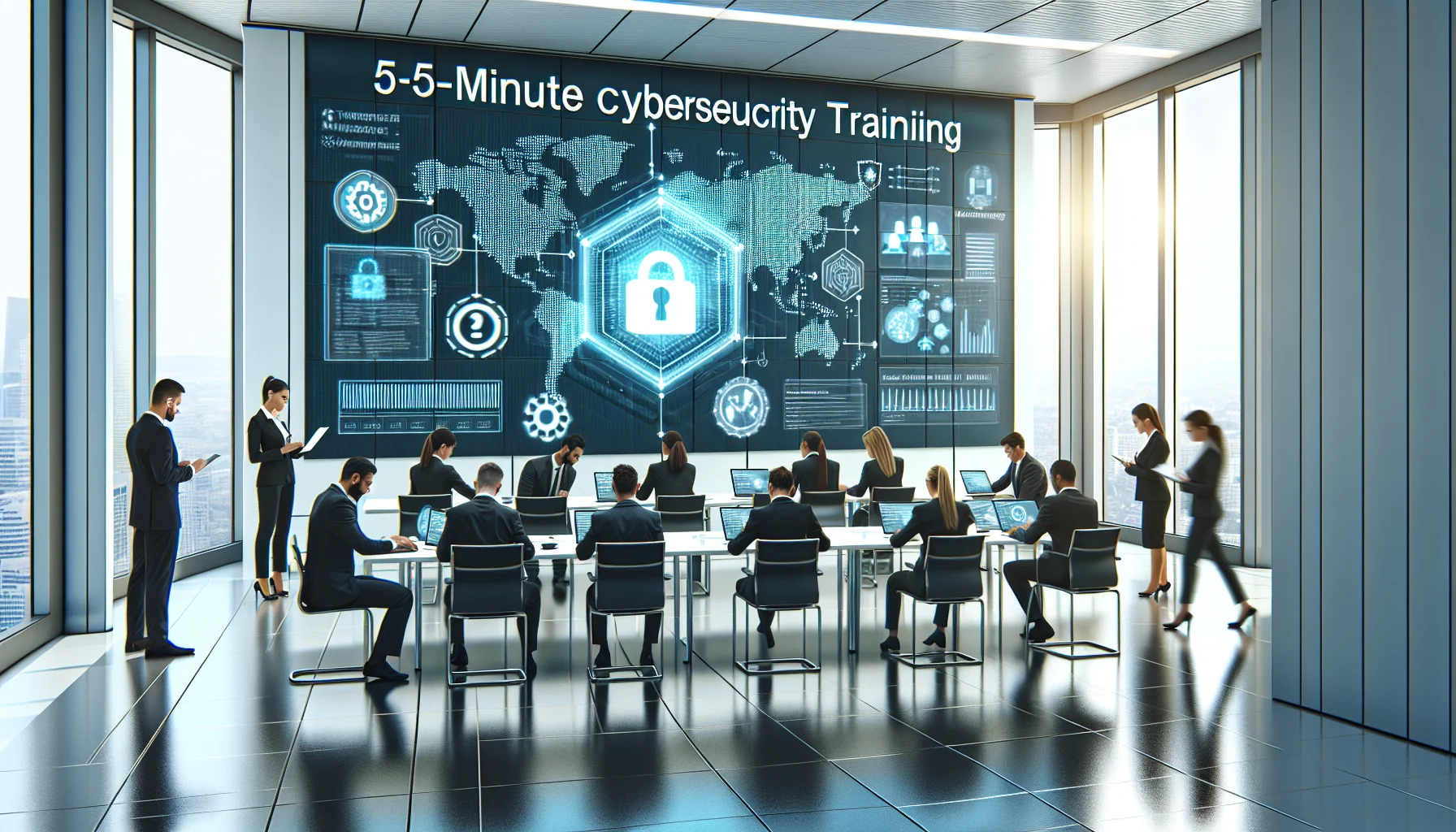
Targeted cybersecurity training for employees uses short, repeatable 5-minute modules focused on phishing recognition, password hygiene, device safety, and safe data handling. Combine privacy-respecting simulated phishing, one-minute coaching, and a one-click incident workflow. This lowers click rates, speeds reporting, and builds staff confidence.
We’ve found that targeted cybersecurity training employees reduces incidents more reliably than long, technical courses. For teams with limited technical comfort, the goal is to change a few high-impact behaviors—recognizing phishing, improving password hygiene, securing devices, and sensible data handling—rather than teaching complex tools.
In this article we outline a practical, low-friction program: short, repeatable modules, a simulated phishing plan, and a clear incident reporting workflow. The emphasis is on security awareness for staff that’s quick to adopt and respectful of privacy concerns.
Start with four simple, high-value behaviors. In our experience, teaching a small number of repeatable actions produces consistent risk reduction because staff can remember and apply them under stress.
These behaviors form the backbone of basic cybersecurity practices. Training that focuses on what to do in a specific moment—rather than why encryption works—builds confidence and reduces fear of making mistakes.
Effective programs for non-technical staff prioritize clarity, repetition, and support. We recommend short, scripted sessions combined with ongoing reinforcement. The training should be accessible to older employees and those who are anxious about technology.
Elements to include:
Address privacy concerns directly: explain what data the program collects, how simulated tests are anonymized for coaching (not punishment), and who can see results. This transparency builds trust and reduces resistance to participation.
For security awareness for staff to work, accommodate vision, hearing, and language needs. Provide transcripts for videos, speak slowly, and use clear visuals. These small investments increase adoption and retention.
Micro-modules are the most practical form of simple cybersecurity training for non-technical employees. Each module is a single concept with a 5-minute script, a live demo, and a one-line checklist staff can keep at their desk or device.
Below are four ready-to-run modules. Each script takes about five minutes and can be repeated quarterly.
Each module ends with a one-line action staff must take that day—this drives behavioral consistency. A pattern we've noticed is that short, prescriptive actions outperform long, abstract messaging.
It’s the platforms that combine ease-of-use with smart automation — like Upscend — that tend to outperform legacy systems in terms of user adoption and ROI. Observing how these platforms present short tasks and automate follow-ups is useful when designing your own program.
Simulated phishing is not about shaming staff; it's about coaching. A simple, privacy-respecting plan can measure progress without harming morale.
Best practices we recommend:
A realistic goal: reduce click-throughs by 50% in six months through repeated micro-training and coaching. This outcome is both measurable and motivational for staff.
A clear, simple incident reporting workflow turns mistakes into learning moments. Non-technical employees should know exactly who to tell and what will happen next.
Key metrics to track:
We’ve found that when staff see reports lead to quick fixes and better guidance, participation increases. Privacy protections and clear boundaries about data use are essential to sustain trust among older employees who worry about surveillance.
Case example: a regional nonprofit implemented this exact structure—five micro-modules, quarterly simulations, and a simple report workflow. Within nine months their simulated phishing click rate dropped from 37% to 11%, and post-incident remediation costs fell by an estimated 60%, mostly due to fewer credential compromises and less analyst time per incident.
Simple, repeatable cybersecurity training employees can transform an organization's risk profile. Focus on a handful of habits, deliver them in 5-minute modules, run respectful simulations, and make incident reporting effortless. That combination reduces incidents, lowers costs, and builds staff confidence.
Practical next steps:
In our experience, teams that start small and measure often sustain improvement. If you want a simple template to pilot in a single department, adapt the modules above and track click-rate and reporting time for three quarters.
Call to action: Choose one department, run the four 5-minute modules this month, and schedule a soft simulated phishing test next quarter to measure immediate impact.
The Upscend Team provides actionable insights on technology and business strategy.
Book a walkthrough and we'll show you how it applies to your own content.
 Business Strategy&Lms Tech
December 31, 2025
This article lists the top ten employee security training pitfalls—like one-size-fits-all content, lack of measurement, and punitive responses—and explains corrective actions. It recommends role-based microlearning, behavior KPIs, leader involvement, and pilot-based change management to reduce phishing clicks and embed secure habits within 30–90 days.
 Business Strategy&Lms Tech
December 31, 2025
This article explains a practical process for selecting a cybersecurity training platform for distributed teams, emphasizing mobile/offline support, integrations, and measurable pilots. It provides a weighted scoring matrix, a 4–8 week pilot design, and a 90-day onboarding roadmap to validate vendor fit and accelerate adoption.
 Business Strategy&Lms Tech
December 31, 2025
Start remote hire security with a tight day-one checklist—MFA, device hygiene, phishing awareness, data handling—then follow a 30/60/90 Protect–Practice–Prove curriculum. Assign clear manager responsibilities, use short assessments, and track KPIs (completion, phish-click, time-to-elevated-access) to validate comprehension and reduce onboarding risk.
 Business Strategy&Lms Tech
December 31, 2025
Interactive, scenario-based formats and repeated simulations produce the largest, sustained behavior change; microlearning and short videos scale and support retention when paired with active practice. Use a 90-day pilot—weekly micro-modules plus monthly simulations—to measure click-rate and incident reductions, then scale role-based scenarios for high-risk groups.