


This article outlines a practical LMS demo checklist that breaks vendor evaluation into seven measurable categories—functionality, integrations, security, pricing, support, roadmap, and references. It provides sample LMS demo questions for live demos, post-demo validation items, and a copyable checklist format to standardize scoring and reduce implementation risk.
LMS demo checklist creation is one of the most overlooked steps in vendor selection. In our experience, teams that standardize demo evaluation reduce procurement time and surface critical red flags before contracts are signed. This article provides a practical, step-by-step LMS demo checklist organized by category (functionality, integrations, security, pricing, support, roadmap, references), sample LMS demo questions to ask live, items to validate post-demo, and an editable checklist you can copy into Excel or Google Sheets.
Start with a clear scope. A practical LMS demo checklist breaks evaluation into measurable categories so different stakeholders score the same demo consistently. We use seven categories: functionality, integrations, security, pricing, support, roadmap, and references.
Each category should contain objective checks and open-ended LMS demo questions. Objective checks are quick yes/no or feature-availability items; open-ended questions force the vendor to explain workflow nuances that often reveal gaps.
Key items to include:
Confirm single sign-on, HRIS, content libraries, and API access. Ask specifically whether connectors are native or require third-party middleware—this often changes project cost and timeline.
When the demo runs, time is limited. Use your LMS demo checklist to steer the session and force evidence-based answers. We recommend assigning roles: one person asks LMS demo questions, one records screenshots and timestamps, one scores items, and one listens for red-flag phrases (e.g., “workaround”, “custom build”, “roadmap item”).
Prepare a short set of prioritized live questions to ask at three points: at the start, mid-demo, and at the Q&A close. This prevents demos from drifting into marketing slides and ensures key capabilities are shown.
Watch for these during the demo: frequent references to “custom work,” inability to show real data flows, vague SLA language, and evasive answers about uptime or backups. In our experience, these signals correlate strongly with later implementation delays.
Post-demo validation converts impressions into procurement-grade evidence. Your LMS demo checklist should include a post-demo verification step with concrete deliverables: vendor-provided screenshots, a test account, API docs, SLA PDFs, and reference contacts. Never approve a vendor until these artifacts are received and checked.
We’ve found that following up within 48 hours closes the loop and prevents vendors from reprioritizing your requests. A pattern we've noticed is inconsistent demo coverage—vendors will demo one workflow but not provide test access for that workflow. The checklist forces parity between what was shown and what can be validated.
While traditional systems require constant manual setup for learning paths, some modern tools are built with dynamic, role-based sequencing in mind; in our evaluations we've seen platforms like Upscend demonstrate that capability out of the box, which immediately reduces custom work and implementation risk.
Cost and support determine long-term value. A robust vendor demo checklist records not only list price but the full TCO components: implementation fees, data migration, customizations, and recurring integration costs. Ask vendors to break down charges by phase and show an itemized SOW example.
Support maturity matters. Request escalation timelines, assigned support contacts, and onboarding plans. Check the roadmap for items that affect your business in the next 6–18 months and score whether roadmap commitments are documented.
References are where promises become proof. Ask references the same demo checklist to uncover LMS vendor issues items you used in demos: “Did they deliver the integration on time?” “Did unforeseen customization consume budget?” Also insist on reviewing any contractual clauses that limit liability or impose restrictive renewal terms.
Below is a compact structured checklist you can copy into Excel or Google Sheets. Create columns: Category, Item, Priority (H/M/L), Live Score (Y/N), Post-demo Validation, Notes. This simple layout makes the sheet editable and audit-ready.
| Category | Item | Priority | Live Score | Validated | Notes |
|---|---|---|---|---|---|
| Functionality | Role-based learning paths | H | Y | Y | Shown workflow, test tenant provided |
| Integrations | HRIS sync (SCIM) | H | N | N | Vendor uses middleware; confirm cost |
| Security | SOC 2 Type II | H | Y | Y | Certificate uploaded |
| Pricing | Implementation fee | M | Y | Y | Detailed SOW requested |
| Support | 24x7 SLA | M | N | N | Vendor offered 9–5; needs escalation plan |
Example completed checklist (fictional healthcare organization "Riverside Health"): Riverside prioritized compliance reporting and SCORM/xAPI content. Their completed checklist flagged integrations as the highest risk because the vendor required a custom connector. The demo scorecard showed strong functionality but weak integration maturity, which led Riverside to negotiate a phased implementation and an integration milestone tied to payments.
Pro tip: convert the table above into a shared Google Sheet and require every vendor to fill specific columns before contract negotiations begin. This eliminates inconsistent demo coverage and missed follow-ups.
Building an effective LMS demo checklist forces discipline into vendor selection, reduces risk, and improves procurement outcomes. Use the step-by-step checklist by category, ask targeted LMS demo questions during live sessions, validate post-demo artifacts, and score vendors on neutral criteria.
Common pitfalls to avoid: inconsistent demo coverage, failing to request a test tenant, and not tying payment to implementation milestones. In our experience, teams that standardize the checklist reduce time-to-deploy and lower unforeseen customization costs.
Next step: copy the table above into Excel or Google Sheets, customize the priority fields for your organization, and require completed sheets from every finalist. That single process change will immediately surface the demo checklist to uncover LMS vendor issues and make vendor comparisons objective and repeatable.
Call to action: Export the table into your procurement workflow now and run a side-by-side scorecard for your top three vendors this quarter.
The Upscend Team provides actionable insights on technology and business strategy.
Book a walkthrough and we'll show you how it applies to your own content.
 General
December 22, 2025
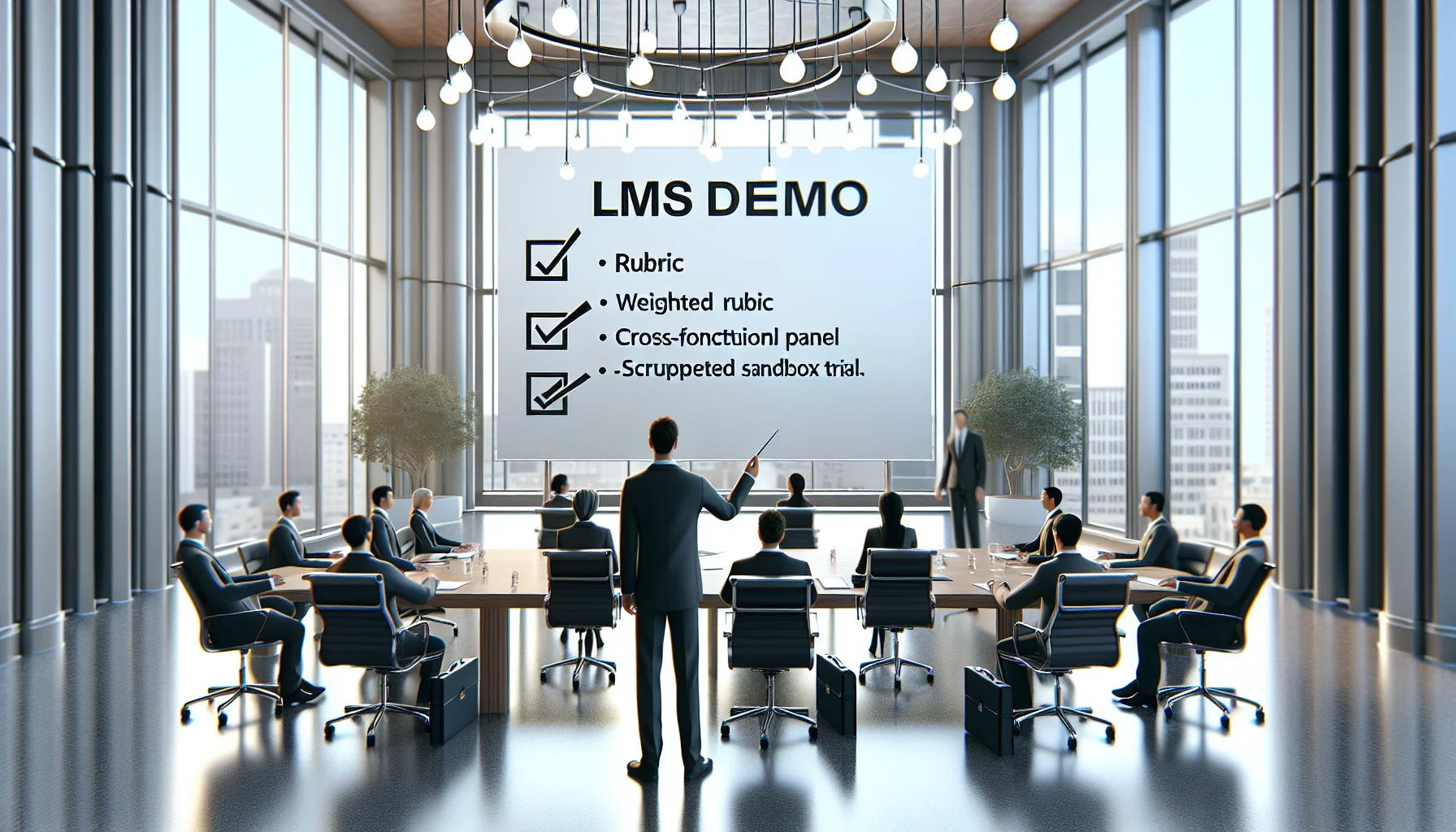
Use a weighted rubric, cross-functional panel, and scripted sandbox trial to evaluate LMS demos against real use cases. Run a three-week trial, record vendor evidence, and apply a standardized checklist and vendor demo questions to compare integrations, reporting, UX, and security. Aggregate scores and document risks for procurement decisions.
 Lms
LmsDecember 24, 2025
This article provides a step-by-step LMS selection checklist covering goals, governance, core features, security, RFP design, implementation, and cost. It explains scoring models, procurement stages, pilot testing, and contract items so teams can objectively evaluate vendors, reduce selection time, and measure early post-launch outcomes.
 Business Strategy&Lms Tech
January 4, 2026
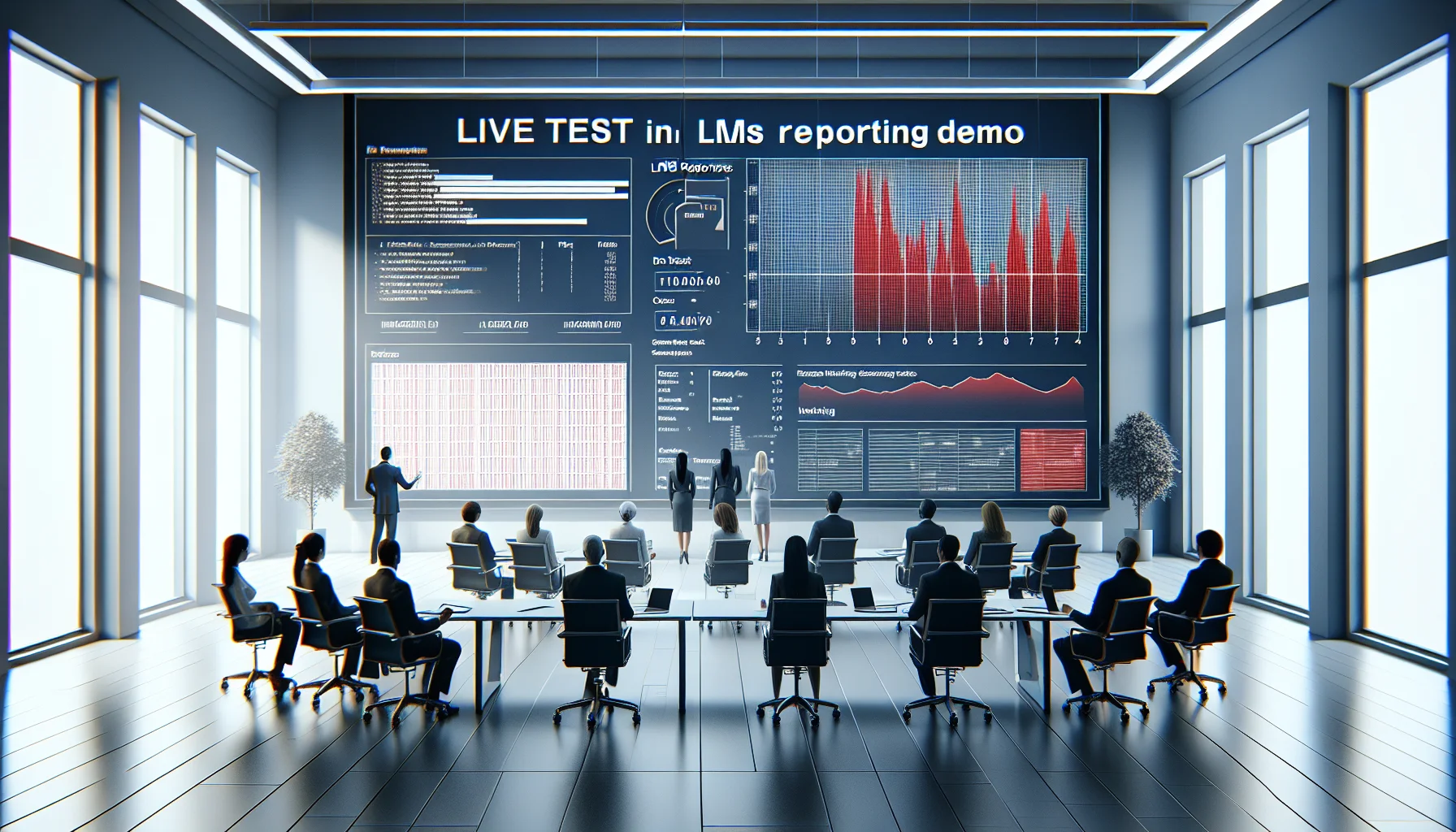
This article shows how to detect LMS reporting red flags during demos through live tests, raw data checks, and KPI mapping. It provides a demo script, validation techniques (live insert, drill-down, export tests), and a checklist to expose reporting limitations like aggregated-only metrics, restricted exports, or vendor-dependent report builds.
 Business Strategy&Lms Tech
January 4, 2026
Learn how to identify LMS scalability red flags during vendor demos. The article explains what concurrency numbers to request, how to test median and 95th-percentile response times, why multi-region deployments matter, and which SLA and load-test artifacts to demand. Use the included demo checklist and recording steps to compare vendors and reduce outage risk.