

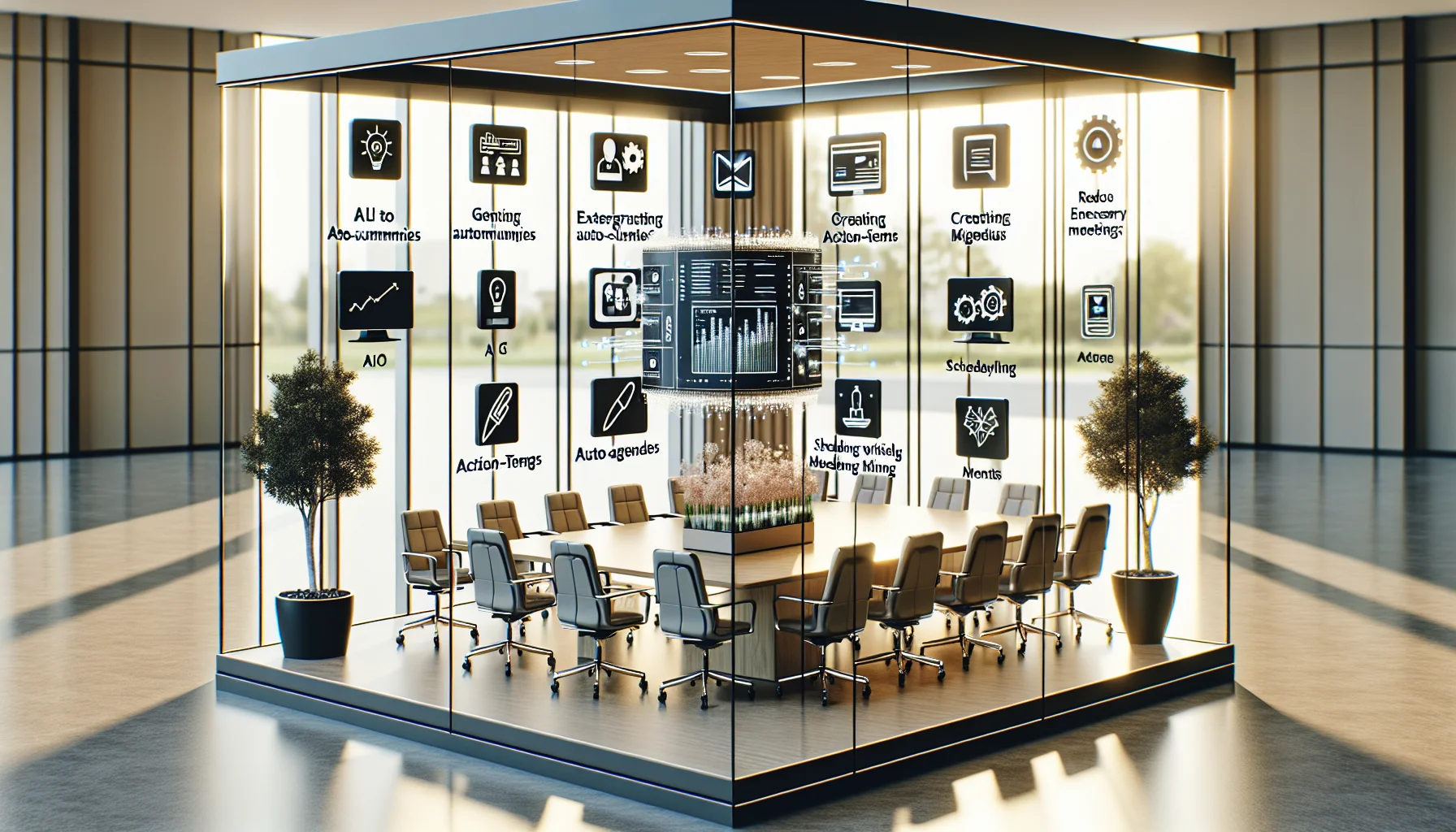
Auto-summaries, action-item extraction, agenda generation and smart scheduling can shrink unnecessary meetings and camera hours for hybrid teams. Run a focused pilot on high-volume, low-decision meetings, validate outputs for 4–6 weeks, integrate summaries into calendars and task systems, enforce privacy controls, and scale when accuracy and adoption meet KPI thresholds.
AI tools Zoom fatigue is a growing concern as hybrid teams run more video meetings to stay connected. In our experience, the root causes are predictable: too many recurring meetings, weak agendas, redundant status updates, and the cognitive load of continuous video attention. This article explains how AI tools Zoom fatigue can be reduced through targeted automation and better meeting design, then shows practical implementation steps, vendor options, privacy trade-offs, and a deployment roadmap you can adopt this quarter.
We focus on concrete features — auto-summaries, action-item extraction, agenda generation, and smart scheduling — and show how meeting stacks and meeting AI assistants work together to save time, reduce video dominance, and restore deep work windows for hybrid teams.
AI tools Zoom fatigue is best tackled by reducing unnecessary attendance and compressing meeting outcomes. Four features consistently deliver highest impact: auto-summaries, action-item extraction, agenda generation, and smart scheduling. Each feature lowers cognitive load and removes the need for prolonged video presence.
Start by mapping the meeting types in your organization: status updates, decision meetings, 1:1s, and ad-hoc problem solves. Prioritize automation for high-volume, low-decision meetings first — those are the easiest wins for both fatigue and time regain.
Auto-summaries produced by AI meeting summary tools transform a 45-minute meeting into a 3–5 minute read. They capture the gist, decisions, and owners so participants can skip attendance when appropriate or join only for focused segments. Action-item extraction creates a follow-up list that integrates with task systems, replacing manual note-taking and clarifying next steps.
These features reduce the need to be on camera for the full meeting and cut rework from missed instructions. In practice, this means fewer people in video view and more deep-work time during the day.
Agenda generators and smart scheduling — features found in modern meeting AI assistants — minimize the back-and-forth that creates meeting bloat. AI can propose an agenda based on previous meetings and documents, set a time-boxed structure, and suggest the minimal attendee set. Combined with calendar analytics, smart scheduling finds shorter time slots that preserve meeting quality.
The result: fewer recurring one-hour blocks, more focused 15–30 minute meetings, and a significant reduction in video fatigue reduction AI metrics like continuous camera time per person.
AI tools Zoom fatigue isn't only a technology problem; it's a behavioral one. Meeting AI assistants nudge organizers toward better practices: required pre-reads, clear outcomes, and attendee minimization. Over time these nudges alter scheduling norms and reduce the default of "let's meet."
Organizations that deploy AI assistants alongside governance see a measurable drop in unnecessary invites and an increase in asynchronous communication. Meeting summaries and searchable transcripts also create a single source of truth that prevents repetitive updates.
When you adopt AI tools Zoom fatigue solutions, integration with calendar, chat, and task systems is critical. Without tight integration, summaries and action items become friction points rather than time-savers. Prioritize solutions that push outputs to the tools people already use: project trackers, Slack channels, and shared docs.
Privacy and accuracy are common blockers to trust. Teams worry about recording conversations and about mis-transcribed decisions. Address these up front with policy, configuration, and limited pilot groups focused on high-value meeting types.
Deployed incorrectly, meeting AI tools can feel invasive. Mitigate risk by:
These steps maintain trust and keep legally protected information secure while still capturing the productivity benefits of AI meeting summary tools.
Accuracy varies by vendor and meeting type (multi-party brainstorming has lower accuracy than structured status updates). Build a validation loop: human review in the first 4–6 weeks, feedback into templates, and gradual expansion once precision and recall meet team thresholds. This approach keeps errors low and builds trust in automation.
Choosing vendors depends on budget, integration needs, and privacy requirements. Below is a concise shortlist across tiers — entry, mid-market, and enterprise. Each vendor category focuses on different strengths: affordability and quick wins, balanced integration, or deep customization and governance.
While traditional learning and meeting systems required manual sequencing and heavy admin, some modern tools — for example, Upscend — are built with dynamic, role-based sequencing in mind, demonstrating how platforms can be designed for real-world adoption patterns rather than one-off installations.
| Budget Tier | Primary Strength | Best For |
|---|---|---|
| Entry | Fast setup, low cost | Startups and small teams |
| Mid-market | Balanced features, integrations | Scaling teams |
| Enterprise | Custom privacy, analytics | Regulated or global organizations |
To successfully use AI to reduce Zoom fatigue in hybrid teams, follow a staged rollout. Rapid trials reduce skepticism and create internal advocates. Below is a practical, time-bound roadmap you can adapt.
Combine the technical rollout with clear communication, simple success metrics, and an opportunity for participants to opt-in during the pilot to build trust.
Before procurement, score vendors against a short checklist that balances outputs, controls, and ease of use. This ensures the tool reduces meeting load instead of adding another administrative layer that exacerbates AI tools Zoom fatigue.
Use the checklist in procurement calls and pilots to compare head-to-head results on the meetings you care about most.
Mini case: A 120-person hybrid product org piloted an AI meeting summary tool across weekly triage and status meetings for 6 weeks. They reduced attendee lists by an average of 40%, shifted 25% of those meetings to async updates, and cut total weekly camera hours per engineer by 3.4 hours. The tool produced concise summaries; task exports removed ambiguity from handoffs. The net effect was roughly 408 person-hours saved per month — time that moved back into focused engineering and higher-quality 1:1s.
To recap, AI tools Zoom fatigue is solvable when you combine four tactics: deploy accurate AI meeting summary tools, use meeting AI assistants to enforce agenda norms, integrate outputs into workflows, and manage privacy proactively. Start small, measure outcomes, and scale what demonstrably reduces both meeting count and camera time.
Next step: Run a two-month pilot on the three most repetitive meeting types in your org and measure hours saved. Use the vendor evaluation checklist above to choose a trial partner, set clear KPIs, and appoint a cross-functional champion to lead adoption.
The Upscend Team provides actionable insights on technology and business strategy.
Book a walkthrough and we'll show you how it applies to your own content.
 Workplace Culture&Soft Skills
January 4, 2026
This article outlines a five-module Zoom fatigue training program combining microlearning, a 60-minute workshop, and manager coaching sprints. It covers meeting design, camera etiquette, ergonomics, structured breaks, and async alternatives, and includes sample objectives, measurement methods, a pilot result, and an HR rollout checklist.
 Ai
AiJanuary 6, 2026
This article defines core AI collaboration skills—prompt engineering basics, AI literacy, data interpretation, model judgment, and soft collaboration abilities—and three competency levels with sample learning activities. It offers role-based skill maps, two upskilling case paths with time-to-competency estimates, and tactics to reduce mismatch, training fatigue, and retention loss.
 Psychology & Behavioral Science
January 12, 2026
AI-driven recommendations ingest interactions, assessments, and contextual signals to rank next-best learning actions and retrain via continuous feedback. Versus static curricula, they scale individualized pacing, reduce decision points for learners, and improve measurable outcomes (e.g., 22% faster time-to-mastery, 18% higher 30-day retention) when paired with strong data hygiene and governance.
 Psychology & Behavioral Science
January 12, 2026
Spaced repetition deployments commonly fail due to poor content conversion, over‑engineered AI, brittle integrations, weak measurement, low adoption, and privacy gaps. This article explains why these pitfalls occur and offers concrete mitigation: chunking rules, transparent scheduling, observability, onboarding and governance checklists to run effective pilots and measure 30/90‑day retention.