

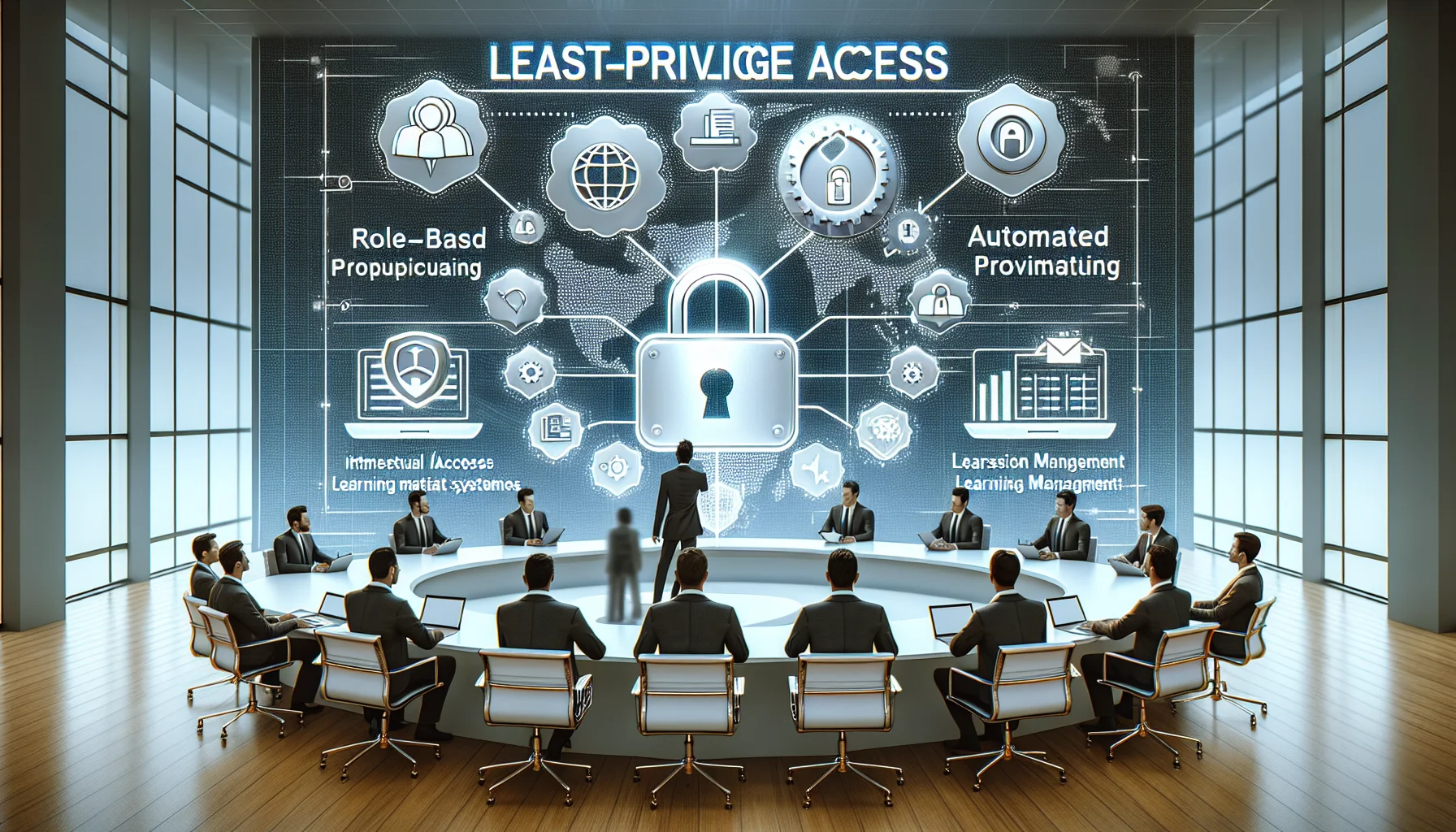
This article explains applying least-privilege access L&D to protect training IP. It covers role-based access learning matrices, automated provisioning/deprovisioning workflows, audit queries to detect permission creep, and vendor controls. Follow the sample queries and role templates to quickly identify orphaned accounts and limit exports.
In our experience, implementing least-privilege access L&D in corporate learning environments is the single most effective technical control for protecting training intellectual property, proprietary content, and assessment data. The principle is simple: give users only the access they need and no more. This article explains how to map that principle to real LMS roles, build provisioning and deprovisioning workflows, detect and remediate permission creep, and audit access to ensure continuous protection of learning assets.
Least privilege begins with a security mindset: define minimal rights and justify exceptions. For learning organizations, this means classifying content and mapping permissible actions by role. We’ve found that treating learning assets like code or R&D IP changes decision criteria—access is granted based on business need, not convenience.
Key tenets include separation of duties, temporal access where appropriate, and regular entitlement reviews. Apply these to L&D with a few practical rules:
Map the principle to four canonical roles: learner, instructor, admin, and vendor. Below are high-level rules to shape policies and automated provisioning.
Practical mapping requires a simple, enforceable matrix. A matrix reduces ambiguity between permission management LMS settings and organizational policy. In our deployments we build a canonical matrix used by HR, IT, and Learning Operations to provision accounts.
| Role | Read | Create/Edit | Grade | Export | Manage Users |
|---|---|---|---|---|---|
| Learner | Assigned | No | Submit | No | No |
| Instructor | Assigned | Assigned Courses | Yes | Limited (reports) | No |
| Admin | All | All | Yes | Yes (audited) | Yes |
| Vendor | Scoped | Scoped (readonly by default) | No | No | No |
Use the matrix as a living document and implement it in the permission management LMS engine so changes propagate through role templates, not manual grants.
How you provision matters as much as what you provision. We recommend a three-layer workflow: source of truth, automation engine, and enforcement layer in the LMS. This prevents ad-hoc grants that lead to permission drift.
Some of the most efficient L&D teams we work with use platforms like Upscend to automate provisioning and entitlements workflows without sacrificing instructional quality. Automation reduces human error, accelerates onboarding, and ensures least-privilege access L&D controls are applied consistently.
Typical automation triggers and conditions:
Auditing proves that least-privilege access L&D policies are enforced and helps detect anomalies. Create standardized checks and scheduled reports that map to risk events: exports, bulk downloads, unexpected role elevations, and vendor access outside windows.
Essential audit reports:
Sample SIEM or analytics queries (pseudo-SQL) you can adapt for your LMS logs:
SELECT user_id, role, elevated_at, revoked_at FROM role_changes WHERE elevated = true AND revoked_at IS NULL AND now() - elevated_at > INTERVAL '24 hours';
SELECT user_id, COUNT(export_id) as exports FROM content_exports WHERE export_time > now() - INTERVAL '30 days' GROUP BY user_id ORDER BY exports DESC;
SELECT user_id, last_login, role FROM users WHERE active = true AND source = 'HR' AND last_login < now() - INTERVAL '180 days';
Turn these queries into scheduled alerts. In our experience, pairing automated alerts with a quarterly manual review catches both technical failures and policy gaps.
Permission creep happens gradually: temporary access becomes permanent, role exceptions aren't reviewed, or admins grant access to unblock work. Typical symptoms include a growing list of users with export or authoring rights and multiple accounts with similar elevated entitlements.
Concrete remediation steps:
When permission creep is discovered, perform an immediate triage:
Addressing orphaned accounts is critical: schedule automated identification and either reassign ownership or suspend accounts. For dynamic teams, prefer cohort-based rights that change automatically when team membership changes.
Third parties present unique IP risk — they must access only the materials necessary to deliver the engagement. The controls below reduce leakage risk without hampering delivery.
Recommended controls:
For dynamic teams (project-based cohorts), use group-sourced provisioning: membership in the project group becomes the single source for LMS entitlements. Combine group membership with role based access learning templates to ensure consistent enforcement across rapid organizational changes.
Applying least-privilege access L&D is an operational and cultural shift: it demands role clarity, automation, and continuous audit. Start with a simple role matrix, implement automated provisioning and deprovisioning, and schedule entitlement recertification. Monitor exports and elevations with scheduled queries, and treat vendors and orphaned accounts as high-priority controls.
Priority checklist to act on now:
We've found teams that combine clear policy, automation, and disciplined audits reduce IP leakage risk markedly while preserving training velocity. If you want a practical next step, run the sample audit queries in your LMS logs and map the top 25 privileged accounts to their business justification — that's often the fastest path to identifying permission creep and orphaned accounts.
Call to action: Start by exporting your current LMS role assignments, apply the role matrix above, and schedule the three sample audit queries this week to identify immediate high-risk entitlements.
The Upscend Team provides actionable insights on technology and business strategy.
Book a walkthrough and we'll show you how it applies to your own content.
 Business Strategy&Lms Tech
December 31, 2025
This article defines essential LMS security compliance controls for partner and customer training, covering identity (SSO, MFA), encryption and data residency, RBAC and least privilege, immutable audit logs, certifications (SOC 2/ISO 27001), and vendor SLAs. It includes a practical audit checklist and a short vendor questionnaire teams can use immediately.
 HR & People Analytics Insights
January 6, 2026
This article explains why L&D data privacy and employee data ethics are central to trustworthy Experience Influence Scores (EIS). It outlines legal requirements (GDPR, CCPA), technical anonymization techniques, consent best practices, and a three-layer data pipeline. Use the sample consent language and checklist to operationalize privacy and reduce legal and trust risks.
 Technical Architecture&Ecosystems
January 12, 2026
This article provides a practical governance framework for L&D security governance, detailing policies, HR and legal roles, and enforceable templates to protect learning-related IP. It recommends a phased rollout—pilot, scale, audit—with a sample disciplinary workflow and measurable KPIs to reduce unauthorized sharing and operational overhead.
 Psychology & Behavioral Science
January 12, 2026
This article outlines practical models and contracts for LMS IP considerations — company-owned, contributor-licensed, and shared ownership — and the technical and procedural controls to enforce them. It explains NDAs, contributor agreements, access controls, DRM, export controls, data residency, takedown workflows and includes sample clauses and an implementation checklist.