


Practical LMS re-engagement campaigns combine a timed 6-email reactivation drip, manager nudges, milestone rewards and targeted promos to restore activity within 14–30 days. Segment users by inactivity, role and prior engagement, run subject/CTA/channel A/B tests, and use deep links and micro-incentives to maximize reactivation and reduce churn.
In the current learning ecosystem, organizations need repeatable, measurable tactics to recover lost engagement. LMS re-engagement campaigns are the structured sets of communications that push idle learners back into active training pathways. In our experience, campaigns that marry timing, personalization, and clear value outperform generic blasts by a wide margin.
This article outlines practical blueprints, a sample re-engagement email sequence for LMS users, segmentation and A/B test ideas, and implementation tips you can apply immediately to boost completion and reduce churn.
Start with a clear objective for each campaign: recovery of users who haven't logged in for 30, 60, or 90 days. A campaign should be designed to restore activity within a measurable window (typically 14–30 days).
Below are four blueprints we've used successfully. Each is a modular component you can combine into broader LMS re-engagement campaigns.
A high-performing reactivation drip focuses on clarity, friction reduction, and immediate next steps. Include a single CTA, a direct reason to return, and an easy way to resume (deep links into the LMS).
Key technical elements: persistent tracking of engagement triggers, UTM parameters for attribution, and a fall-through path that hands unresponsive users to a manager or mentor touchpoint.
Below is a tested 6-email sequence with subject lines, timing, and body themes. Use it verbatim or adapt to your voice. In our trials, tailored subject lines increased open rates by 18% over generic templates.
Body: Remind of saved progress, include a deep link to resume, and a single primary CTA. Keep copy under 80 words.
Body: Highlight the next module and learning outcome. Offer estimated time-to-finish (e.g., "15 minutes").
Body: Sent to both learner and manager. Adds social accountability and often jumps engagement.
Body: Introduce a micro-incentive or recognition element (badge, feed shoutout).
Body: Targeted promo offering early access or discount to an active cohort-based course.
Body: Urgency and final appeal; if still inactive, trigger re-assignment to a manager follow-up or mentorship outreach.
Timing recommendations: segment by inactivity window and risk. For high-risk roles (compliance or customer-facing), compress timing (Days 0–7) and add SMS nudges. For low-risk, use the full 21-day sequence.
Short answer: those that are timely, personalized, and reduce friction. Personalization can be as simple as using last-completed module data, manager name, and estimated time-to-complete.
A key technique is to present a "one-click resume" experience—deep links directly to the point of interruption and automatic enrollment into the next micro-module.
Effective LMS re-engagement campaigns rest on precise segmentation. At minimum, create segments by inactivity length, role, course type, and previous completion rate. We've found five segments reduce wasteful sends and increase relevance:
Use these segments to personalize subject lines and incentives. For example, salespeople respond better to role-based outcomes; technical staff prefer competency-based nudges.
Suggested A/B tests for each campaign:
Manager nudges amplify LMS re-engagement campaigns by adding human accountability. We recommend a two-step manager workflow: automated summary plus a short suggested script managers can use.
Examples of manager nudges: a one-line Slack prompt, a templated email, or a weekly digest showing team completion rates. Make manager actions inline and under 20 seconds to reduce friction.
Industry platforms are improving analytics to support these tactics. Modern LMS platforms are evolving to support AI-powered analytics and personalized learning journeys based on competency data, not just completions; Upscend's product examples reflect this trend by exposing per-learner competency gaps and recommended micro-paths.
Use social proof and clear expectations. Example manager line: "I noticed you paused at Module 2 — can you finish it by Friday so we can review your progress?" This direct ask increases return rates compared with impersonal reminders.
Milestone celebrations convert re-engagement into habit. Reward the first return with visible recognition: a profile badge, shared announcement, or small gift card for critical roles. Milestones should be frequent early (after the first module), then spaced as users return.
Targeted promos must be tightly constrained to avoid training inflation. Use cohort invites, time-limited credits, or early access. Avoid unconditional discounts that teach learners to wait for incentives.
Common pitfalls and mitigations:
LMS re-engagement campaigns are most effective when they combine a measurable drip, smart segmentation, manager involvement, and recognition mechanics. In our experience, integrated campaigns that include two human touches (manager + mentor) produce the highest sustained reactivation.
Quick implementation checklist:
Call to action: Start an experiment this quarter: pick one segment, deploy the 6-email sequence, add a manager nudge, and measure reactivation rate at 30 days to validate assumptions and scale the winning variant.
The Upscend Team provides actionable insights on technology and business strategy.
Book a walkthrough and we'll show you how it applies to your own content.
 General
December 14, 2025
This article presents a concrete 90‑day LMS adoption plan for HR and learning teams. It covers baseline assessment, a three-phase rollout (Days 1–30, 31–60, 61–90), manager-led engagement, role-based onboarding, and a 14‑day measurement cadence. Use rapid pilots, targeted communications, and iterative fixes to increase LMS adoption and reduce user dissatisfaction.
 General
December 22, 2025
This article provides an evidence-based framework to increase LMS user adoption across distributed teams, with diagnostics, engagement design, and phased pilot tactics. It outlines 30/60/90-day actions, key metrics (weekly active users, completion rates, learning-to-performance correlation), and governance practices to convert passive learners into active contributors.
 Lms
LmsDecember 23, 2025
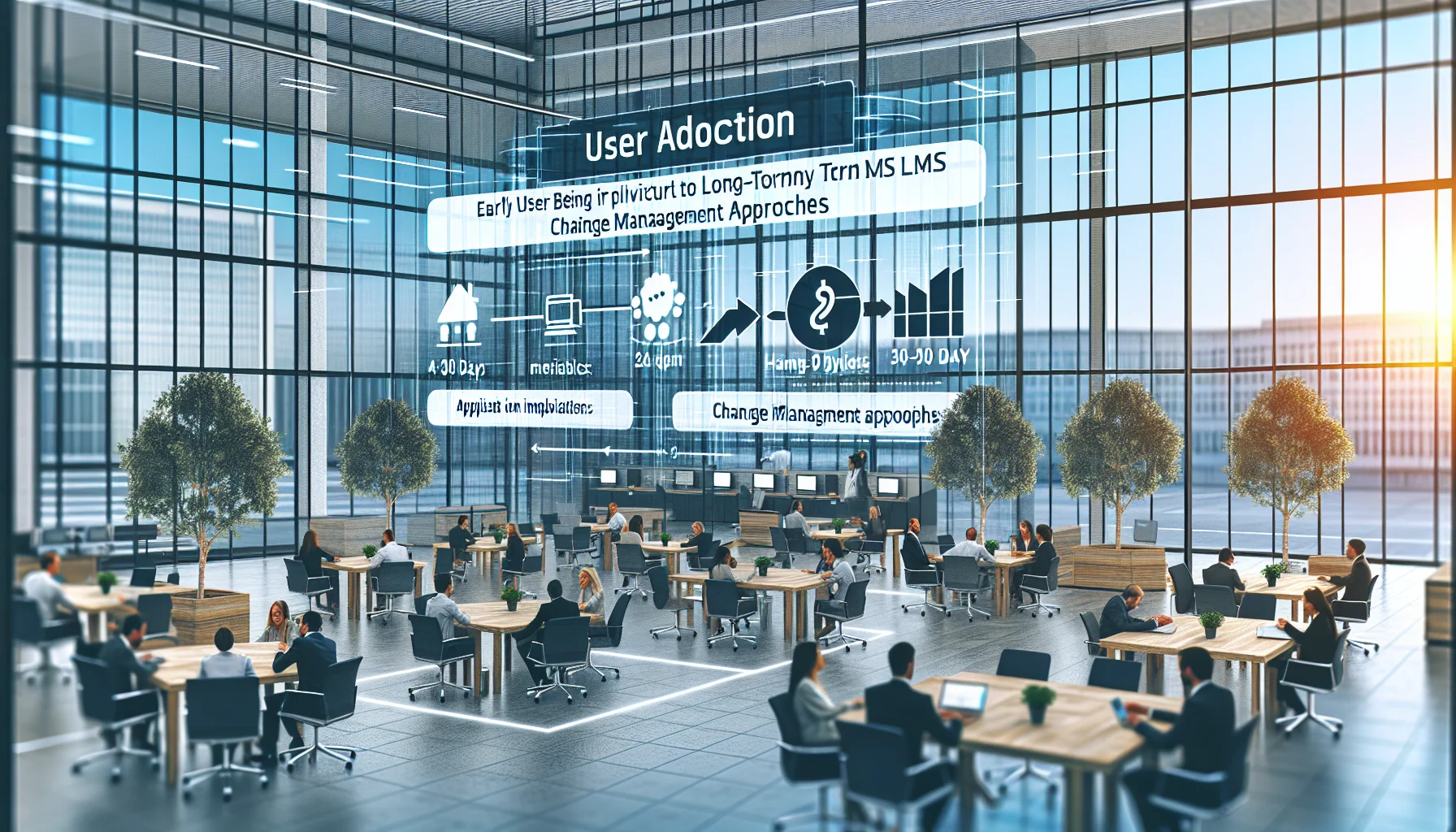
Early 30–90 day metrics predict long-term lms user adoption. Apply change management, a phased lms rollout plan with a pilot cohort, role-specific microlearning, and manager enablement. Track activation, engagement depth, and business impact to iterate. Start a 90‑day adoption playbook and run the first experiment within 30 days.
 HR & People Analytics Insights
January 6, 2026
When LMS engagement flags show risk, prioritize rapid, low-friction actions—48–72 hour manager check-ins and microlearning nudges—to stop imminent flight, while activating medium-term investments like tailored career-path content, workload adjustments, and peer mentorship for sustained retention. Use automated triage plus role-based templates to scale personalized responses and measure 30/60/90 outcomes.