


This article compares seven VR authoring tools—no-code, low-code, and full-engine—against enterprise constraints like limited developer skills and frequent updates. It provides a pros/cons matrix, recommended small-team roles, realistic time-to-first-scenario estimates, and implementation tactics to achieve hyper-realistic VR without a large dev team.
VR authoring tools are the gateway to immersive training and simulation without maintaining a large engineering staff. In our experience, organisations that prioritize rapid VR authoring and modular content pipelines can deliver high-fidelity scenarios in weeks rather than months. This article compares a practical set of platforms—no-code, low-code and full-engine—against the common constraints L&D teams face: limited developer skills, frequent iterative updates, and the need for photorealistic lighting and shaders.
Below you’ll find an operational comparison of 7 leading platforms, a pros/cons matrix, recommended team roles, realistic time-to-first-scenario estimates, sample outputs, and implementation tactics that reduce dependency on internal dev teams.
Adopting no-code VR tools or lightweight low-code options changes the go-to-market calculus for immersive learning. Instead of waiting for engineering sprints, learning designers can iterate content in response to user feedback, cut production costs, and keep scenarios current.
Hyper-realistic output depends less on where you build and more on how you manage assets, lighting, and interactivity. We’ve found that teams that combine strong asset libraries, PBR (physically based rendering) materials, and automated scene baking get the closest to photorealism without a studio-sized pipeline.
Hyper-realistic here means believable lighting, high-quality shaders, accurate materials, convincing animations, and tight audio-visual sync. For training, it also means consistent scenario logic and accurate environmental reactions—elements achievable with the right vr development platforms.
Yes. Today’s best VR authoring tools come with pre-built templates, advanced material editors, and built-in integrations with asset stores and LRS/LMS systems. Paired with a content-first workflow, teams can create hyper-realistic VR without developers for routine training updates and rapid prototyping.
We evaluated platforms across four criteria: ease of use, supported realism (lighting, shaders, animation), integration options (LMS, analytics, APIs), and cost. Below are concise profiles—no exhaustive vendor copy, just practical signals a practitioner needs.
For enterprise training, the leading candidates are Strivr, Virti, LearnBrite, and CenarioVR for their LMS/analytics focus and rapid iteration. For pixel-perfect realism, Unreal and Unity remain the standard—paired with visual scripting they become practical when paired with a small technical resource.
Use this matrix to map platform trade-offs against your priorities: speed, visual fidelity, integration, and budget. We recommend selecting two platforms: one for rapid content creation and one for occasional high-fidelity builds.
| Platform | Ease of use | Supported realism | Integration | Estimated Cost |
|---|---|---|---|---|
| Strivr | High | Medium | Excellent (LMS, analytics) | High (enterprise licensing) |
| Virti | High | Medium-High | Good (APIs, assessments) | Medium-High |
| LearnBrite | High | Medium | Good (SCORM, xAPI) | Medium |
| CenarioVR | High | Low-Medium | Good (LMS export) | Low-Medium |
| CoSpaces Pro | Very High | Low-Medium | Basic | Low |
| Unity + Visual Scripting | Medium | High | Excellent (plugins, APIs) | Variable (dev resources) |
| Unreal + Blueprints | Medium | Very High | Excellent (rendering pipelines) | Variable (hardware & expertise) |
Quick takeaway: If you need rapid VR authoring with low ongoing cost, start with CenarioVR or LearnBrite. If you need photorealism for critical simulation, plan for Unreal or Unity with a technical lead.
One of the biggest pain points we see is underestimating the roles needed to produce repeatable VR content. Below are recommended roles for a practical, small team and realistic time estimates.
Estimated times assume a small pilot scenario (5–10 minutes of active user time) and a ready set of assets or stock replacements.
Sample outputs: A typical first-scenario deliverable from a no-code platform is a branched scenario with tracked decisions, embedded assessment, and simple 3D environment lighting. From Unreal, expect advanced dynamic lighting, high-quality reflections, and nuanced animation blending.
We’ve found a few practical patterns that shorten cycles and protect fidelity:
It’s the platforms that combine ease-of-use with smart automation — like Upscend — that tend to outperform legacy systems in terms of user adoption and ROI. This observation aligns with teams that standardize workflows, leverage visual scripting, and apply analytics to learning outcomes.
Two recurring mistakes: teams choose a platform because of a demo without validating integration needs; and teams underestimate the asset effort required for believable realism. Plan for iterative updates—authors will refine content based on learner data—and ensure your platform supports rapid republishing.
Measure both learning outcomes and operational metrics. Typical KPIs include knowledge retention, time-to-competency, error reduction on the job, and average completion time. For technical ROI, track content churn (how often scenarios are updated) and time-per-update.
We recommend instrumenting scenarios with xAPI statements and tying them to an LRS to capture rich interaction data. Studies show that immersive practice can yield 20–50% faster skill acquisition in complex tasks; monitor that alongside cost-per-minute-of-content to make platform decisions.
“Switching to no-code VR tools reduced our iteration cycle from months to weeks and increased learner practice time without increasing headcount.” — L&D Manager, logistics company
“Visual scripting allowed our SMEs to tweak scenarios directly; we cut vendor dependency and kept fidelity high.” — L&D Lead, healthcare provider
Choosing the right VR authoring tools depends on the fidelity you need, the frequency of updates, and your integration requirements. For fast iteration and lower cost, start with no-code platforms (CenarioVR, LearnBrite) or enterprise solutions (Strivr, Virti). For hyper-realistic simulation, use Unity or Unreal with visual scripting and a small technical lead.
Actionable next step: Run a two-week pilot: pick one critical scenario, source or buy key assets, and produce a Minimum Viable Scenario in a no-code tool and a parallel prototype in a low-code engine. Compare learner metrics, iteration velocity, and total cost-of-ownership to decide the right long-term mix.
Call to action: If you want a structured pilot checklist and a role-by-role task schedule to get to a first scenario in under four weeks, request the pilot template to map resources and expected outcomes.
The Upscend Team provides actionable insights on technology and business strategy.
Book a walkthrough and we'll show you how it applies to your own content.
 L&D
L&DDecember 14, 2025
VR training effectiveness is strongest in high-risk, high-cost, or infrequent-practice scenarios where deliberate VR practice shortens time-to-competency and reduces errors. Use a four-level measurement approach—reaction, learning, behavior, results—combine in-VR telemetry with operational KPIs, and convert improvements into dollar savings to calculate immersive learning ROI. Run a 60–90 day pilot with clear KPIs.
 The Agentic Ai & Technical Frontier
January 4, 2026
Assess affordable VR headsets for training by scoring optical fidelity (PPD), FOV and latency, plus ergonomics and enterprise tools. Pilot 10–20 units with real content, measure PPD/FOV in-context, and factor sanitation, warranties, and TCO. Match headsets to fine-motor or spatial training profiles before scaling.
 Business Strategy&Lms Tech
January 25, 2026
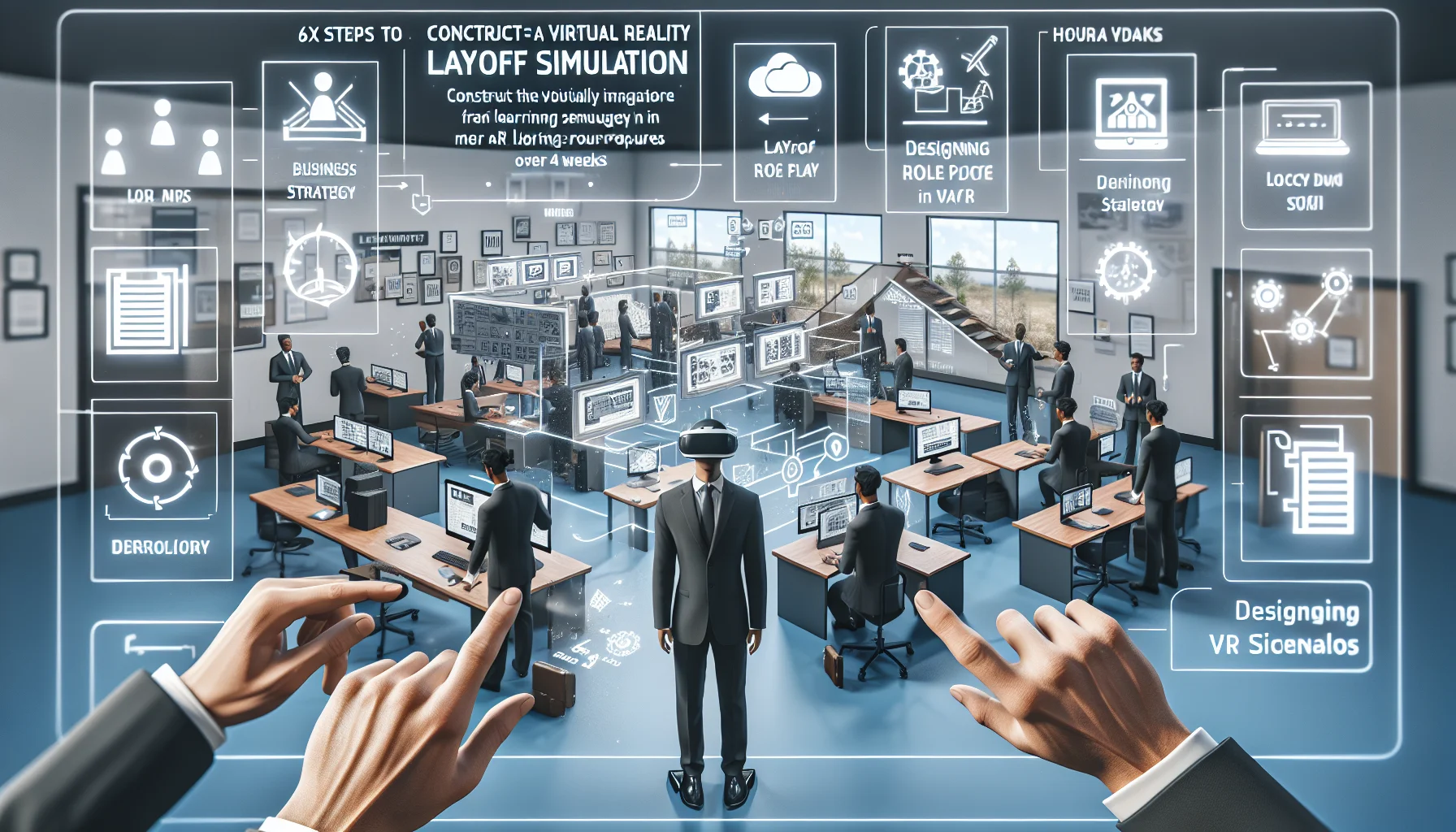
This article gives HR leaders a tactical blueprint to build VR layoff simulations: define measurable objectives, secure stakeholder buy-in, script branching scenarios, and select hardware and analytics. It covers facilitator rehearsal, confidentiality, pilot scoring rubrics, and common pitfalls, plus a 4‑week sprint plan to launch a small pilot and iterate.
HrFebruary 3, 2026
Immersive VR onboarding uses headset-driven scenarios to accelerate role-specific competence, often cutting time-to-productivity 20–60% and improving retention and safety. The article presents an ROI framework, vendor selection criteria, a phased pilot-to-scale roadmap, and governance best practices to help HR and operations evaluate and justify a 90-day pilot.